Character Style Interface issues - 1. Names, 2. Display.
-
Hello,
using Win11, VS 1.1.-38
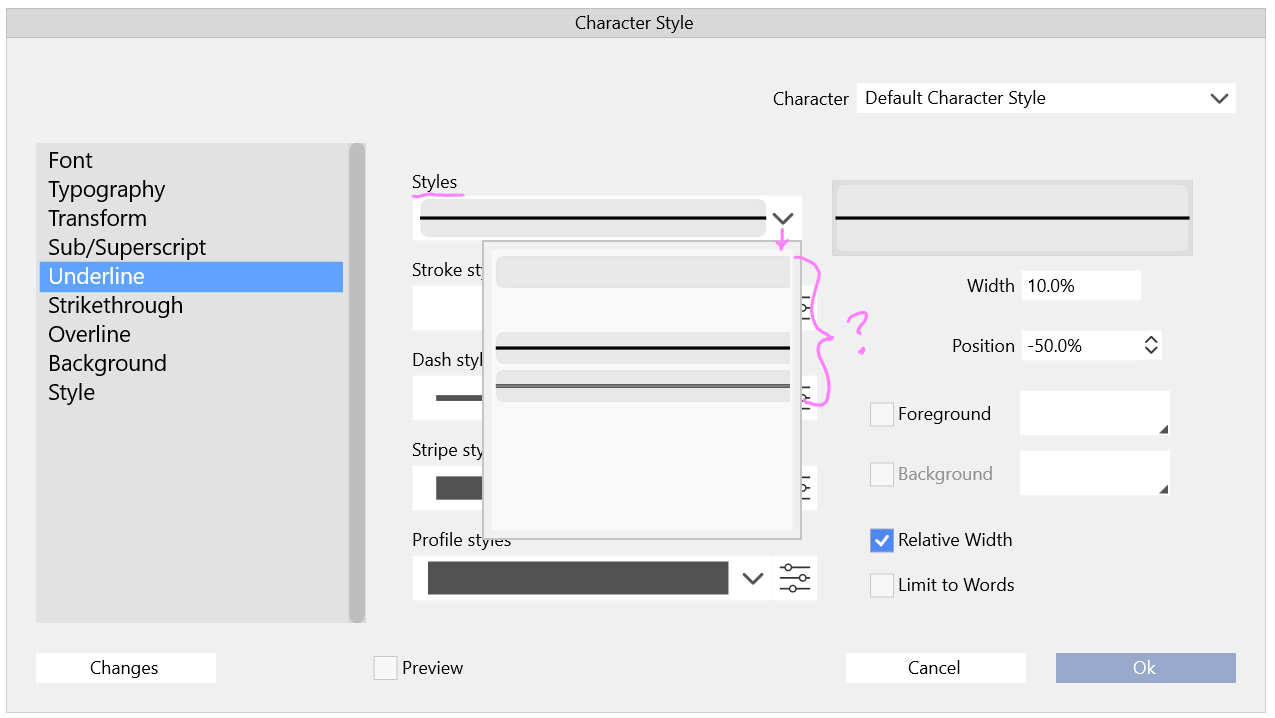
Issue 1.: Seems like the names are missing and cut off in the Text Decoration Strikethrough, Underline , Overline, Background dropdowns:
Labels missing:
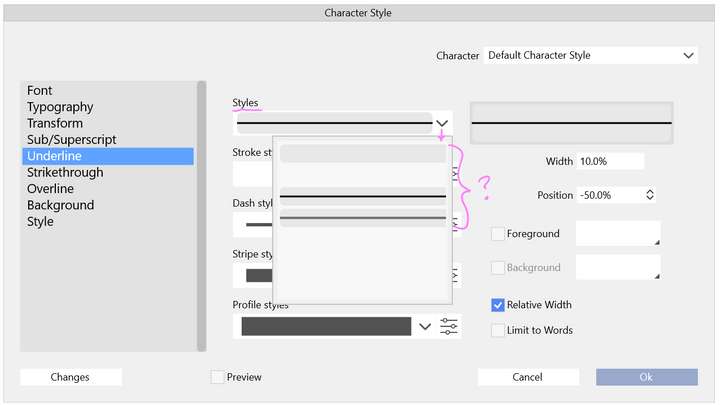
This is a bit more revealing, but if you are new to the interface, it's a bit cryptic
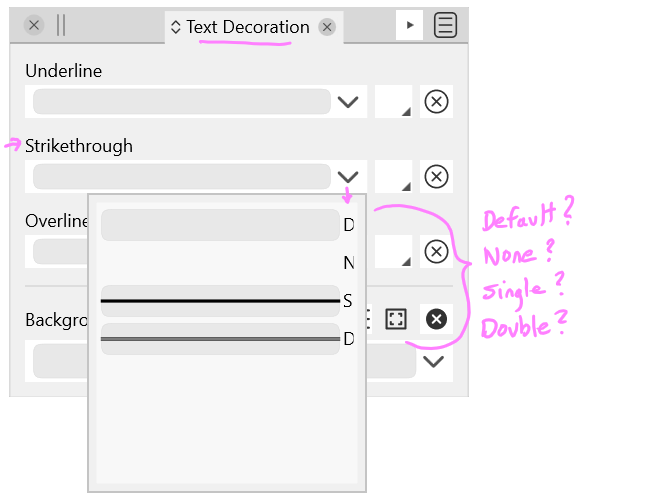
Issue 2.: Proper display of the text decoration in the Character Panel > Character Options (Style) window.
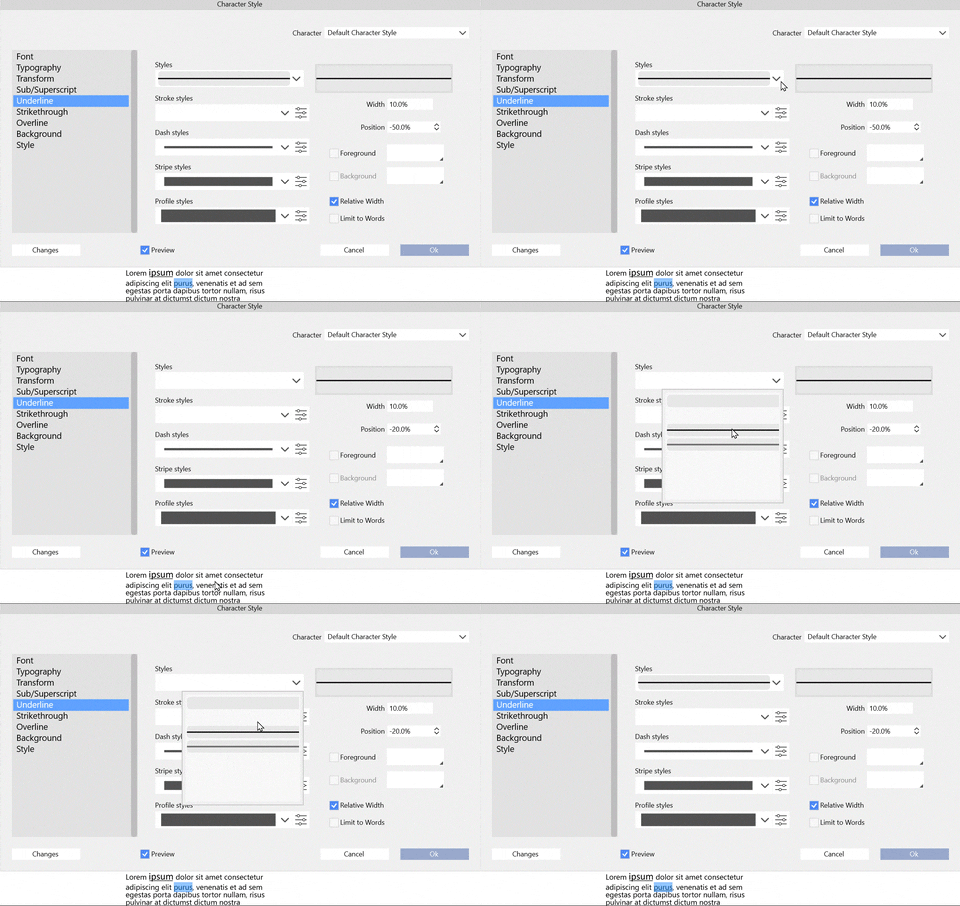
Currently the interface shows a line in Styles field drop-down when there is no underline present, but behaves when the "none", and "default" are clicked on.
Also I am not sure what the field to the right of the Styles drop-down is for. Is this where the result is supposed to be?
-
@Victor-Vector I could not replicate (1). Was there any UI settings changed, like font size, or UI scaling?
(2) can be replicated, added it to the backlog. The right side supposed to be a preview of all the settings made in this view (could add a label there).
-
@VectorStyler said in Character Style Interface issues - 1. Names, 2. Display.:
@Victor-Vector I could not replicate (1). Was there any UI settings changed, like font size, or UI scaling?
Yes, I increased the Font size in the VS preferences. The UI scaling is at 150% in Windows 11 (but I am shy to advertise this as it means my eyes are not what they used to be)

(2) can be replicated, added it to the backlog. The right side supposed to be a preview of all the settings made in this view (could add a label there).
Ah, I thought it was a preview. It did not seem to be previewing...

