VectorStyler
    • Categories
    • Unread
    • Recent
    • Tags
    • Popular
    • Register
    • Login

    Expanded and Divided Boolean results creates less than desired results
    Scheduled Pinned Locked Moved VectorStyler 1.1 Bugs
    12 Posts 3 Posters 11.4k Views 2 Watching
    Loading More Posts
    • Oldest to Newest
    • Newest to Oldest
    • Most Votes
    Reply
    • Reply as topic
    Log in to reply
    This topic has been deleted. Only users with topic management privileges can see it.
    • VectorStylerV Offline
      VectorStyler @Boldline
      last edited by

      @Boldline Tried to replicate this with a similar case, but it is working here. If you have an example where expanding and then dividing has undesirable results, please send it to me.

      1 Reply Last reply Reply Quote 0
      • S Offline
        Subpath
        last edited by

        @Boldline

        Did a few Tests, no problems here.
        Win 10

        0_1652770003582_Divide-stroke-1.png

        Win 11
        CPU: AMD Ryzen 5 9600X, 6-core.
        GPU: Nvidia Geforce RTX 5070.

        1 Reply Last reply Reply Quote 0
        • BoldlineB Offline
          Boldline
          last edited by

          @VectorStyler @Subpath - Thank you both for testing it - I may not have been communicating fully about the issue. After I divide and remove unwanted sections of overlap, merging the formerly divided sections back together again causes unclean results.

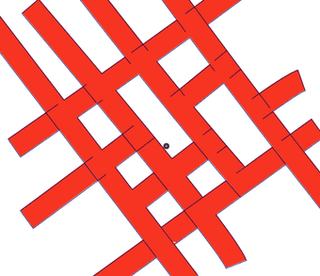
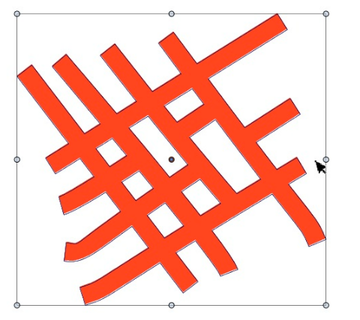
          Here is an example of me doing this with the pen tool. I create the lines and create overlapping lines, then expand them and divide, then re-unite the ones I want merged together. The results here are what I get with every attempt, though sometimes it's worse than what you see here.

          🍎 macOS Tahoe 26.2, Mac mini (M1, 2020), Chip Apple M1, Memory 16 GB
          Cintiq 27QHD Display and LG Ultra HD Display

          1 Reply Last reply Reply Quote 1
          • BoldlineB Offline
            Boldline
            last edited by Boldline

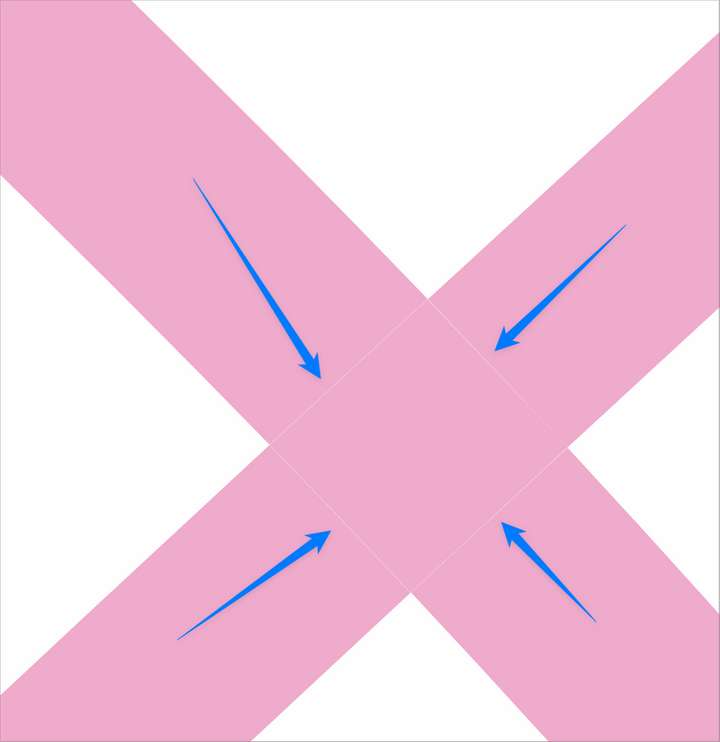
            There's always a small gap where the divide occurs and that gaps is not always fully closed up when merge or unite is applied.

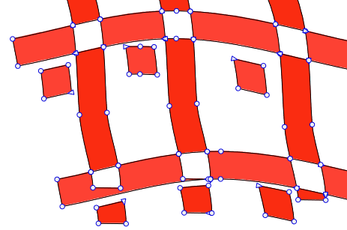
            Here is a pic showing that small white gap on strokes that were expanded and then divided:
            0_1652794721167_5af6b9cd-d4fc-4bfb-84f2-c94ff894fdb0-BLD 2022-05-17 at 09.36.59.png

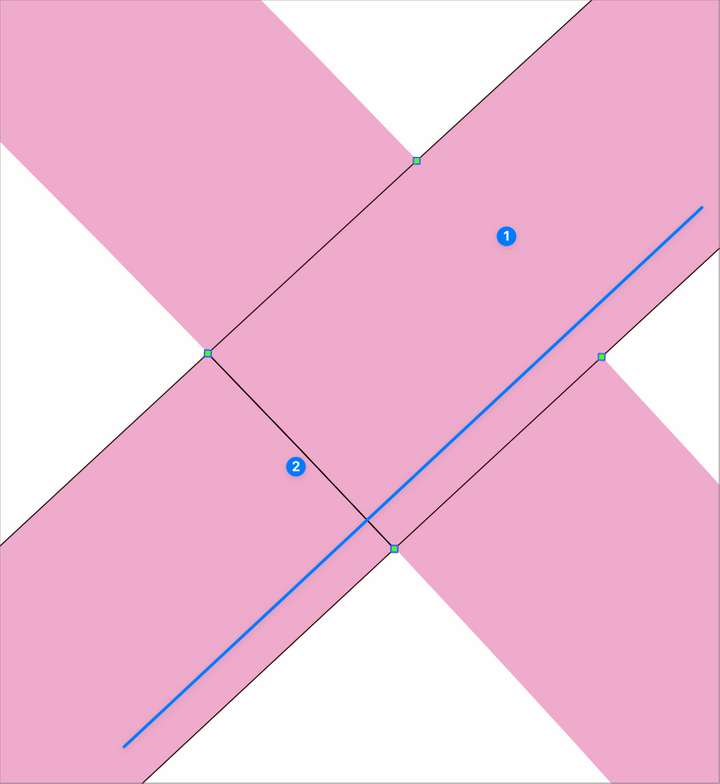
            Using the same example as the image above, I grabbed the sections of pink expanded path in the same direction as the blue line I added and attempted to merge them. The top seam merged perfectly (1) and the bottom seam did not merge at all (2)
            0_1652794872040_ff2ec0b6-7193-480b-8aee-7099aa8060f0-BLD 2022-05-17 at 09.39.30.png

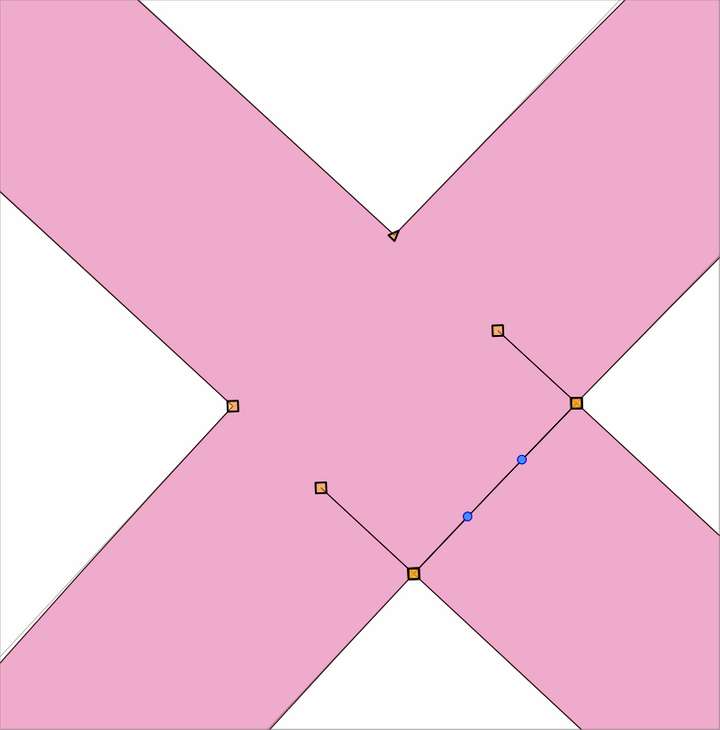
            Sometimes they do merge perfectly - but it's not common for me, especially if I am using tapered lines or different angles.
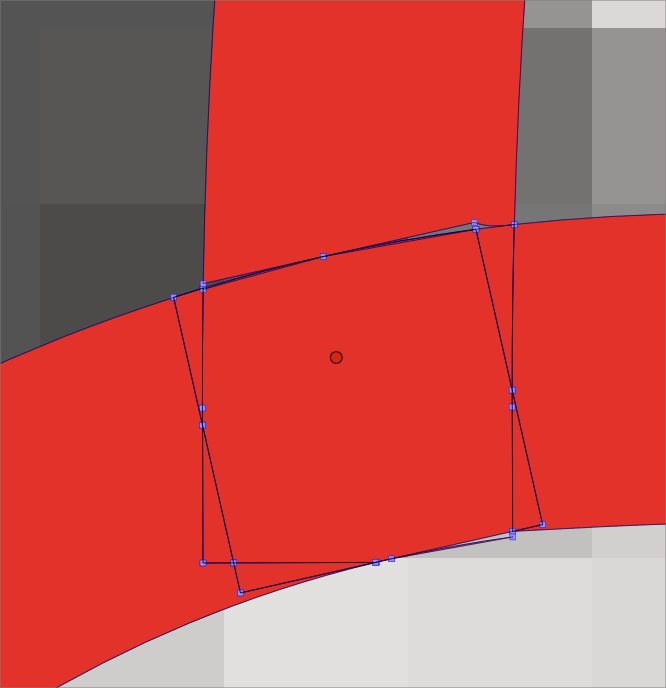
            Here's a common result I get from merging previously divided shapes: I have to go in to each one like this and delete out the extra nodes and that becomes time consuming.
            0_1652795403166_51f48d87-c847-4276-a836-b236b644cdbf-BLD 2022-05-17 at 09.48.51.png

            🍎 macOS Tahoe 26.2, Mac mini (M1, 2020), Chip Apple M1, Memory 16 GB
            Cintiq 27QHD Display and LG Ultra HD Display

            BoldlineB 1 Reply Last reply Reply Quote 1
            • BoldlineB Offline
              Boldline @Boldline
              last edited by

              @VectorStyler if you follow the steps in the examples above, are you able to replicate the gaps after dividing and the semi-united results after using merge/unite? If not I can send you some before and after examples
              thanks for looking into all this

              🍎 macOS Tahoe 26.2, Mac mini (M1, 2020), Chip Apple M1, Memory 16 GB
              Cintiq 27QHD Display and LG Ultra HD Display

              1 Reply Last reply Reply Quote 1
              • S Offline
                Subpath
                last edited by Subpath

                @Boldline

                Could confirm it now.

                I think I have a solution/workaround for you.
                As you may know, I have been playing a bit with the
                Offset path Shape Effect, so I came up with this solution.

                Before you merge your lines back together, put a small offset around the shapes
                so the little gaps will disapear. Use 0.5 pt or less. I don't know how important
                correct size is for you design. Maybe you can consider the size of the offset?
                .

                Video: This is how I did it

                Bevor:
                0_1652798659558_Stroke-merge.png

                .
                after: ( no more hassle 🙂 )
                0_1652798554659_Stroke-merge2.png

                Win 11
                CPU: AMD Ryzen 5 9600X, 6-core.
                GPU: Nvidia Geforce RTX 5070.

                BoldlineB 1 Reply Last reply Reply Quote 1
                • BoldlineB Offline
                  Boldline @Subpath
                  last edited by Boldline

                  @Subpath that's a great solution! thanks for sharing. i will try doing that.

                  Hopefully @VectorStyler can still find improved ways for the merge and union to work with divided shapes because it occurs in other scenarios as well, but for now it's great to have a quick way to fix it in the moment

                  🍎 macOS Tahoe 26.2, Mac mini (M1, 2020), Chip Apple M1, Memory 16 GB
                  Cintiq 27QHD Display and LG Ultra HD Display

                  S VectorStylerV 2 Replies Last reply Reply Quote 1
                  • S Offline
                    Subpath @Boldline
                    last edited by

                    @Boldline

                    Great that it is helpful. Also useful for my cases of course.

                    Btw as you know you could also create a Action to apply
                    that Shape Effect.

                    Win 11
                    CPU: AMD Ryzen 5 9600X, 6-core.
                    GPU: Nvidia Geforce RTX 5070.

                    BoldlineB 1 Reply Last reply Reply Quote 1
                    • BoldlineB Offline
                      Boldline @Subpath
                      last edited by

                      @Subpath said in Expanded and Divided Boolean results creates less than desired results:

                      Btw as you know you could also create a Action to apply
                      that Shape Effect.

                      I could probably add the merge to the action along with the offset path and make it easier that way as well

                      🍎 macOS Tahoe 26.2, Mac mini (M1, 2020), Chip Apple M1, Memory 16 GB
                      Cintiq 27QHD Display and LG Ultra HD Display

                      1 Reply Last reply Reply Quote 1
                      • VectorStylerV Offline
                        VectorStyler @Boldline
                        last edited by

                        @Boldline Yes, merge still has some issues with precisely touching shapes. Will try to improve this.

                        BoldlineB 1 Reply Last reply Reply Quote 1
                        • BoldlineB Offline
                          Boldline @VectorStyler
                          last edited by

                          @VectorStyler thank you for looking into it and doing what you can to improve it

                          🍎 macOS Tahoe 26.2, Mac mini (M1, 2020), Chip Apple M1, Memory 16 GB
                          Cintiq 27QHD Display and LG Ultra HD Display

                          1 Reply Last reply Reply Quote 0
                          • First post
                            Last post