Holding down command while still using pencil tool causes strange result upon pencil release
-
I was playing around with the pencil tool after what @Subpath and @Dazmondo were discussing in this thread.
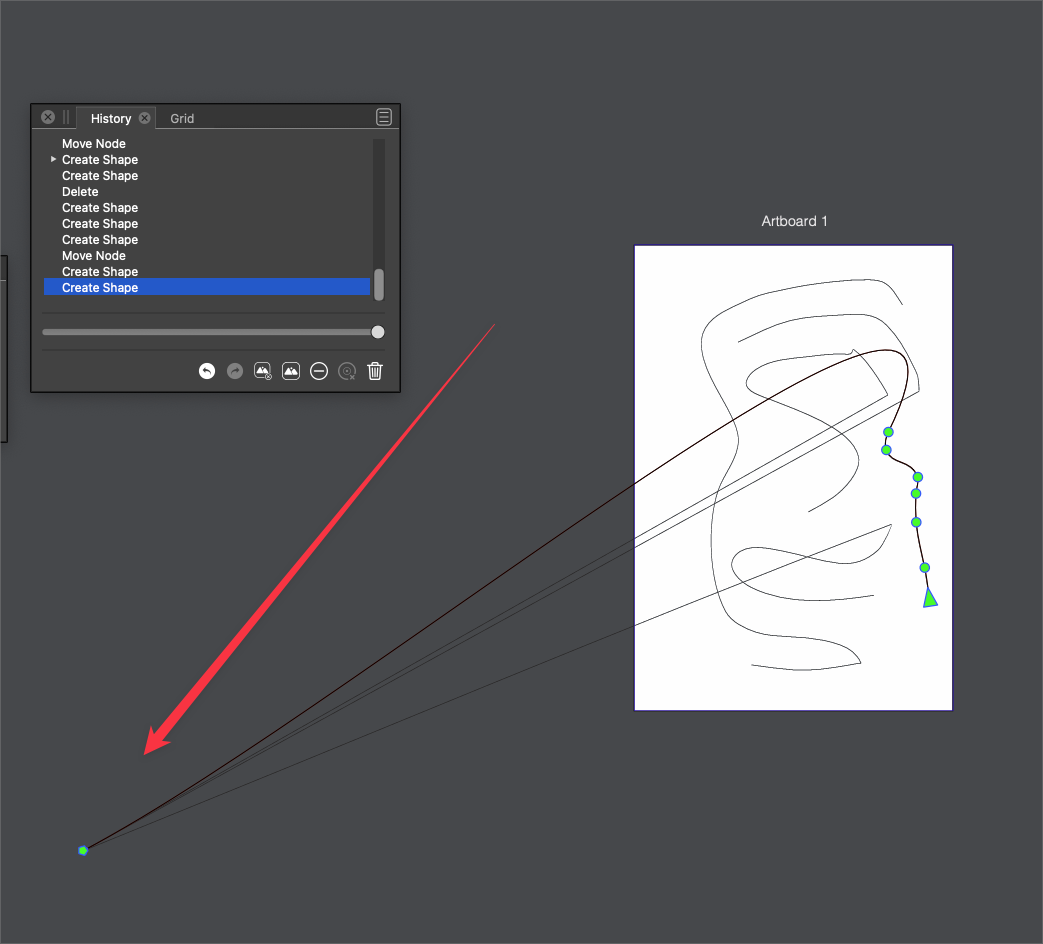
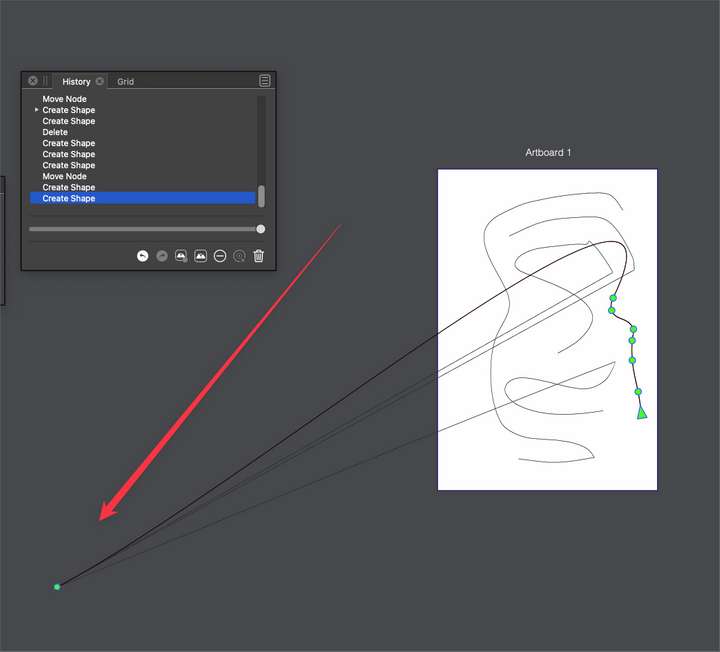
I noticed if I made a stroke using the pencil and let go and then pressed down the command key, I could edit the pencil path immediately - this was good and expected... if I was using the pencil tool and making a path and then pressed and held down the command key before releasing the pencil tool with a click of the cursor, it sent the pencil path off to the far left side of the screen - off the artboard. Here is the video for that
0_1658237131253_pencil command key.vstyler
This is an obscure thing and results from a misuse of the modifier tool, but since I ran into it and could reproduce it, I wanted to at least bring it up in the forum
🍎 macOS Tahoe 26.2, Mac mini (M1, 2020), Chip Apple M1, Memory 16 GB
Cintiq 27QHD Display and LG Ultra HD Display -
@Boldline Replicated, will be fixed ASAP.
-
The Command key is only used to select any other Stroke
( while the pressing the command switch temporaly from the Pencil Tool to the Shape Editor Tool
as you could see and this way you could select another Stroke and VS paint then with the latest Style selected)i found this a faster way to select different Styles of Strokes/Brushes
I am used to this from an old Vector Graphics Program call "Creature House Expression"
where you could put some Strokes on the side of your canvas and could select them directly
with the Brush Tool and draw then in this Style.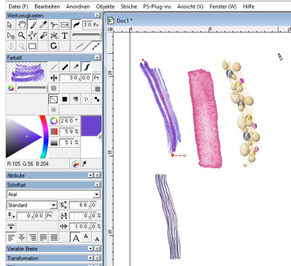
-
@Subpath said in Holding down command while still using pencil tool causes strange result upon pencil release:
The Command key is only used to select any other Stroke
The command key can also be used to temporarily switch to the node editing tool and edit the nodes on the path for as long as it's held down
🍎 macOS Tahoe 26.2, Mac mini (M1, 2020), Chip Apple M1, Memory 16 GB
Cintiq 27QHD Display and LG Ultra HD Display -
@Boldline I think in this case the issue is that the Command key was configured to draw lines, and drawing lines with the Rope stabilizer has a bug.
-
@Boldline said in Holding down command while still using pencil tool causes strange result upon pencil release:
@Subpath said in Holding down command while still using pencil tool causes strange result upon pencil release:
The Command key is only used to select any other Stroke
The command key can also be used to temporarily switch to the node editing tool and edit the nodes on the path for as long as it's held down
This seems logical to me, because the Shape Editor is intended for editing nodes.
I only use a side effect of this possibility, because this also selects a stroke.
So there is nothing new ore added.

