Access to image effects on locked layers
-
I can access the image effects in a layer that I previously locked and adjust them (with no visible effect) - when I press OK I get this error:
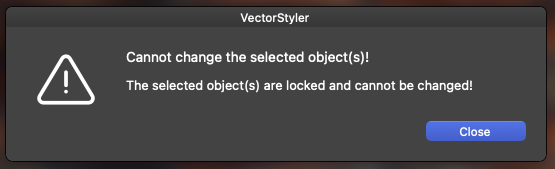
A warning should appear much earlier, the moment you click the image effects icon on a locked layer and try to access the dialog.
You should of course have the option to see image effects, but you should have a warning with "because the layer is locked, the image settings cannot be edited" as information.
Optimally, in that case, they should be locked when accessing the image effects dialog. But in the beginning it's just important to inform first. Not afterwards, when the customer may have missed that the layer is locked, and unsuccessfully worked with the interface for effects.
-
@Ingolf said in Access to image effects on locked layers:
A warning should appear much earlier, the moment you click the image effects icon on a locked layer and try to access the dialog.
I added this to the backlog. Image effects should still be accessible, for example to save them as presets or styles.

