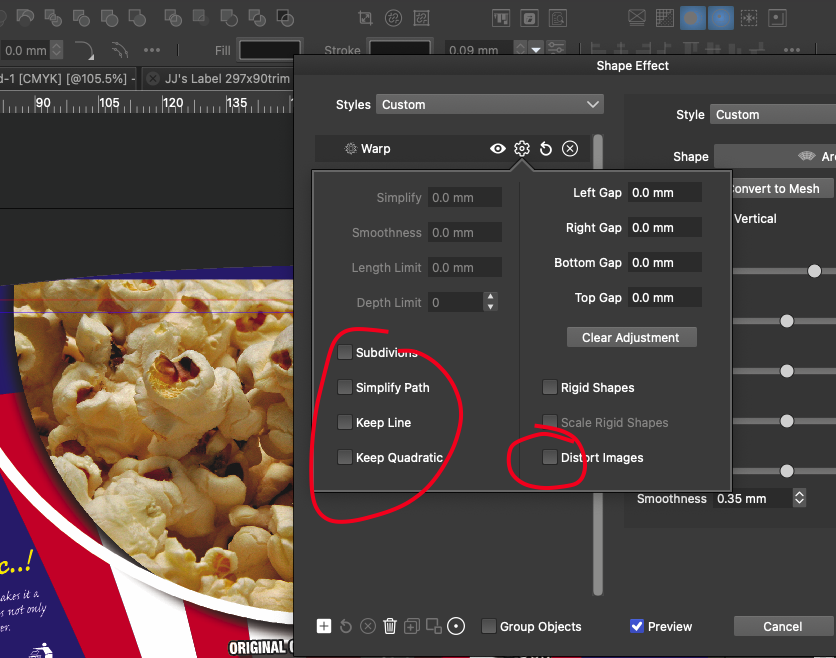
Distort Images via shape effects no longer selectable
-
VS 1.1.0.64
I was previously having problems a couple of versions back with distortions making raster elements low resolution when clicking on distort images via shape effects, so was happy to see it was improved in recent release notes, but now distort images along with any of the other options accessible via the cog icon are no longer sticky
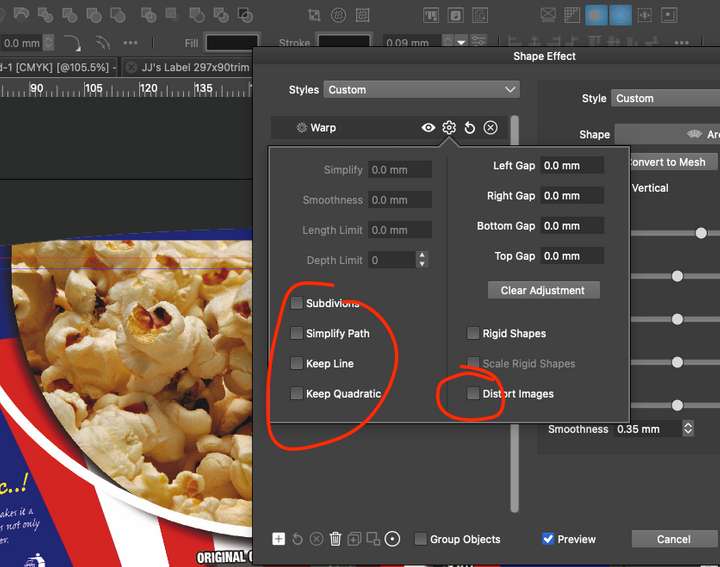
I've also tried resetting document display mode and compute engine to all available options with no improvement - I've also tried on a number of different files - just can't trick any of the tick boxes to stay on.I've also tested on 1.1.0.59 and all is working fine, apart from distorting in lo-rez
https://drive.google.com/file/d/1B0oB8-wJHAmXZRCgXXNA86uAGT6Wln0G/view?usp=sharing
-
@Dazmondo This seems to be a regression in the latest builds.
The option can be selected in the Shape Effects panel.
Will be fixed ASAP. -
@VectorStyler said in Distort Images via shape effects no longer selectable:
@Dazmondo This seems to be a regression in the latest builds.
The option can be selected in the Shape Effects panel.
Will be fixed ASAP.Works great from the Shape Effects panel -


