VectorStyler
    • Categories
    • Unread
    • Recent
    • Tags
    • Popular
    • Register
    • Login

    Text Drag Option Not working in Build 67
    Scheduled Pinned Locked Moved Resolved Issues
    4 Posts 3 Posters 5.1k Views 2 Watching
    Loading More Posts
    • Oldest to Newest
    • Newest to Oldest
    • Most Votes
    Reply
    • Reply as topic
    Log in to reply
    This topic has been deleted. Only users with topic management privileges can see it.
    • BoldlineB Offline
      Boldline
      last edited by

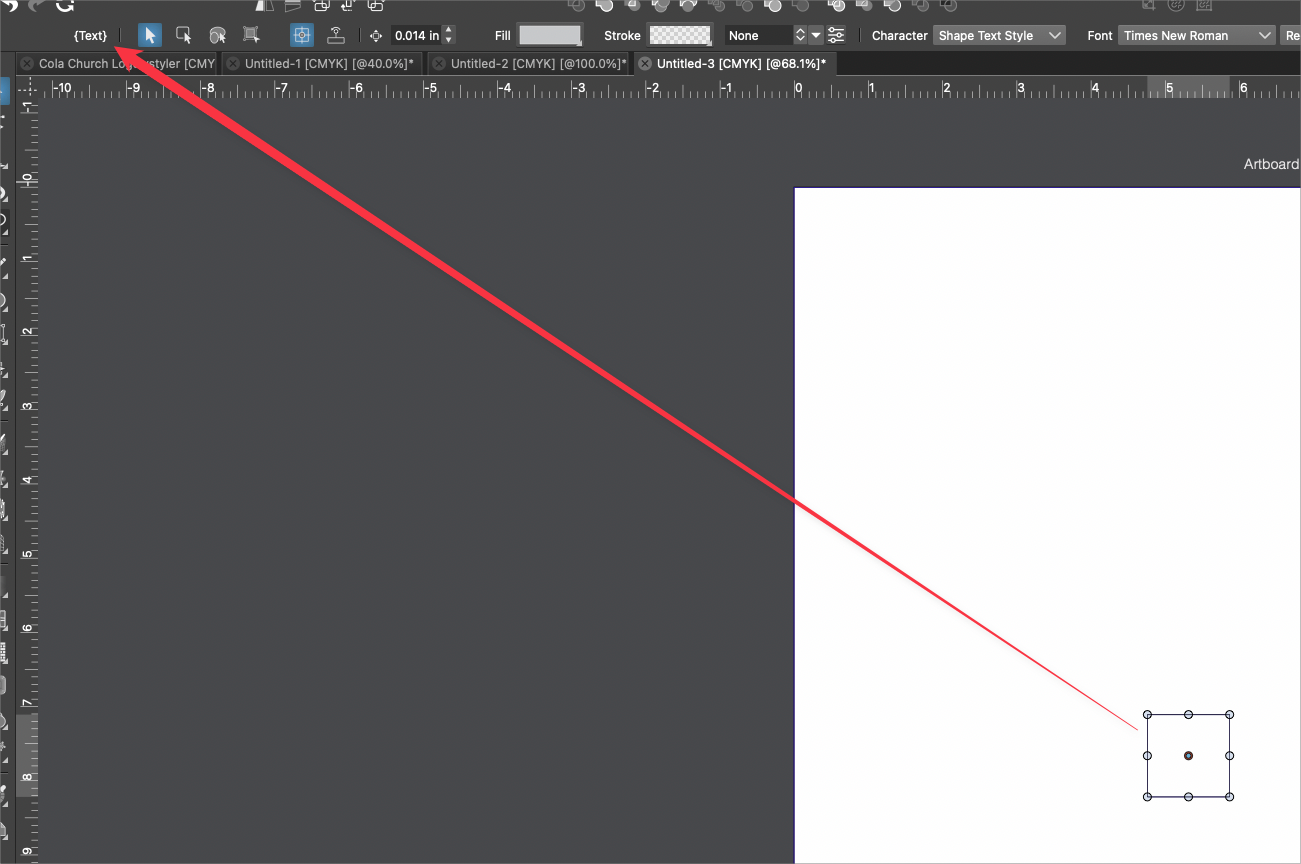
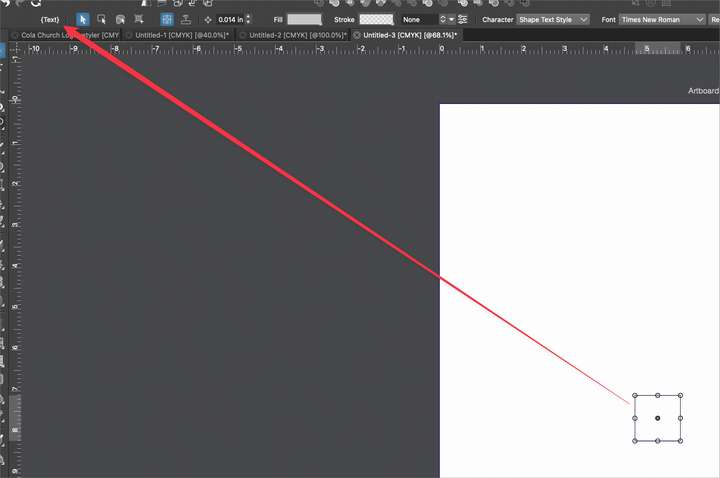
      Since I upgraded to build 67, I've been unable to click and drag with the text tool to create a live text box at the same size as the selection box created. I see the font size preview and then when I let go of the drag, no live text option appears. I did notice null text boxes were created - see image below.
      I was looking for the preferences option for this setting but was unable to track it down
      0_1669689823913_6939d054-266b-4b20-8876-4cf916b16360-BLD 2022-11-28 at 21.28.39.png

      🍎 macOS Tahoe 26.2, Mac mini (M1, 2020), Chip Apple M1, Memory 16 GB
      Cintiq 27QHD Display and LG Ultra HD Display

      b77B VectorStylerV 2 Replies Last reply Reply Quote 0
      • b77B Offline
        b77 @Boldline
        last edited by b77

        @Boldline This looks to be an issue if 'Shape Text on Frame Dragging' is enabled in Prefs > Document Editor.

        MacBook Pro (Intel) running Monterey 12.6.4

        BoldlineB 1 Reply Last reply Reply Quote 2
        • BoldlineB Offline
          Boldline @b77
          last edited by

          @b77 Thanks - that returned me to a text tool drag creating a text area box. Can you remind me how to set it back so text tool drag shows the size of the text to be added?

          🍎 macOS Tahoe 26.2, Mac mini (M1, 2020), Chip Apple M1, Memory 16 GB
          Cintiq 27QHD Display and LG Ultra HD Display

          1 Reply Last reply Reply Quote 0
          • VectorStylerV Offline
            VectorStyler @Boldline
            last edited by

            @Boldline This issue should be fixed in build 1.1.072

            1 Reply Last reply Reply Quote 0
            • First post
              Last post
