VectorStyler
    • Categories
    • Unread
    • Recent
    • Tags
    • Popular
    • Register
    • Login

    Print dialog broken

    Scheduled Pinned Locked Moved Resolved Issues
    2 Posts 2 Posters 3.6k Views
    Loading More Posts
    • Oldest to Newest
    • Newest to Oldest
    • Most Votes
    Reply
    • Reply as topic
    Log in to reply
    This topic has been deleted. Only users with topic management privileges can see it.
    • A Offline
      Arde
      last edited by

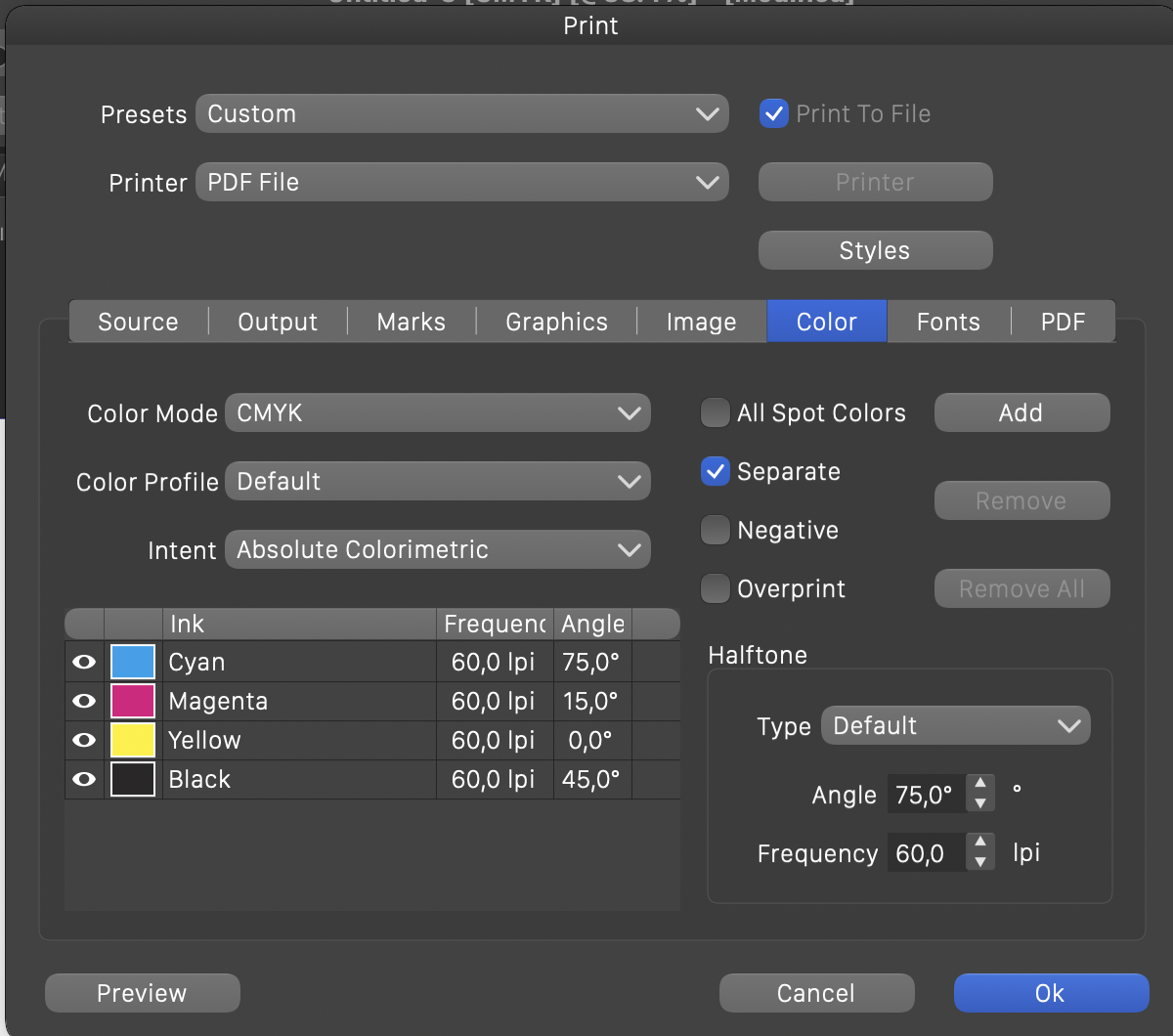
      I might have misunderstood something but I do not seem to be able to print composites (neither when using physical printer driver or PDF printer):
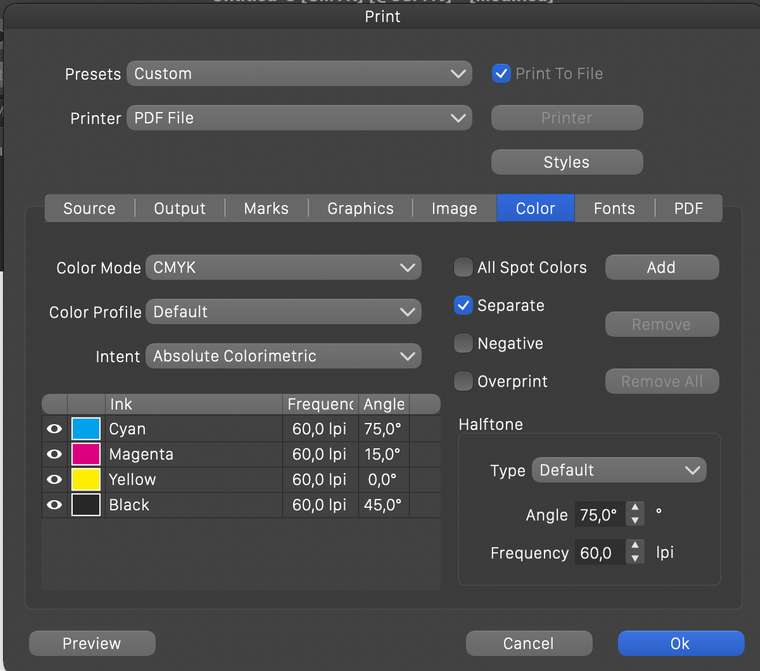
      0_1617110851878_printing_composites.png

      If I uncheck "Separate", the Inks list is hidden, and the preview shows only the Cyan component while it should show the composite image. Also, if I print this (to file), the plate will be grayscale (as if cyan separation were printed), not the composite image of all inks.

      The inks list should stay visible disregarding the separation setting, and I should be able to select printable inks also for composite printing (e.g., only print black and cyan inks, but as a composite rather than on separate sheets).

      VectorStylerV 1 Reply Last reply Reply Quote 0
      • VectorStylerV Offline
        VectorStyler @Arde
        last edited by

        @Arde Added this to the backlog.

        1 Reply Last reply Reply Quote 0
        • First post
          Last post
