VectorStyler
    • Categories
    • Unread
    • Recent
    • Tags
    • Popular
    • Register
    • Login

    Made a little Bird

    Scheduled Pinned Locked Moved Tutorials
    5 Posts 3 Posters 6.9k Views 3 Watching
    Loading More Posts
    • Oldest to Newest
    • Newest to Oldest
    • Most Votes
    Reply
    • Reply as topic
    Log in to reply
    This topic has been deleted. Only users with topic management privileges can see it.
    • S Offline
      Subpath
      last edited by Subpath

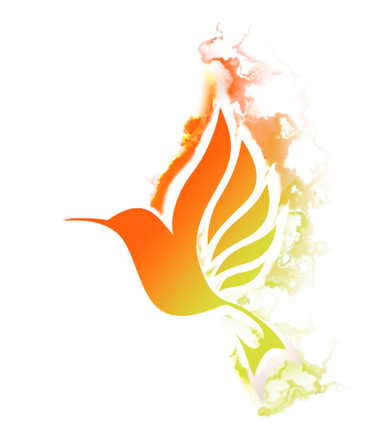
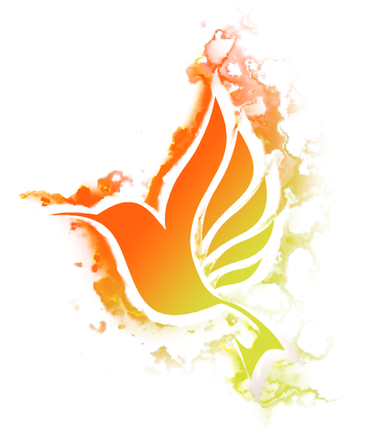
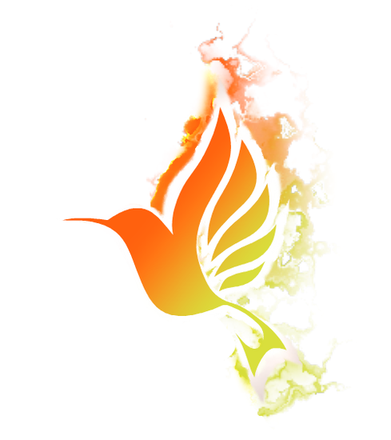
      Made a little Bird.

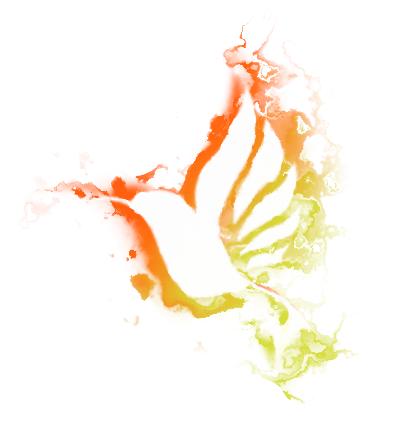
      The turbulence texture on the background
      is just a vector copy of the bird with a color gradient
      from orange to yellow and a "Noise blur"
      Image Effect.
      (just use your vector object with this Image Effect
      there is no need to convert your vector Object
      to a Bitmap)

      Try this effect also on an outline/stroke
      that has a gradient 🙂
      0_1674140699983_Bird-1.png

      .
      0_1674140711008_Bird-2.png

      .

      0_1674140728928_Bird-3.png

      .

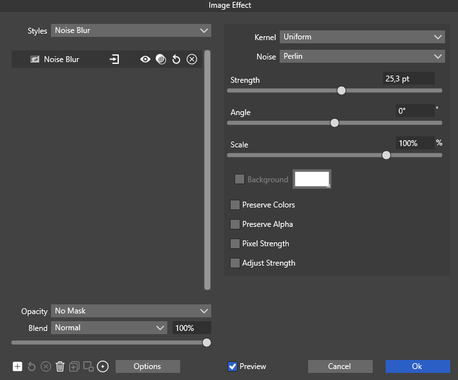
      the Noise Blur settings
      0_1674140780032_Noise Blur Settings.png

      Win 11
      CPU: AMD Ryzen 5 9600X, 6-core.
      GPU: Nvidia Geforce RTX 5070.

      1 Reply Last reply Reply Quote 8
      • H Offline
        Harry
        last edited by

        @Subpath Great results!
        It reminds me some kind of smoke or watercolor illusion.

        How did you get this effect only on half of that bird?
        0_1674645259663_obraz_2023-01-25_121419659.png

        Win 11, XP Pen Deco 01 V2 graphic tablet

        S b77B 2 Replies Last reply Reply Quote 1
        • S Offline
          Subpath @Harry
          last edited by Subpath

          @Harry said in Made a little Bird:

          thank you

          It reminds me some kind of smoke or watercolor illusion.

          i got this result while i was in search, what filter i could
          use for a watercolor look like

          How did you get this effect only on half of that bird?

          dead easy 🙂
          I just put some white shapes over the effect
          where I didn't want them to be. I need just a Bitmap
          as output, so it doesnt matter. The white contour
          is the same Bird in white with the same Image Effect.

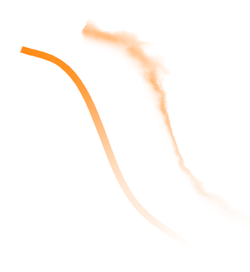
          Can recommend to try it yourself, the Effect also
          works on contours. Paint stroke, add a gradient
          to the stroke for a nicer color full result, and apply
          the effect to it.
          And all is still editable !!!
          0_1674657167945_Stroke.png
          .
          .
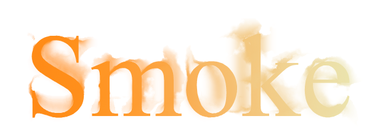
          works with Text too
          (two Textlines one with and one without the effect)
          0_1674657402653_Smoke.png

          Win 11
          CPU: AMD Ryzen 5 9600X, 6-core.
          GPU: Nvidia Geforce RTX 5070.

          1 Reply Last reply Reply Quote 2
          • b77B Offline
            b77 @Harry
            last edited by b77

            @Harry said in Made a little Bird:

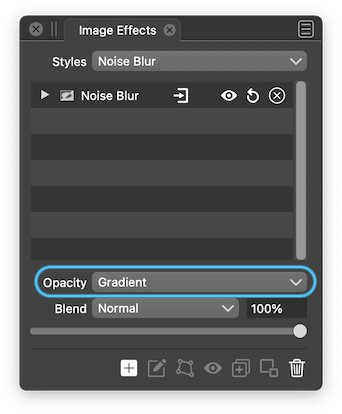
            How did you get this effect only on half of that bird?

            You can mask the effect's opacity with a gradient:
            0_1674659605254_Screenshot 2023-01-25 at 17.06.07.png

            MacBook Pro (Intel) running Monterey 12.6.4

            1 Reply Last reply Reply Quote 2
            • S Offline
              Subpath
              last edited by

              Here are a few experiments with Noise Blur
              i made. Created the gradient here using blend.
              (a yellow and a blue stroke and blend it).

              On top of that a Gaussian Blur for smoother color transition
              and the Noise Blur Effect.

              Whereby everything, thanks to VectorSyler, remains editable.
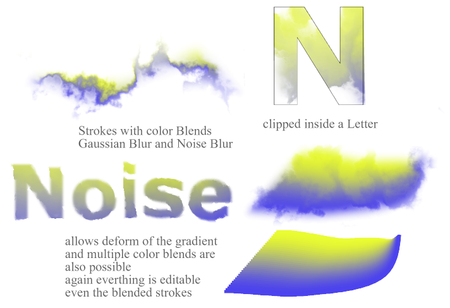
              0_1674673755689_Noise-trys.png

              Win 11
              CPU: AMD Ryzen 5 9600X, 6-core.
              GPU: Nvidia Geforce RTX 5070.

              1 Reply Last reply Reply Quote 3
              • First post
                Last post