Artboard list is not updated
-
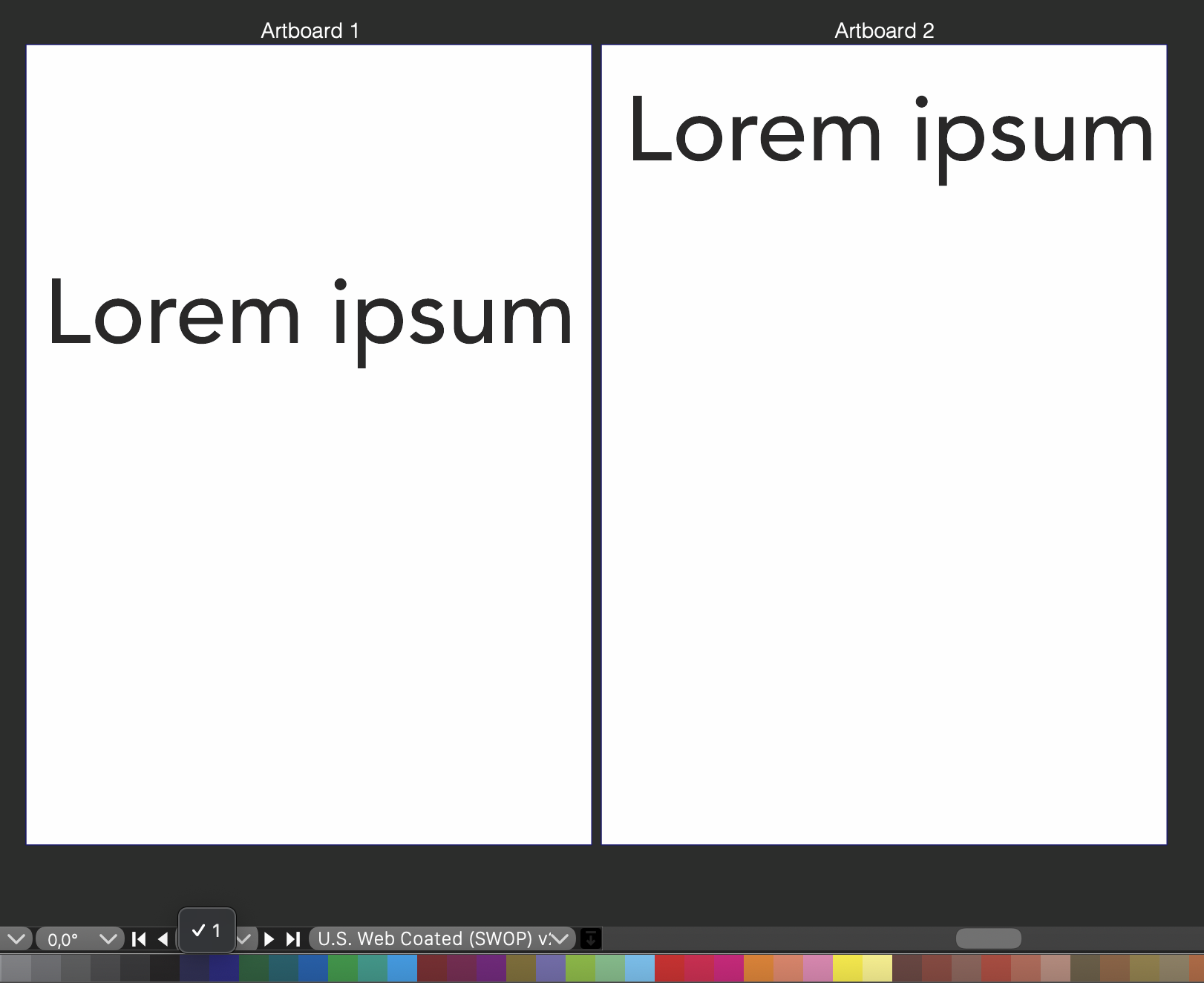
When an artboard is added, I assume that the list on the bottom row should be updated to show the number of artboards that exist in the document so that it is possible to navigate between the artboards using the list and related arrow buttons. Now the list is not updated so there is always just number 1 in the list.
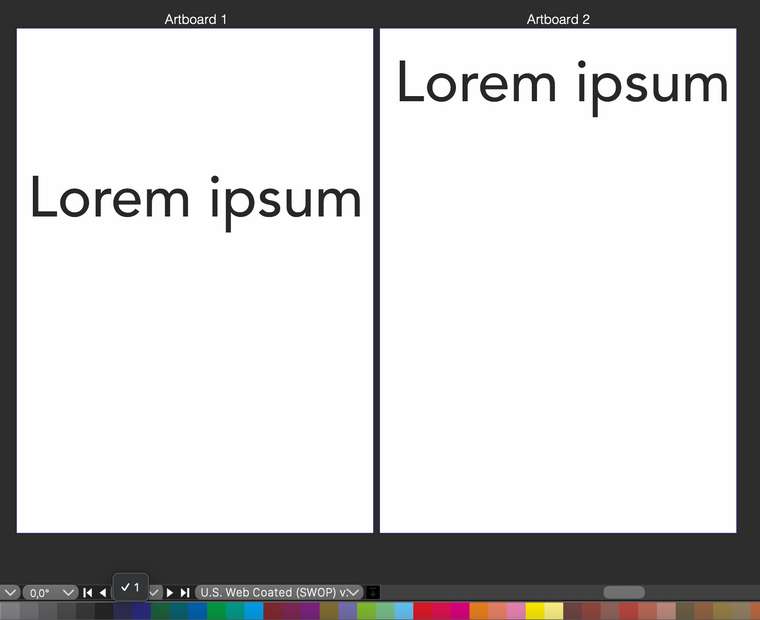
Additionally when a new artboard is added, I think it could automatically be placed beside an existing artboard. Not it is placed at the same position as an existing artboard (0,0 coordinates) and can be repositioned only by rearranging the artboards via a menu command. I wonder if there is also a way of positioning the artboards by using the mouse?
-
@Arde When using the Canvas -> Create Artboard command, the new artboard should end up at an empty location (right of the current artboard). If not, it is a bug.
I can replicate the numbering update bug, this will be fixed in the next build.
The toolbox contains the artboard tool (second from bottom), that can be used to interactively move, scale and rotate artboards.
 -
Seems to be an issue only when using the "Create Artboard" menu shortcut while the Artboard tool and contextual menu functions behave as expected, you could use those for now.
-
@Kyriakos said in Artboard list is not updated:
you could use those for now.
Ok, thanks, had not noticed these methods, yet!
-
@Kyriakos said in Artboard list is not updated:
Artboard tool
I had missed that tool (and the Rotation tool) because they do not fit on screen when using MacBook Air (M1 model), unless the toolbar is detached or made horizontal. Would it be possible to make the toolbar 2-columns wide?
-
@Arde said in Artboard list is not updated:
Would it be possible to make the toolbar 2-columns wide?
Yes
 use Panels -> Toolbox Style -> Two Column Toolbox for this.
Also: the Compact Toolbox sets a smaller (less tools) version.
The toolbox can also be customized from the application menu -> Customize Toolboxes -
@vectoradmin said in Artboard list is not updated:
Yes use Panels -> Toolbox Style -> Two Column Toolbox for this.
Thanks, great!
-
@Arde This is fixed in the new build (1.0.022).
