Trace of line drawings
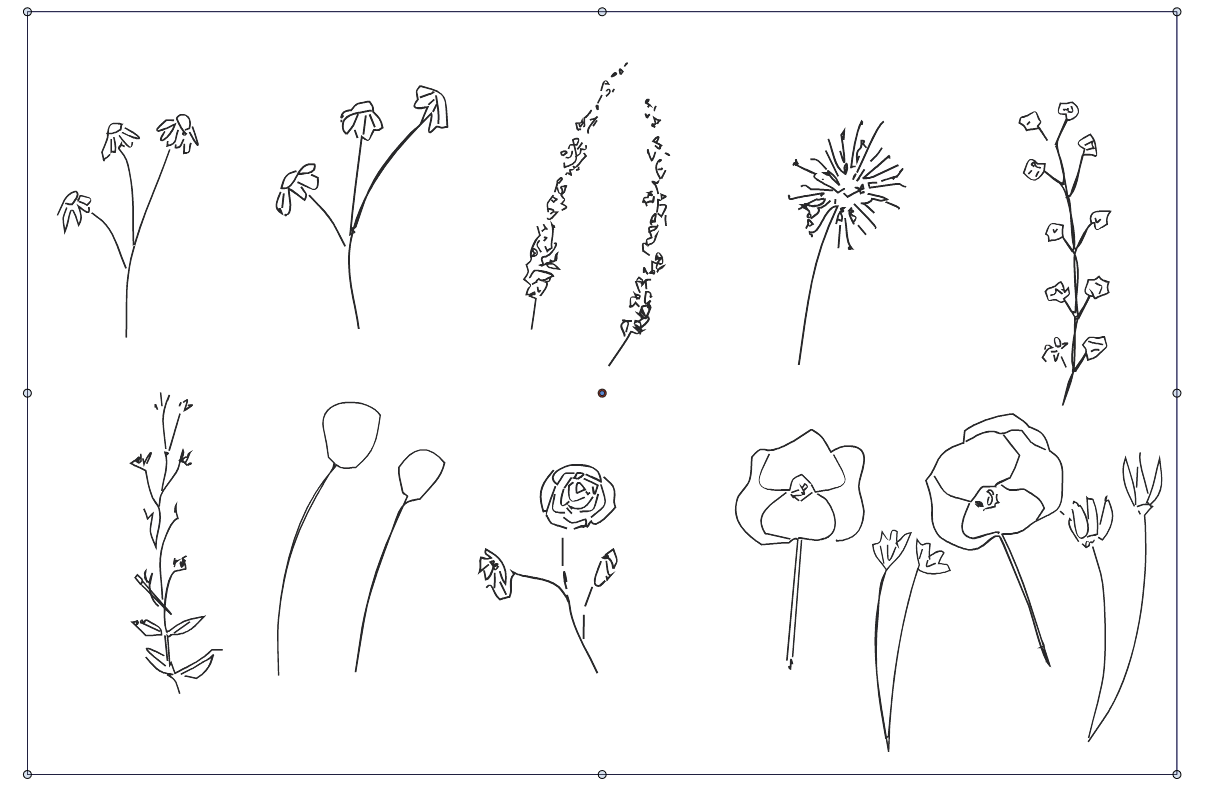
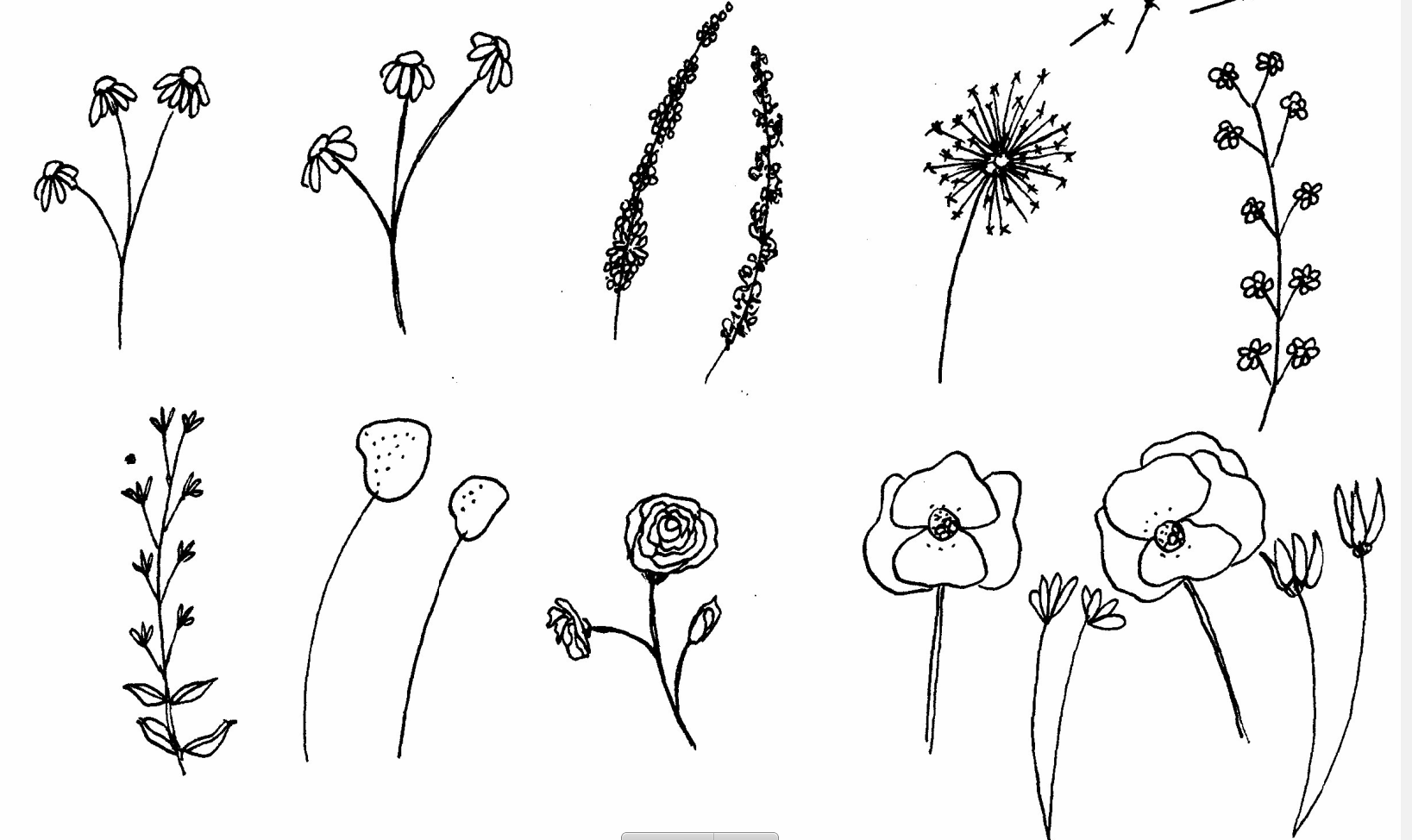
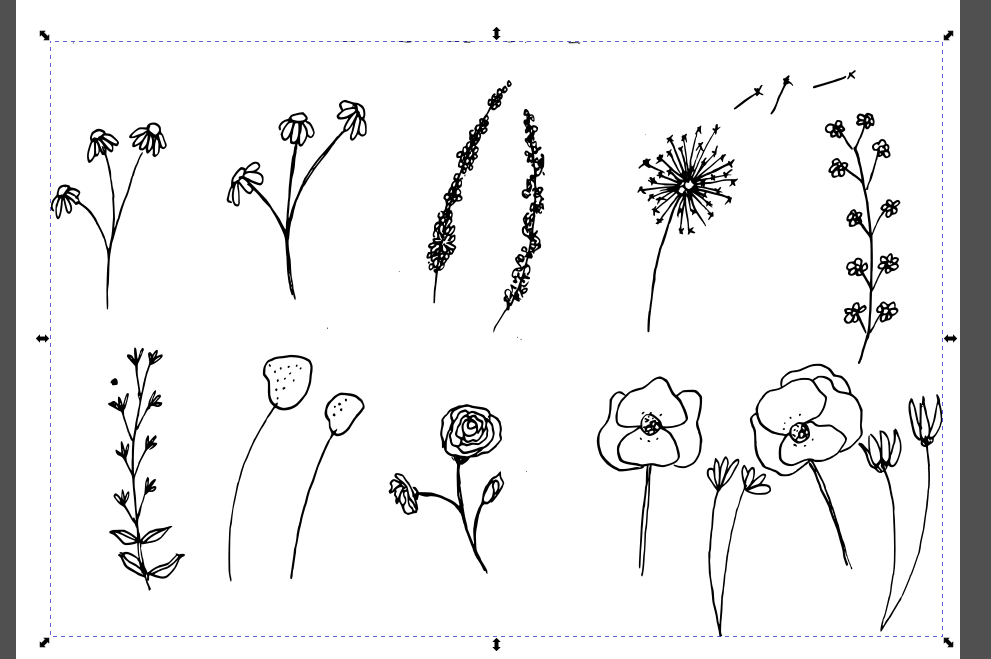
-
@syllie Probably not important, but I have no idea what "SPD" means. Supplementary
Planning Document? Sorry if it's obvious to everybody else.
@VectorStyler Idea for improvement, if possible:
Switching automatically to 'Gray Sketch' tracing style if the bitmap is in black and white. -
@b77 said in Trace of line drawings:
but I have no idea what "SPD" means
Sorry about that - it stands for 'Surface Pattern Design' and the accompanying profession is Surface Pattern Designer.
Typical applications: fabric design (or textile design in general), wallpaper, veneers, upholstery, wrapping papers, covers for notebooks etc. It often (but not always) utilizes repeat patterns. General definition describes it as art for the surfaces of mass-manufactured products, but as I also make stencils for small run prints that seems to be a bit broad.
One of the tools that is super-handy is the 'replace color' (or AI's recolor artwork) function as you can imagine a lot of these kind of pattern collections implement several colourways. This feature and CMYK mode support are totally lacking from Inkscape, making it a no-subsitute (as all-in-one solution). By the way this is the 3rd year I am trying to do this course with VS (I am a 2018 Alumni and can retake the course yearly), and this is the first year that VS held up reasonably.
Windows 10 Pro | 22H2
-
@syllie Got it. I thought it's something related to the course itself — "planning document".

In any case, I guess self-adjusting the tracing style could help you get closer to the best
result faster, and also having smooth antialiased lines in the bitmap (if possible). -
@syllie said in Trace of line drawings:
One of the tools that is super-handy is the 'replace color' (or AI's recolor artwork)
function as you can imagine a lot of these kind of pattern collections implement
several colourways.Btw, you can define color styles in the current document, then editing them in the Styles panel
changes the color of all objects with that color style: https://recordit.co/DgIcW3Ogxi -
@b77 Yes, but that is not exactly what 'we' want.
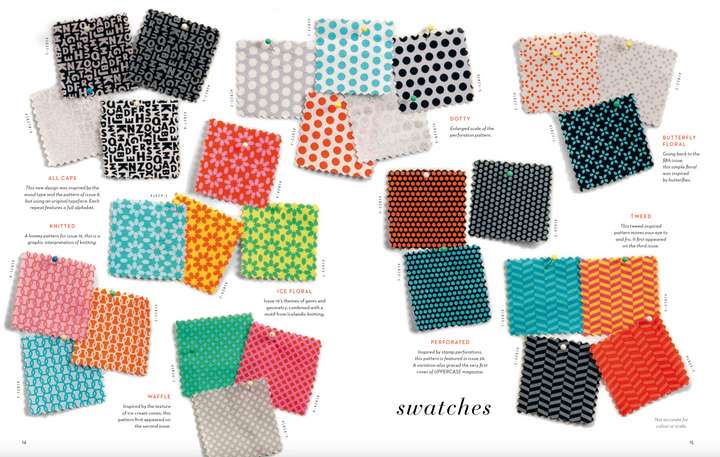
Typically a collection is created with a limited palette (4-18 colours). Colour groups come in handy.
Then the recolor artwork tool is used to shuffle colour combinations within that pallete around for all objects in the design. The purpose is not to 'edit' colours persay, but also to just to shuffle the ones that we have already created for a collection around (background from light yellow, to pink, motif pink to light yellow etc). It is the ideal way to experiment with colourways.
-
Locking a colour in place (when the combination is 'almost' right) is very handy in AI too.
-
The recolor tool can also be used to consolidate print colours, for example if an original design has 12 colours to group and minimize the number of colors used in a design when it is printed on different medium (for example tissue paper allowing only 4 colours).
-
Yes we can 'select similar' (with multiple clicks) and then reassign colors from presets/palettes but you need to use intermediate colours if you want to move yellow to another object/shape for example. Recolor is MADE for this.
-
Yes we can edit (global) colours - but we have the colours already in our palette
https://youtu.be/BuvbK_MPuYA?t=167
Note:
- a 'collection' is typical 8-12 prints (but can be larger)
- in a collection the same motif/pattern can exist, but in different colourways
-
-
@syllie Yes, I think the "Gray Sketch" and a Tolerance of about 0.5 is the best way to go to get the fills out of this image.
For a bit more control, open the "More Options" in the Image Trace panel menu, and in the Options tab, set 12 for the Window and 70% for Smoothness.
Trying different values of the Window and Smoothness might improve the result a bit.Another thing that might be useful here is to turn off the Extract Fill and turn on the Extract Stroke options (using the above options). This will try to produce single curves (not filled areas).
A higher resolution image would help a lot.
-
@VectorStyler Thank you for the tips! I will give that a go.
The original was scanned at 300dpi (the link to dropbox), but granted, the artwork is a bit tiny for this purpose. I could run it through Gigapixel, but my first aim was to get a scan at least as good as Inkscape.
I found this list of vectorizing tools too - VectorStyler is on there (albeit with the wrong price tag (duration)). https://github.com/fromtheexchange/image2svg-awesome
-
two things related to pattern design
first
"Colorize" might be interesting for you
(Menu > Effects > Replace Colors > Colorize).
If you create a color palette with colors you like.
You can select this color palette and distribute the colors
from this palette randomly onto selected objects.Unfortunately, the colored panel is not "non-modal", you have
to to close the panel to confirm it and open it again.
To make this easier, I made myself a little toolbar
with "Colorize" in it.Here a video to see how it works in VS

.
.
second
I am already working on a tutorial on how to create
seamless patterns in VectorStyler. Would take yet some time.
(I have already created a tutorial on how to create patterns with
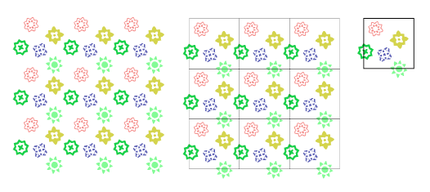
Clipping shapes, which can be found under Tutorials).Here a teaser Pic from the coming seamless Pattern Tutorial
-
@Subpath said in Trace of line drawings:
"Colorize" might be interesting for you
Thank you - that is sort of an interesting option. I may not have much use for this type of redistribution as it has a chance to assign the same colour to multiple objects without further control (I prefer the consolidate colours option from recolor here).
I have been making patterns for a while with VS. Looking forward to your tutorial - I wrote one for Inkscape a long time ago http://web.archive.org/web/20110312191844/http://verysimpledesigns.com/vectors/inkscape-tutorial-seamless-patterns.html
I am sorta contemplating to restore my site (I have rebuild it in WordPress already but the content needs a refresh) and post tuts for both Inkscape and VS on there. Currently still thinking about it as it would be a significant timesink, but I believe in VS (and Inkscape - although they still lack many features and have a lot of things that I have less need for
 ).
). -
@syllie
if you find the time, it would be nice
if you could create a little video on how
you recolor in Illustrator, also don't know yet a
way in VSI was thinking along the lines of having a bunch
of selected shapes and having a palette and then
having a function that assigns the colors of that
palette to the shapes one by oneWin 11
CPU: AMD Ryzen 5 9600X, 6-core.
GPU: Nvidia Geforce RTX 5070. -
@Subpath It actually works partially in VS, I will find the time to make a quick demo.
The AI way is pretty well demonstrated in this video that I also posted above: https://youtu.be/BuvbK_MPuYA?t=167
-
@syllie said in Trace of line drawings:
One of the tools that is super-handy is the 'replace color' (or AI's recolor artwork) function as you can imagine a lot of these kind of pattern collections implement several colourways. This feature and CMYK mode support are totally lacking from Inkscape, making it a no-subsitute (as all-in-one solution).
Inkscape 1.3alpha0 - development version - supports CMYK. It has many new features including a pattern editor:
Win 11, XP Pen Deco 01 V2 graphic tablet
-
@Subpath It is a bit primitive - but regarding the colour shuffle you should get the idea from the vid.
Basically you can swap existing colours in a design (manually) or by using the shuffle color order option.
You can add colours into the mix that do not exist in the design itselfhttps://recordit.co/wjISo1wCvq
Also you can reduce colours in the design by consolidating them (and the shuffle still works after that):
https://recordit.co/MWMJM9qQkONote that the artwork needs to be selected, the feature exist under Effects > Replace Colors > Replace Colors (I made a custom toolbox for one click access)
Note that this feature is very powerful (when fully functional) and you should be able to swap colours based on colour harmonies, hue, saturation etc. It is super handy to experiment with colours (whilst for my purpose I stay within an exact palette, this of course is not necessary at all)
-
@Harry Thanks! Total Inkscape fan and totally up to speed with it's development (using it since 2008 and ran a tutorial site for it for more than 10 years) CMYK is actually a little bit of an issue still but they are working on it. I follow Martin Owens (patreon) for development updates.
-
thank a lot for taking the time
these are really helpful videos


