Trace B/W drawing - Ignore background not working?
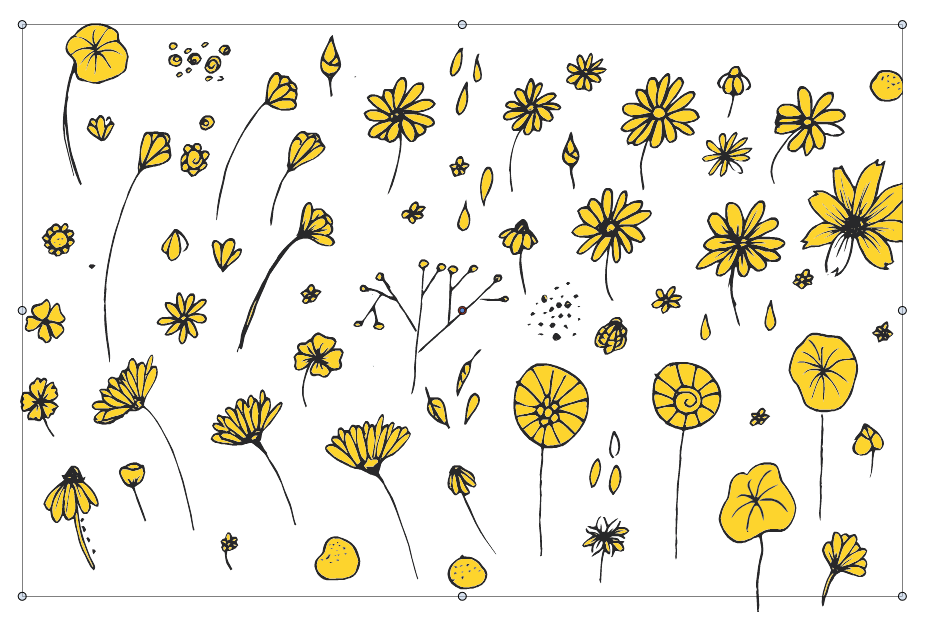
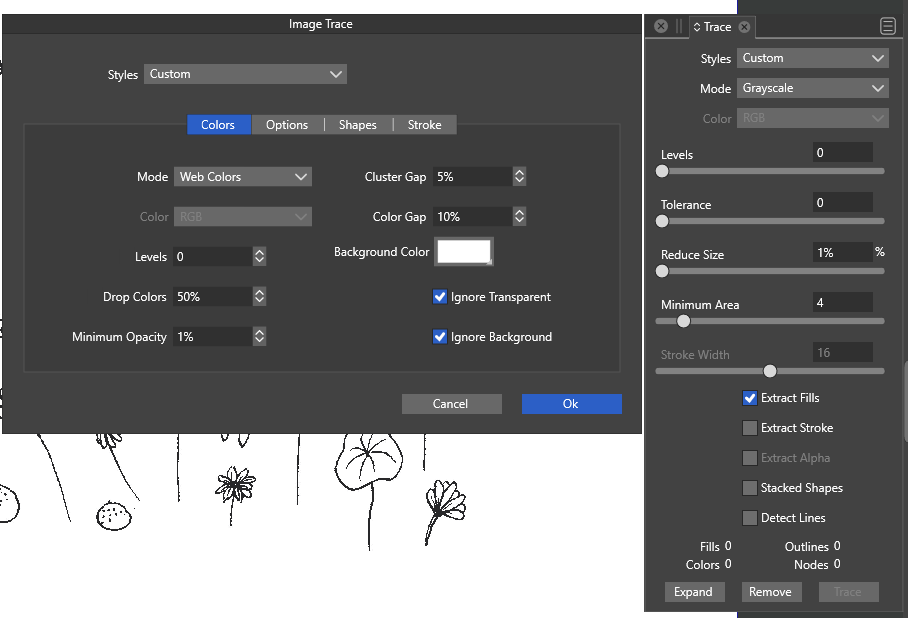
-
I found this earlier post, which seems to relate to my issue too - not sure if this was solved with a setting or needed a fix?
Re: Trace B/W shape without white
I trace pen drawings with the background color set to white, and Ignore Transparent and Ignore Background on.
I see there is a setting for Color Gap, and I played with that a little (caused a crash - I've send in a report) and that does not seem to matter at all.
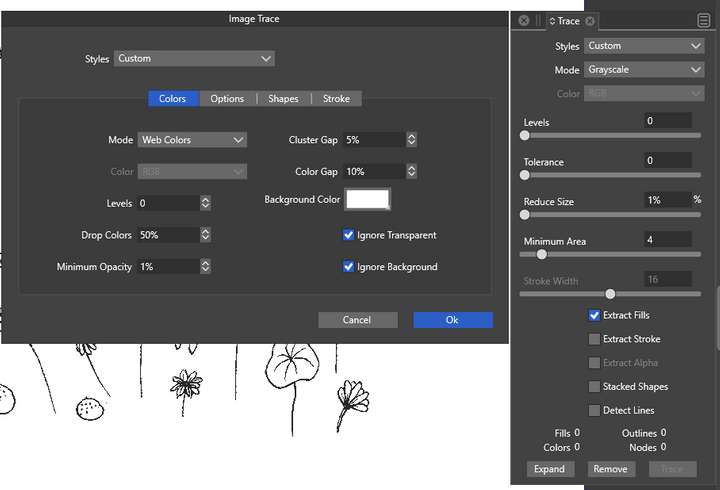
Steps taken:
- Import image
- Trace Image
- Expand
- Find offending white fills (includes the background rectangle, which I deleted before making the snapshot)
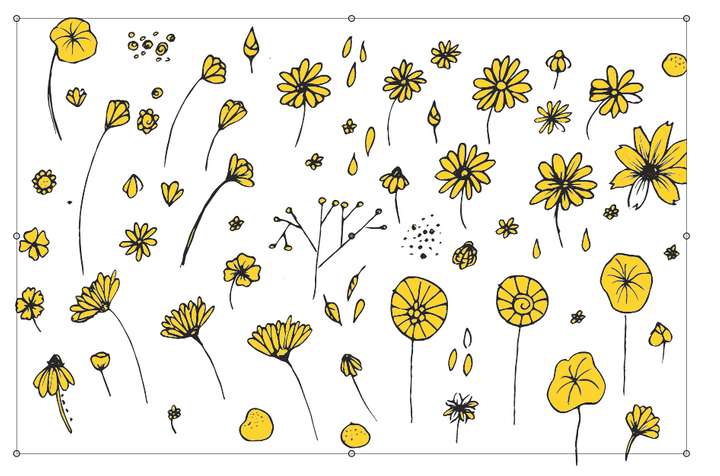
Note: on replicating this, the application crashed again, and I think it may have to do with no object selected for trace when opening 'more options' from the trace image panel. I launch this panel from a toolbox, and the 'more options' stayed open when I tried to make a screenshot where the Image Trace panel closed, immediately before the 2nd crash.
I tried the trace with settings of 0%, 5% and 10% for color gap and they all resulted in the same thing. The image used in this trace is available here: https://www.dropbox.com/s/ppnvrge27h38qt6/img019.jpg?dl=0
Windows 10 Pro | 22H2
-
@syllie Yes, this can be replicated. It seems to be a bug, will be fixed ASAP.
-
@syllie This issue should be fixed in build 1.1.080
-
@VectorStyler Looks good!


