Styles Panel > Display submenu Grid options (small, medium, large) are grayed out but still can be selected
-
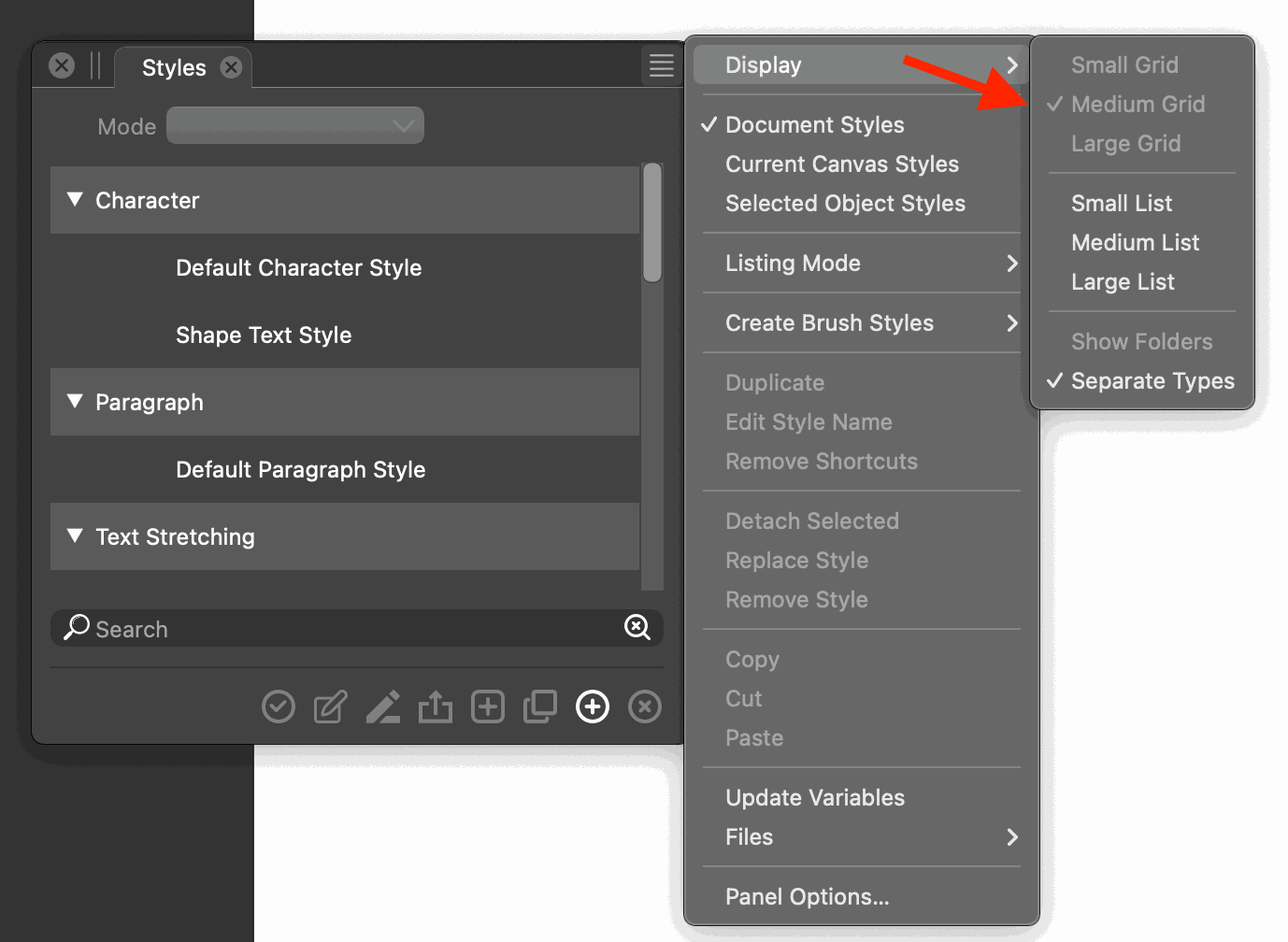
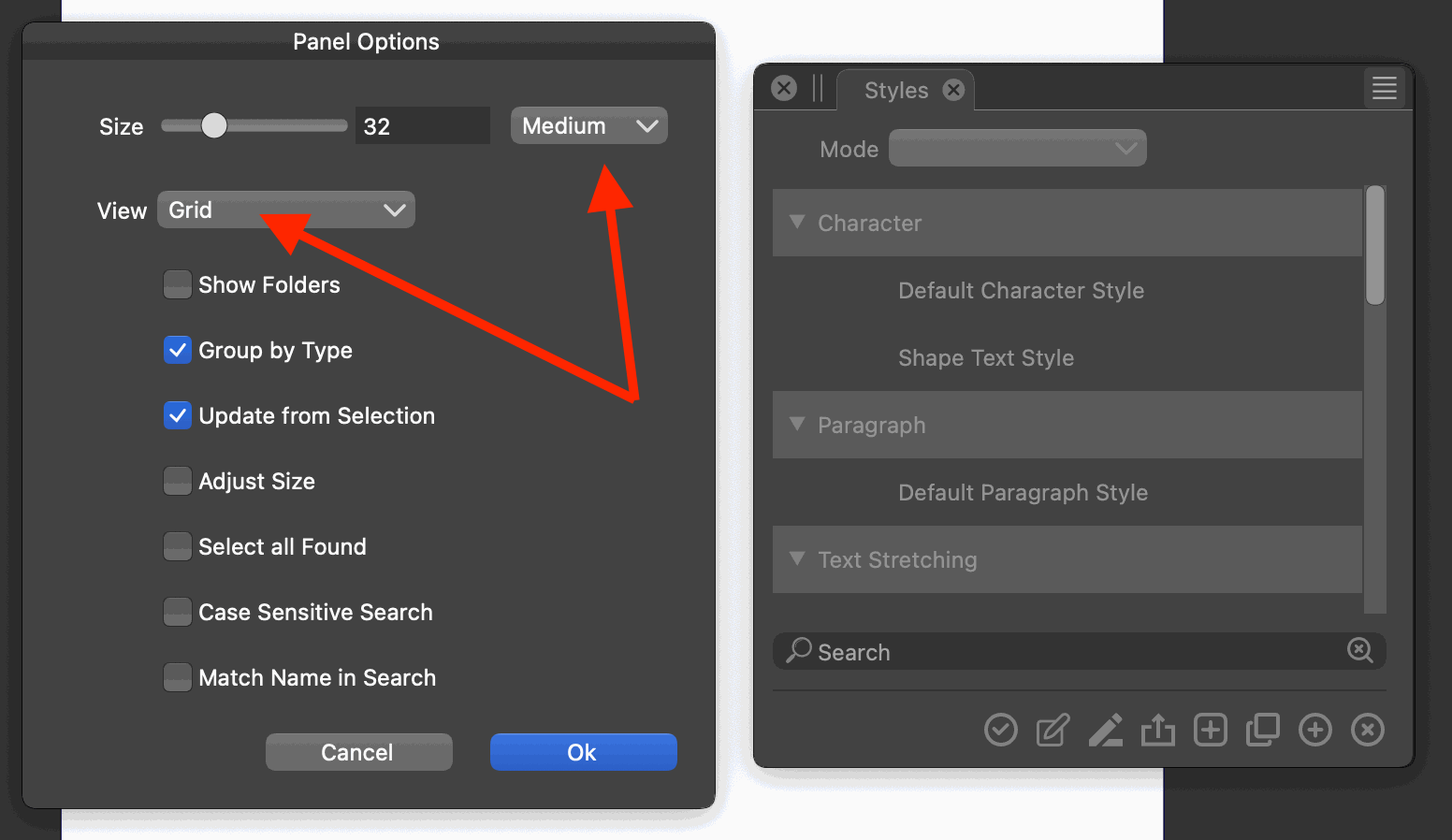
In the Styles Panel's Display submenu, the Grid options (small, medium, large) are grayed out (so they cannot be selected), but they can be selected and changed from its Panel Options dialog.
- Open Panels > Styles > Style Panel Menu > Display.
- Notice Small Grid, Medium Grid, and Large Grid options are grayed out, so they cannot be selected.
- Open Panel Options from the Styles panel's menu.
- For "View", select "Grid" from the popup menu. For "Size" select something different from the dropdown. Close the dialog.
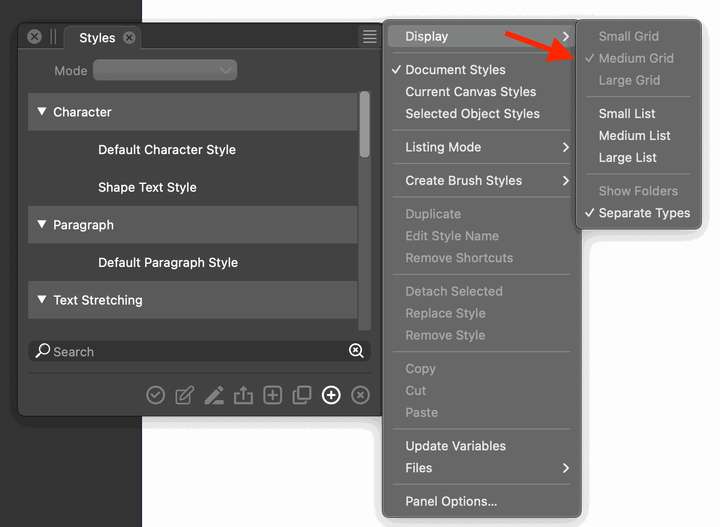
- No if you go back to the Styles Panel > Panel Menu > Display, notice there's a checkmark next to the selected grid size. So you CAN actually change it but only in the Panel Options dialog and not from the menu.
If the "Grid" view is not available for Styles, then maybe the "Grid" option should be disabled in the Panel Options dialog for "View". Or the "Grid" options (small, medium, large) should not be in the Display menu.
I'm not making a video for this. If it's not clear then just lemme know and will make a video.
VS 1.1.094
-
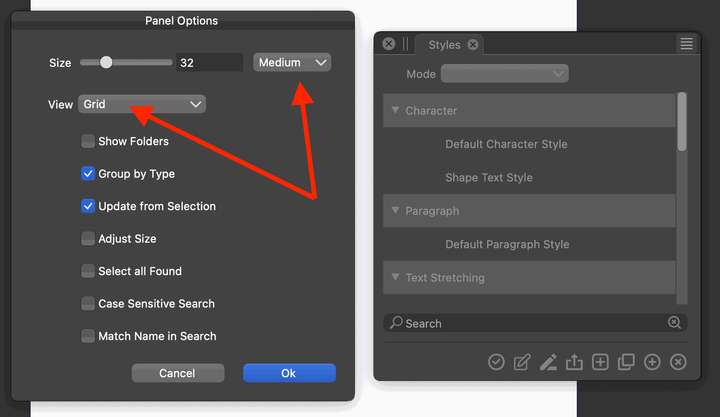
@pentool Yes, replicated here also. The two sets of sizes (panel menu and options view) are not the same. Will be fixed in the next build.
