Pen Tool looses SHIFT+snap when editing a previous anchor
-
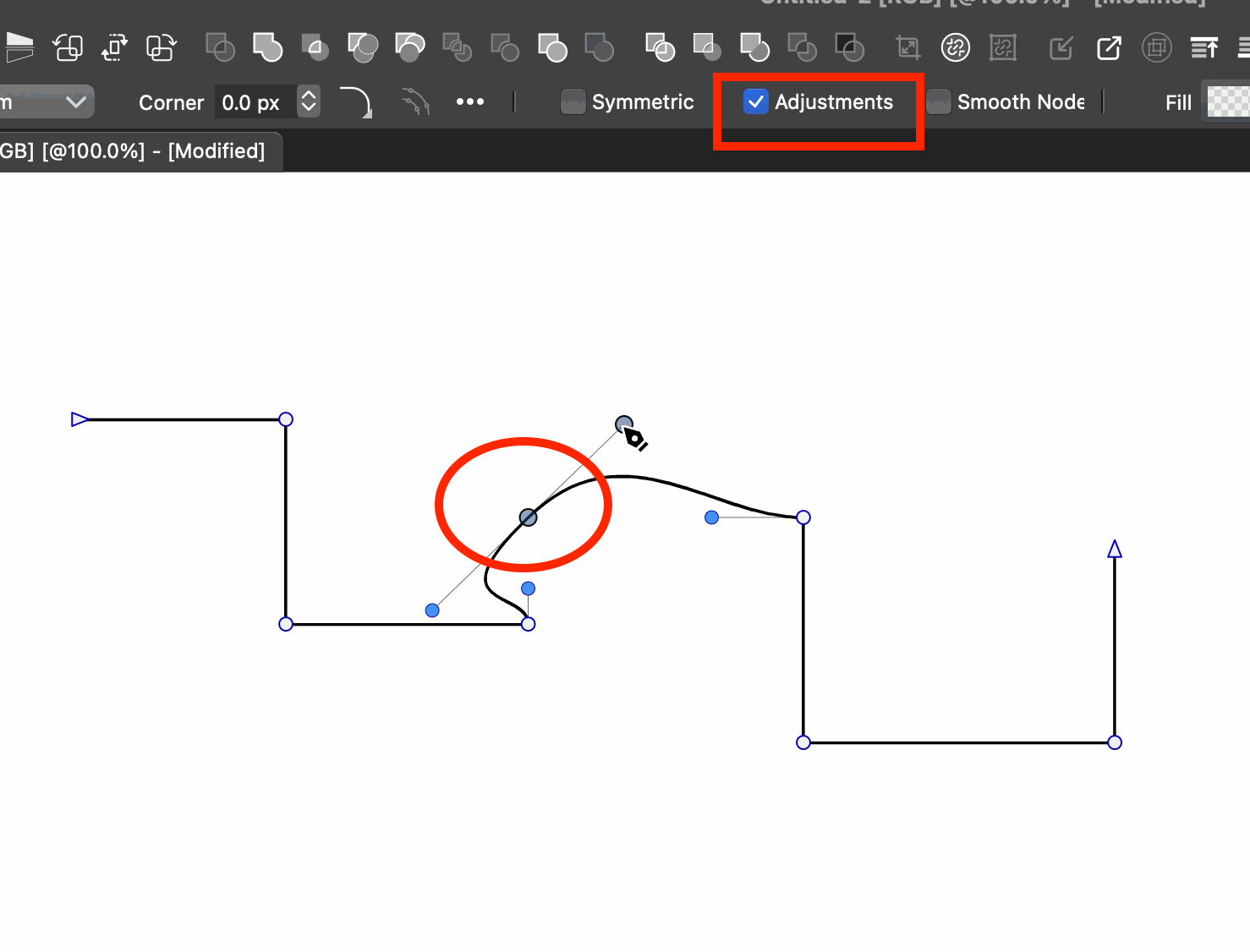
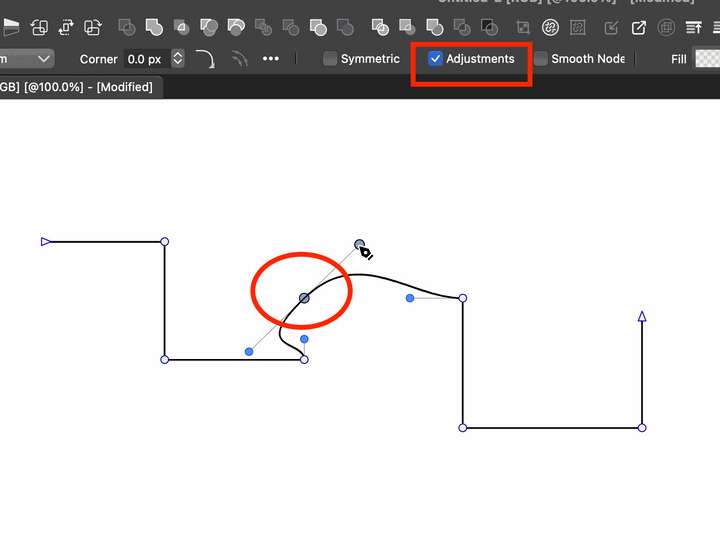
- Use the Pen Tool to draw a few straight segments, like in the image below. Make sure you hold down SHIFT so you can snap to 45/90 angles. Also, make sure the "Adjustments" checkbox is checked in the Context toolbar.
- Go back a few anchors (so it's not immediately next to the last one - like the one circled in the image) and make some adjustment to it to change it's type.
- When done with the anchor adjustment, hold SHIFT and continue adding line segments.
SHIFT will no longer have effect to constrain the line segment. But once you draw a line segment, the following segments will be constrained again.
So basically, once you edit an anchor, the SHIFT-constraint will not work until you draw the 2nd segment (after editing the anchor). Hope it makes sense. If not, will make a video.
VS 1.1.100
-
@pentool Can be replicated, added to the backlog.
