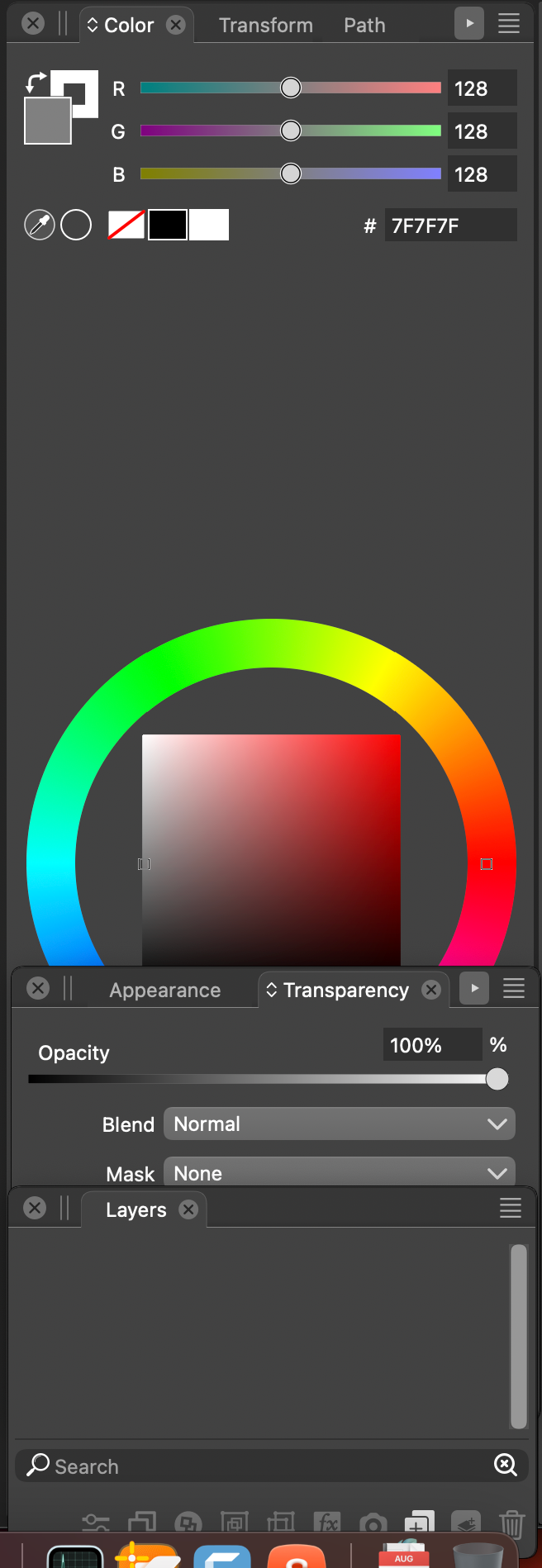
Issues with dragging, moving, positioning, etc panels
-
I seem to have problems with this in 1.1.101.
Adjusting panel heights.
When I try adjusting the panel heights (by dragging up/down in-between panels) I can't seem to be able to grab them. The cursor should change to this double arrow thingy which indicates that's the point I can grab the panel but it just barely flashes for a fraction of a second. Finally, I am able to resize them but the cursor is just a pointer, which is misleading and confusing because now you don't know whether can you adjust the height or not?Moving panels.
Some panels doesn't seem to move. I have the Layers and Actions panel as a set. Check out starting around 1:20 where I'm trying to move them but they seem to be glued and don't move. You can't drag them like other panels. I have to separate the Layers from the Action panel in order to move them individually, but when they are grouped together, they didn't move.Cannot move panel group to top. They go to bottom.
Finally, check out starting at 2:20. I have the Color and Palette panels grouped and I'm trying to move them both back to their "original" position, which was at the very top. I am dragging them to the top but they end up at the bottom. They simply are not cooperating to stick to the top.Video:
https://www.youtube.com/watch?v=KWTldHVPY18VS 1.1.101
-
@pentool Added this to the backlog.
-
This might be related: The top image is VS's inspectors when VS is the foreground application:
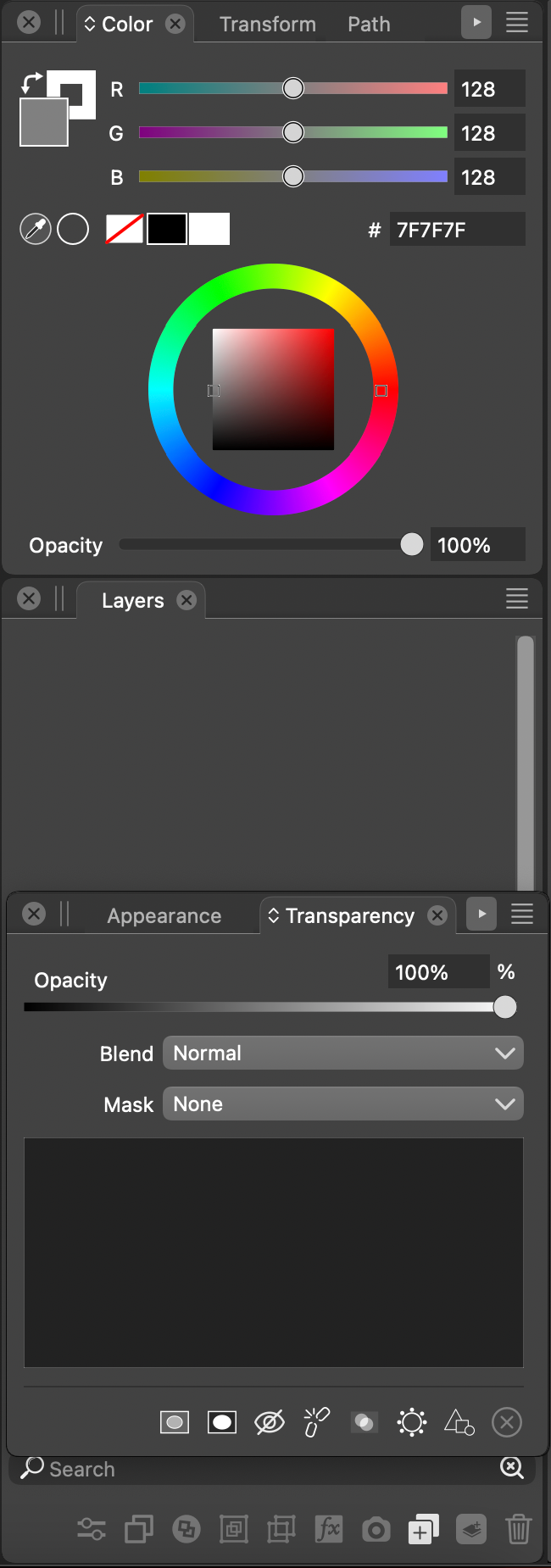
However, with another application in the foreground and VS still visible, the middle Layer panel is expanded down, replacing the lower panels:
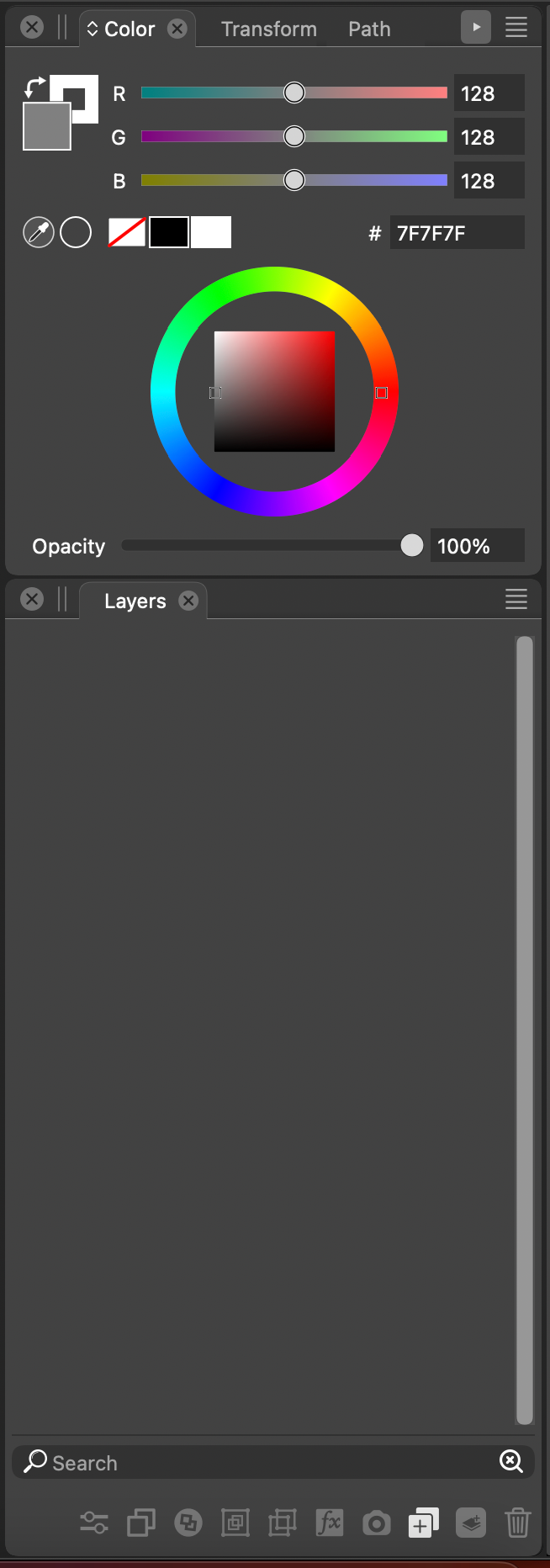
This is reversed when VS is again in the foreground. Maybe it is settings related, but it sure is odd. I have for now refrained from changing any settings other than pertaining to the document size, etc. given the number of unexpected behaviors I am experiencing.
Now take a look at the odd resizing behavior in the captured video:
https://app.screencast.com/e8kzaPwwyohRYAnd finally, I somehow ended up like this: and I cannot change it!