eraser/path brush not the same as before 1.2 beta
-
@VectorStyler I like the direction and features you have added to the eraser/path brush functionality. Certainly the ability to create near straight eraser strokes and the auto correction of the eraser/path brush path have their usefulness.
I appreciate that the option can be switched to allow for the "what you see is what you get" mode as well.
I noticed that the line I create with the path brush for example, is smaller than the final result. It goes down as a thin line but when you let go of the mouse or stylus, it swells up to be much larger in it's result. Is there something I need to do so that the gray preview is the same size and look as the final result?
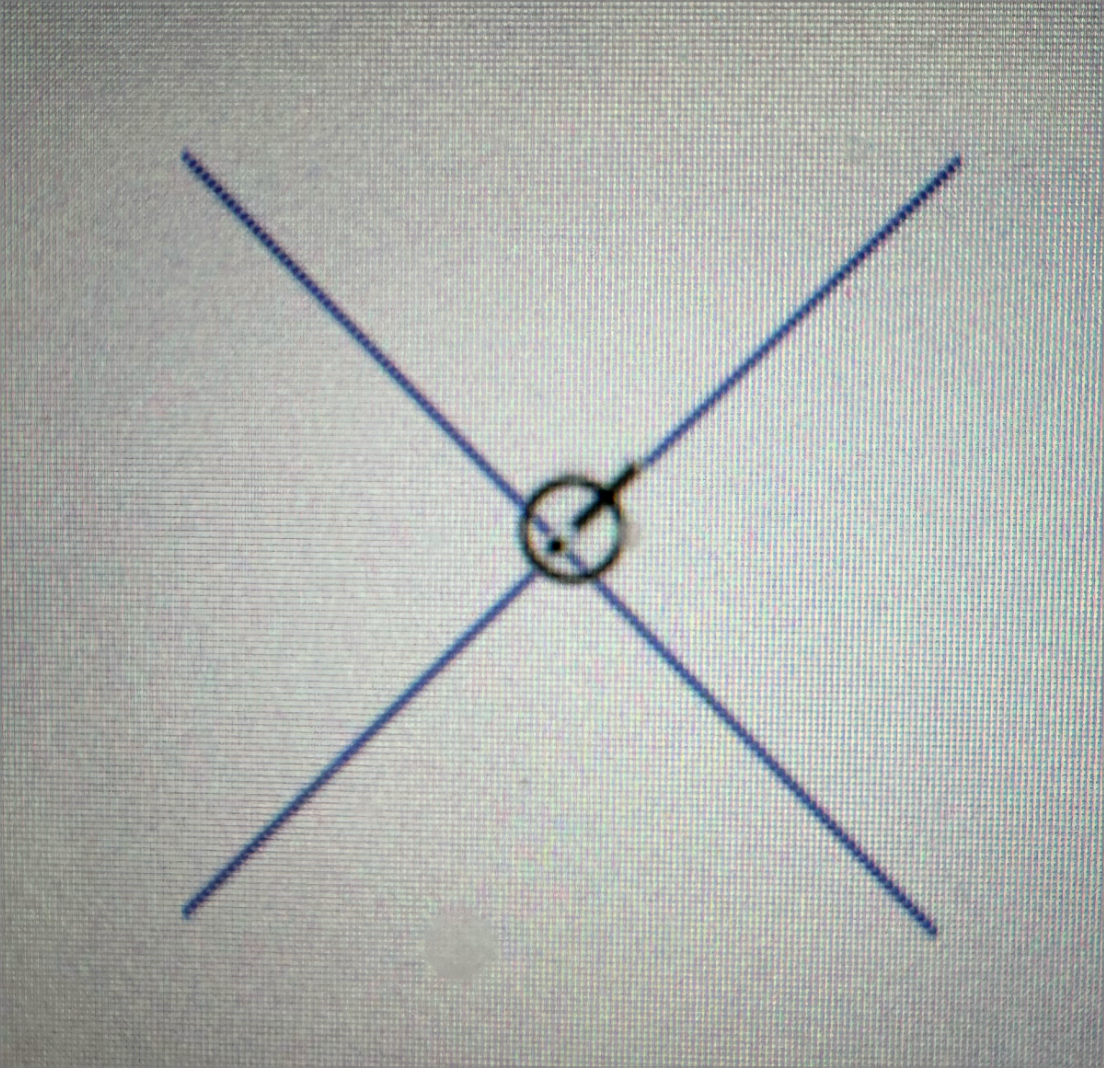
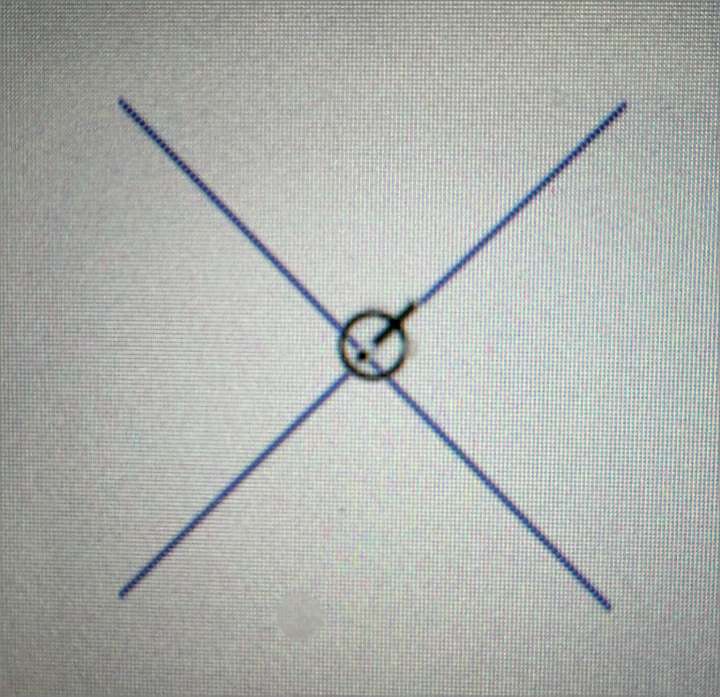
Also, is there a way to reduce the length of the crosshairs on the cursor? They are so long they feel clunky. Personally, I'd rather they extended just a little bit more than the brush/eraser circle
-
@Boldline I will try to improve the preview width of the eraser (and path brush).
If you enable the "Show Eraser Shape" option the preview will be more precise (but it will also change as the mouse moves).I will check the cursor issue, I think that crosshair could be removed.
-
@VectorStyler said in eraser/path brush not the same as before 1.2 beta:
If you enable the "Show Eraser Shape" option the preview will be more precise (but it will also change as the mouse moves).
This is an area where ultimately, an option like what Illustrator has with their blob tool and eraser would be ideal for me. Where the result is free flowing and fills where the cursor circle goes, almost like you are painting. So there's almost no real need for a preview because the end result I will record some video of that and share it.

