VectorStyler
    • Categories
    • Unread
    • Recent
    • Tags
    • Popular
    • Register
    • Login

    Using a Global Color as the ending color in a stroke gradient turns it white
    Scheduled Pinned Locked Moved Resolved 1.2 bugs
    3 Posts 2 Posters 3.8k Views 2 Watching
    Loading More Posts
    • Oldest to Newest
    • Newest to Oldest
    • Most Votes
    Reply
    • Reply as topic
    Log in to reply
    This topic has been deleted. Only users with topic management privileges can see it.
    • LoginErrorL Offline
      LoginError
      last edited by

      This is an oddly specific one.

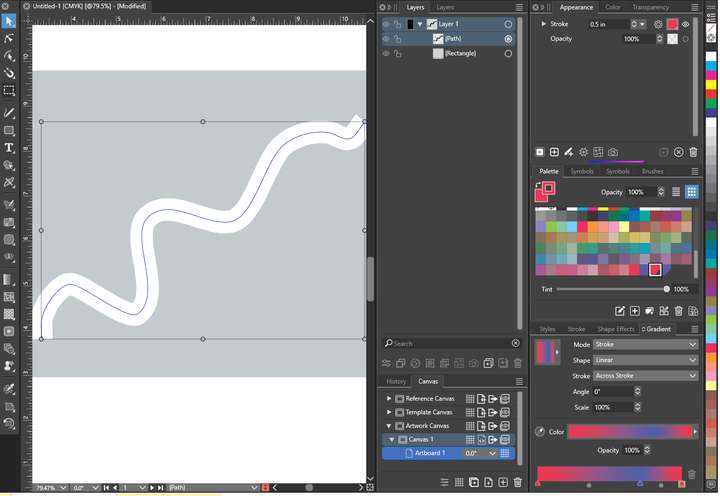
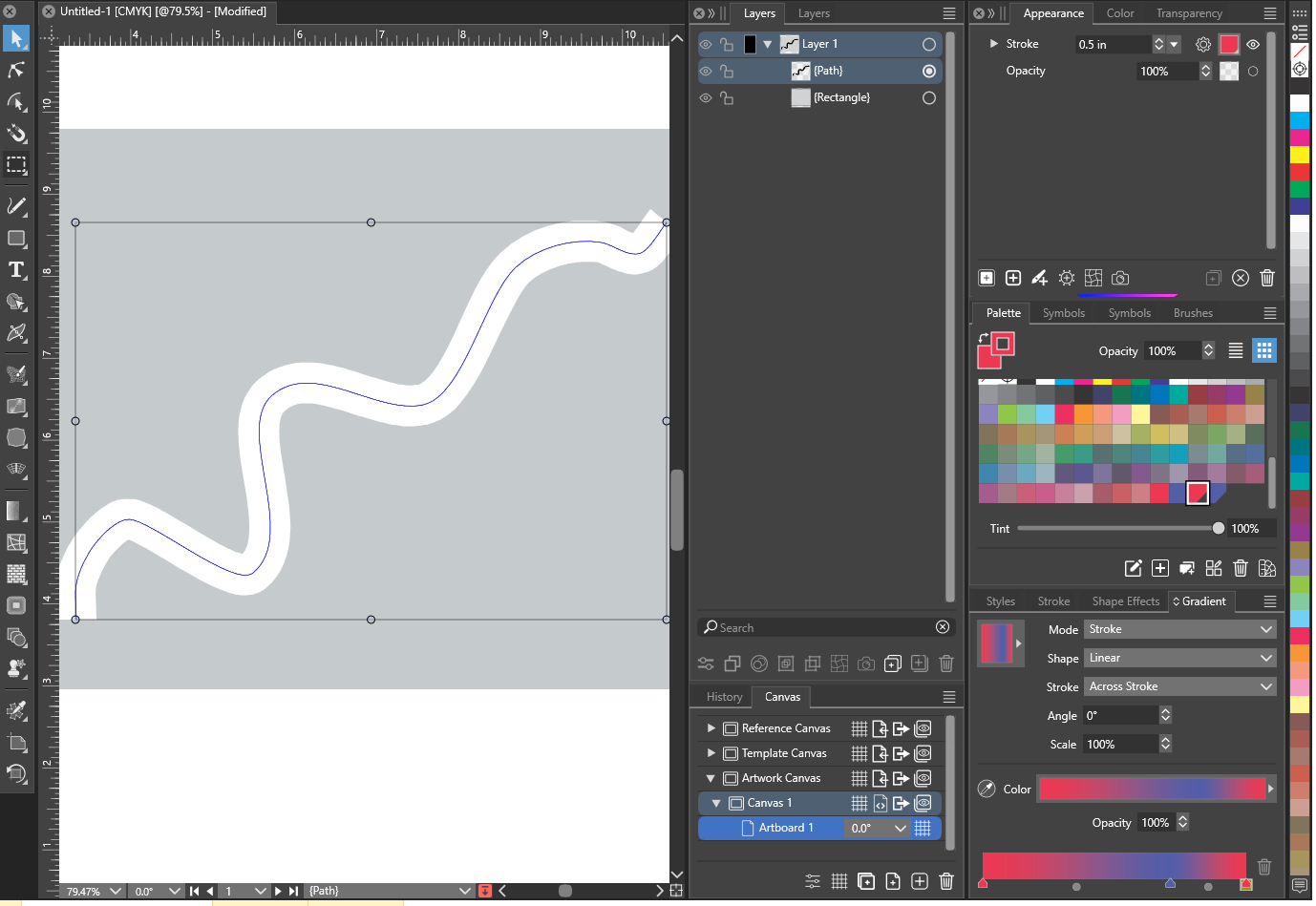
      Using a color from the palette that is tagged as Global or Spot as the last color in a gradient causes the entire gradient to render as white.

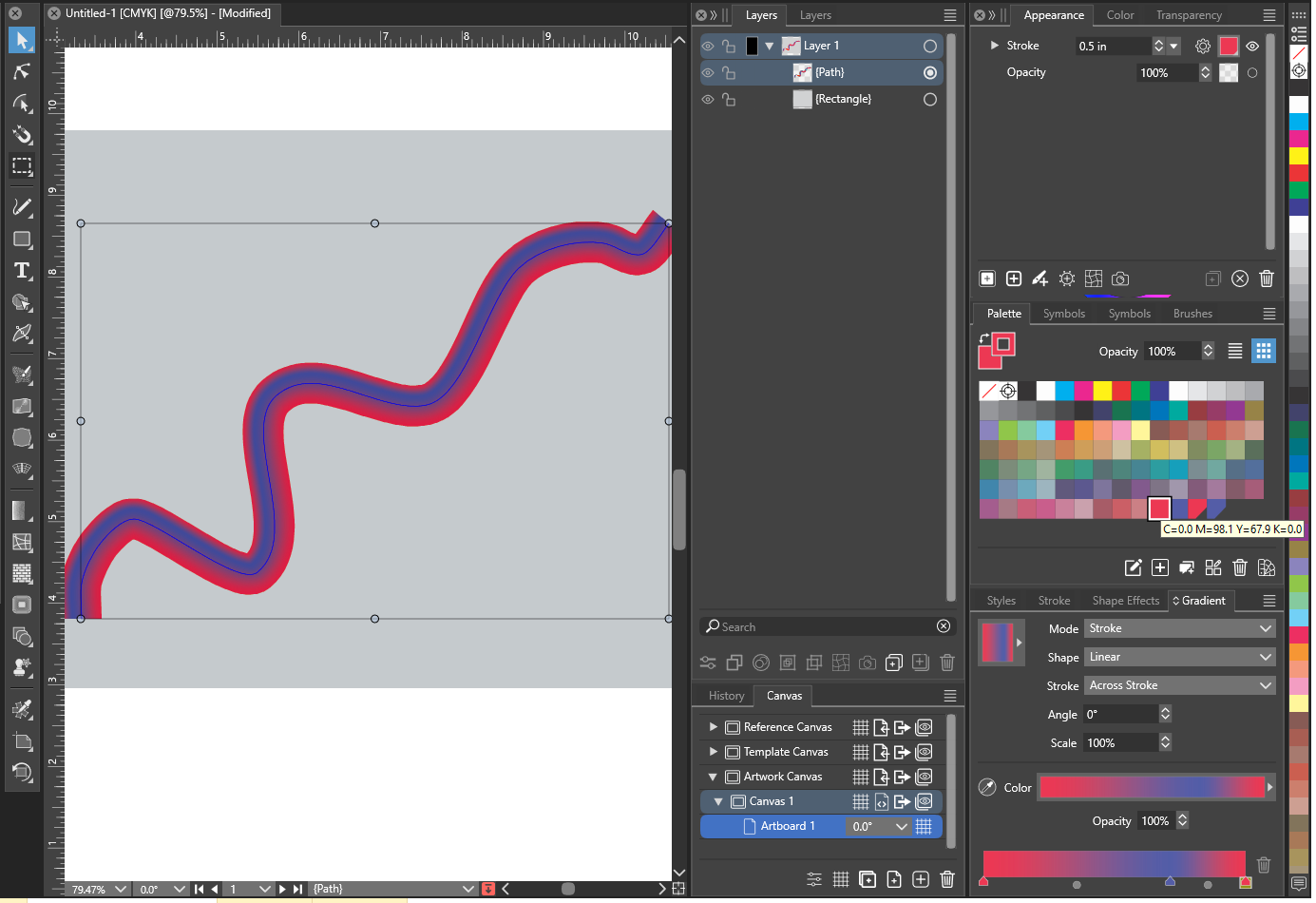
      I am able to use the global color as any of the other colors in the gradient without issue.

      Regular color:
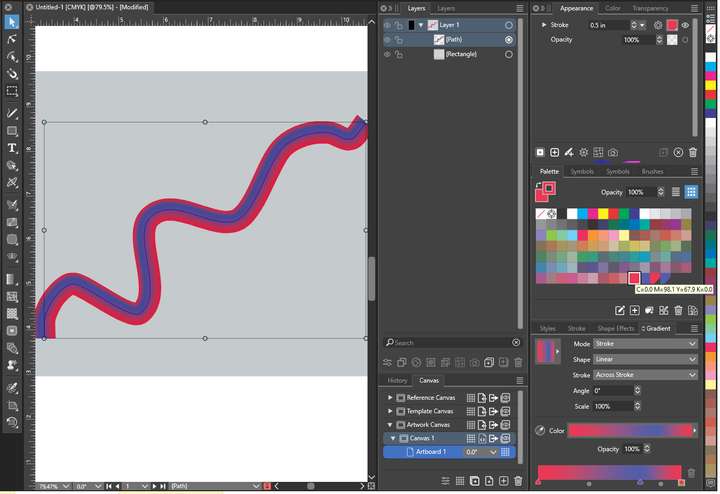
      0_1710689312757_gradient1.png

      Global Color:
      0_1710689405388_gradient2.png

      VectorStylerV 1 Reply Last reply Reply Quote 1
      • VectorStylerV Offline
        VectorStyler @LoginError
        last edited by

        @LoginError I could not replicate this. I tried both CMYK and RGB documents.

        Please send me by email that example, in the second image. Thanks!

        1 Reply Last reply Reply Quote 0
        • VectorStylerV Offline
          VectorStyler
          last edited by

          This issue should be fixed in build 1.2.019

          1 Reply Last reply Reply Quote 0
          • First post
            Last post