Move inside Last usually reqires a second step to achieve full clipping effect
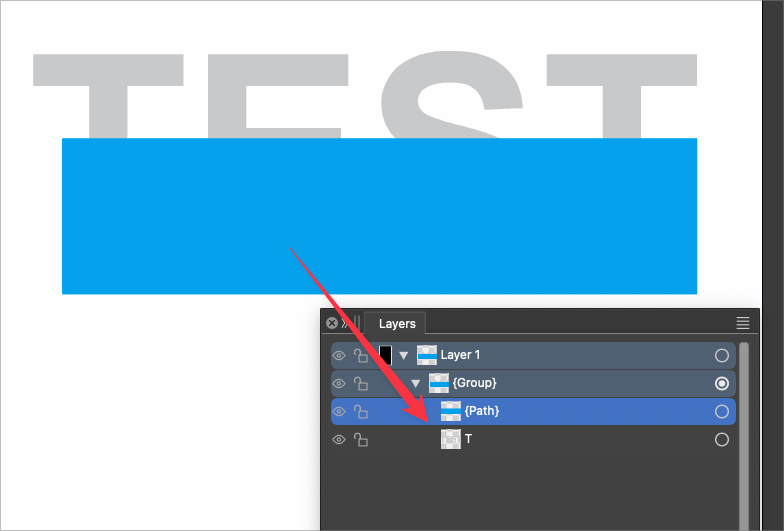
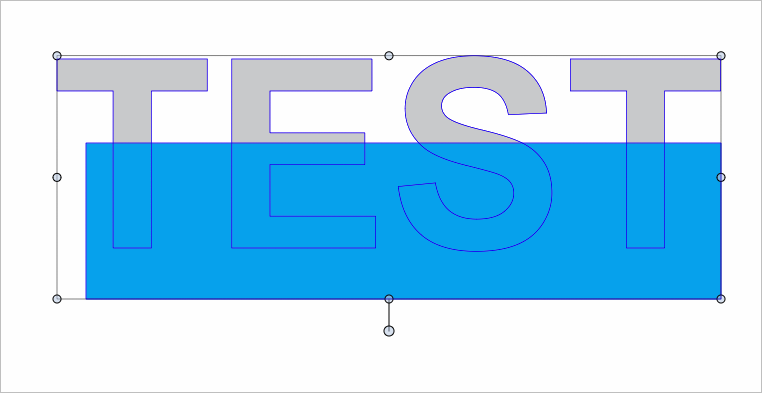
-
This is not a new issue, so its not specific to VS 1.2, etc... I brought it up before, but somehow I forgot to get back to you @VectorStyler at that time. my fault!
Most of the time, if the shape I want to clip a shape inside of is a composite shape, using "move inside last" will only do half the job. It will link the main shape, in this case the word "TEXT" with the blue shape intended to be clipped within.
I have to go in to the layers panel each time and move the blue shape overtop the clipping shape to complete the task.
I have not been able to narrow it down perfectly. Sometimes it works but usually it does not. to the point where I'm surprised when it does succeed without the second step.
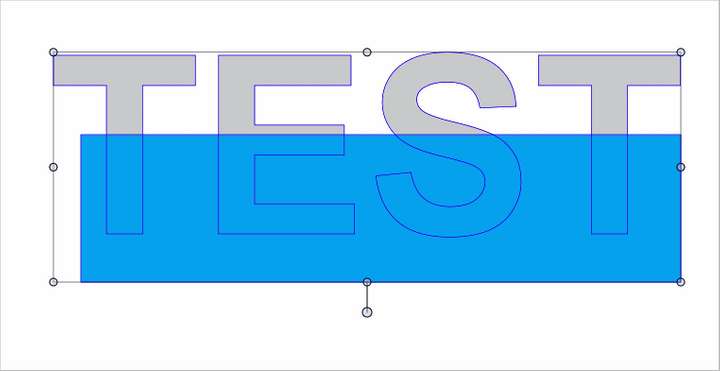
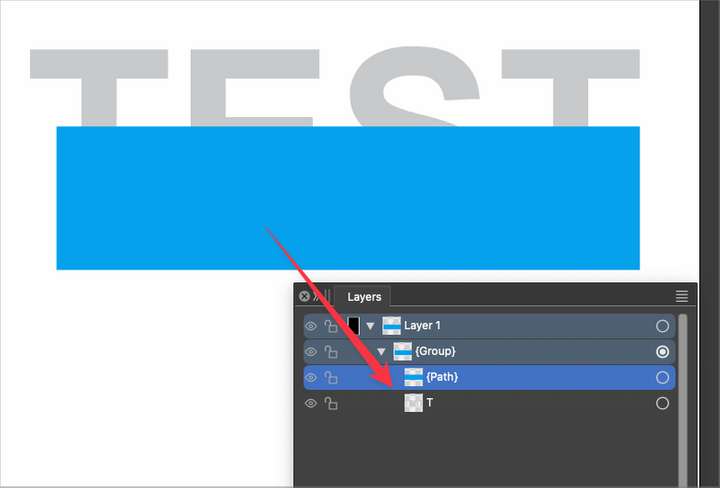
Here is the test file in the video
-
@Boldline Not really a bug: in this case when you select the two objects, the "last" object is a group, not a shape (this group has a single object in it).
So the blue rectangle will be moved inside the group, which is of course not yet clipping.Best to do in this case to ungroup that single object group first (the TEST shape).
-
@VectorStyler Are you essentially saying that VS views a compound shape as a "group" and not as a single shape? So for example, when the object is a single object, it essentially creates a clipping result. If I instead try to use a compound shape, it only sets the piece inside the hierarchy but not inside like a true clipping effect.
Is there a reason why a composite group cannot be treated by VS as if it were one shape? You said, "Best to do in this case to ungroup that single object group first (the TEST shape)." but that is not a realistic solution when I am trying to add the one secondary shape to my main set of shapes, like in a word. Going back to the earlier thread, if I wanted that blue rectangle to go through every letter of the word "test", making the expanded letters a compound shape saves time and keeps it organized.
This is the way Illustrator works - composite shapes are consider "one shape"
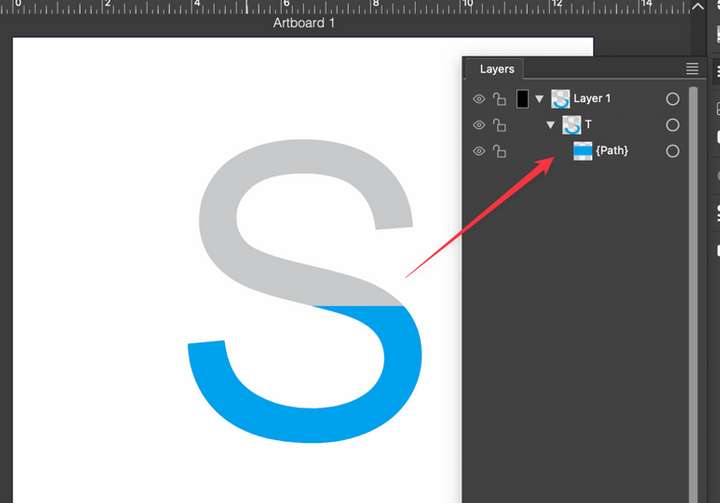
On a tangent thought, are you saying the "move inside last" is not necessarily meant to be an act of clipping, but more of a organizational grouping tool?
🍎 macOS Tahoe 26.2, Mac mini (M1, 2020), Chip Apple M1, Memory 16 GB
Cintiq 27QHD Display and LG Ultra HD Display -
maybe I'm better off using the Control+Command+V option for "paste inside" rather than "move inside last" as the quick way to attain a clipping mask, especially when attempting to do so on a compound shape?
I just tested the "paste inside" with a compound shape and it worked perfectly
-
@Boldline said in Move inside Last usually reqires a second step to achieve full clipping effect:
Is there a reason why a composite group cannot be treated by VS as if it were one shape?
The problem here is that these are still "groups", can be ungrouped, can be isolated, etc. And they will (and should) act like groups for Arrange operations also.
This is the way Illustrator works - composite shapes are consider "one shape"
Composite groups act as shapes in VS also when styled and displayed, but they act as groups for editing actions.
I did not find a "Move Inside Last" command in Illustrator, but otherwise composite groups act as groups there also (except styling and rendering).To have a "real" composite shape to act as a shape in all cases (including move inside last) you can create a composite shape (Object -> Composite Shape) instead of a group.
In this case we have an actual shape, and that can be used for clipping also.
There will be no isolation mode for this, but the individual shapes can be selected in the Layers panel or in the Shape select tool.Also, shapes resulting from a composite group can be set up as styles (add a name and the Shape role to the composite group) and then these Shape Styles can be used as clipping shapes that are dynamically linked to the shape resulting from the composite group.

