Scatter brush and gradient shading
-
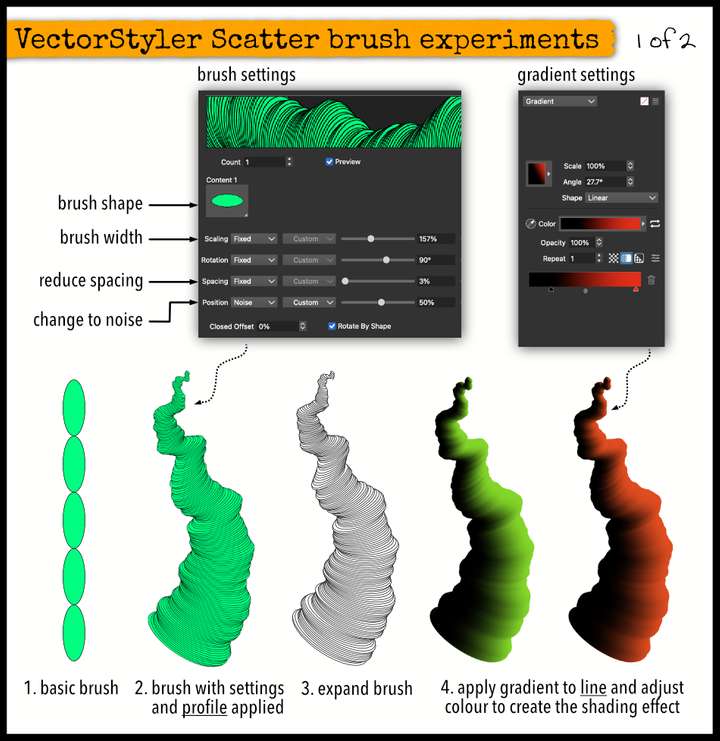
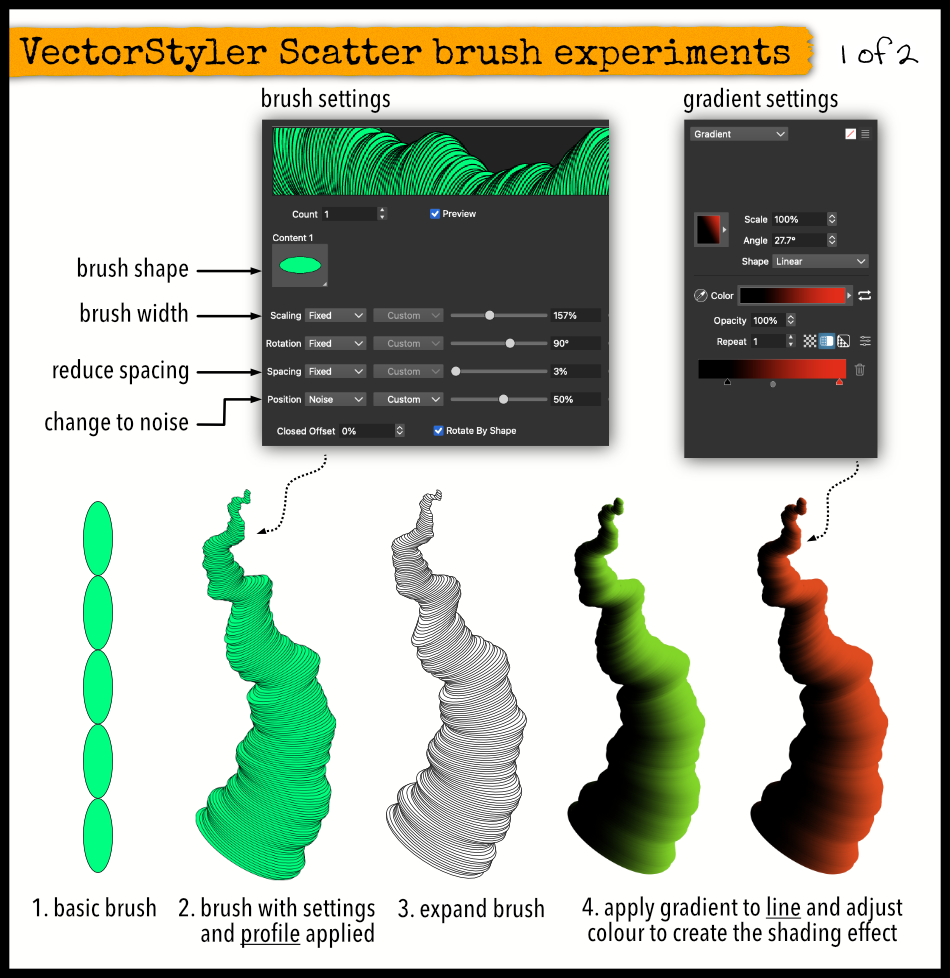
Hi, Not sure how useful this is to anyone but whilst experimenting with scatter brushes, I came across this shading effect when you apply a gradient to a line.
In my example the brush was made from a single ellipse with the spacing tightened up (ie a low percentage) and 'Noise' applied to the position setting to add some variation. A line profile was then applied to the brush/line.
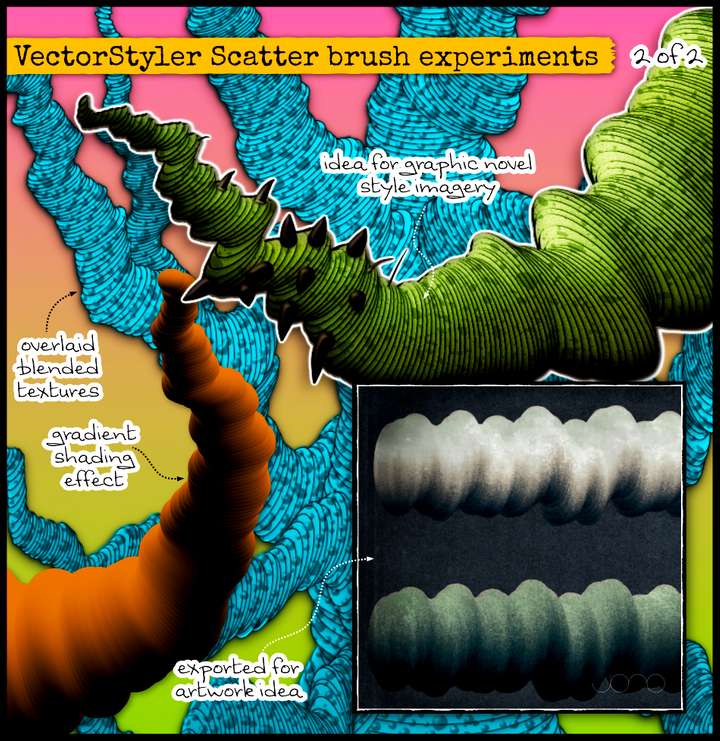
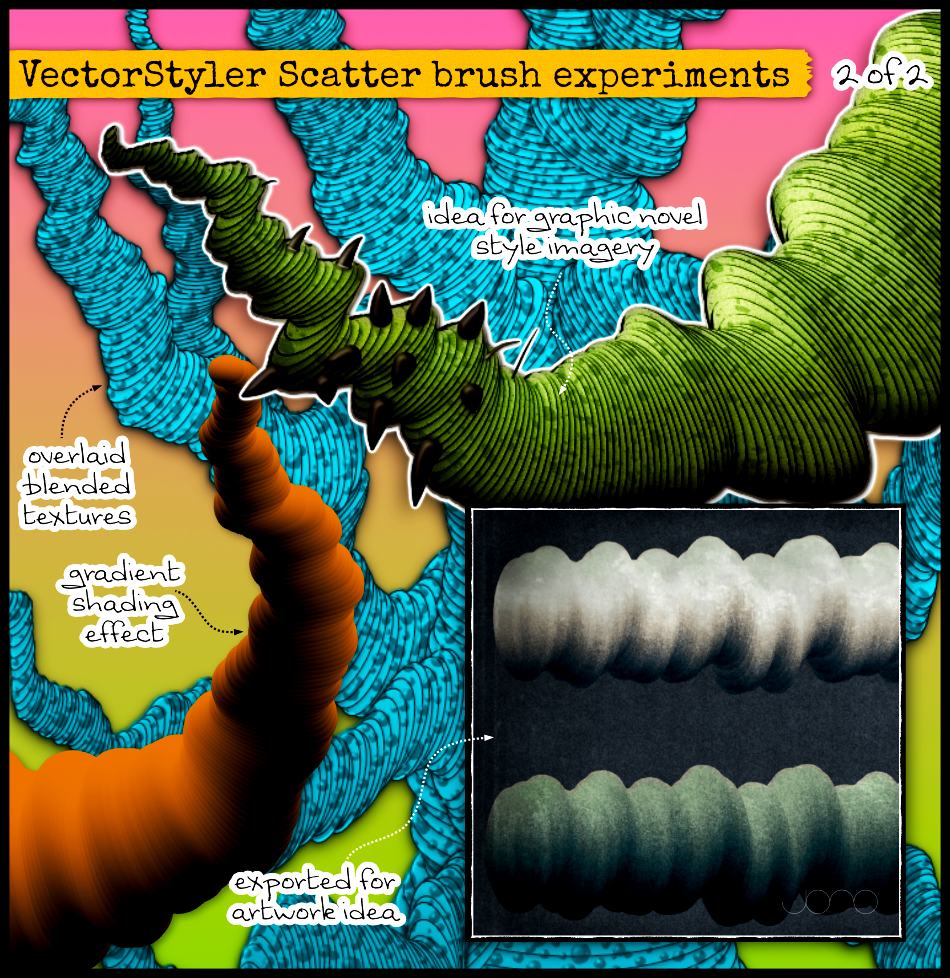
To overlay patterns or textures, expand the brush (Styles -> Expand Brush) then resultant shapes combined together (Union). This shape can be then filled with a texture (or whatever you want) and blended (multiply) over the top.
I think there is a lot of creative potential using scatter brushes and I'm excited to discover these VectorStyler brush tools. I find shadows and shading are always tricky but quite often the thing that makes all the difference.