Image effects do not work as intended
-
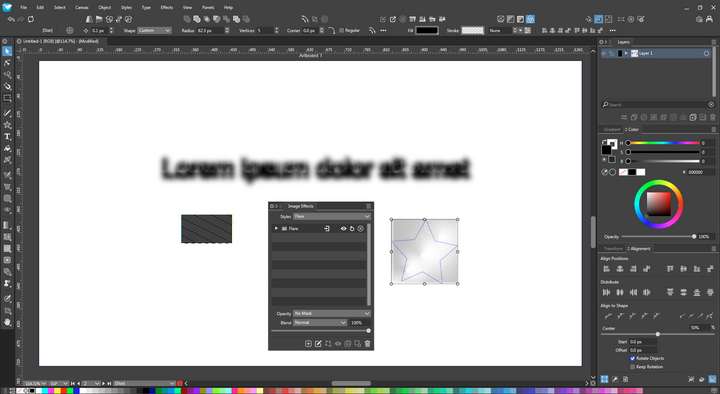
VectorStyler 1.2.030, Windows 11
NVIDIA driver version 472.88, NVIDIA GeForce RTX 3060
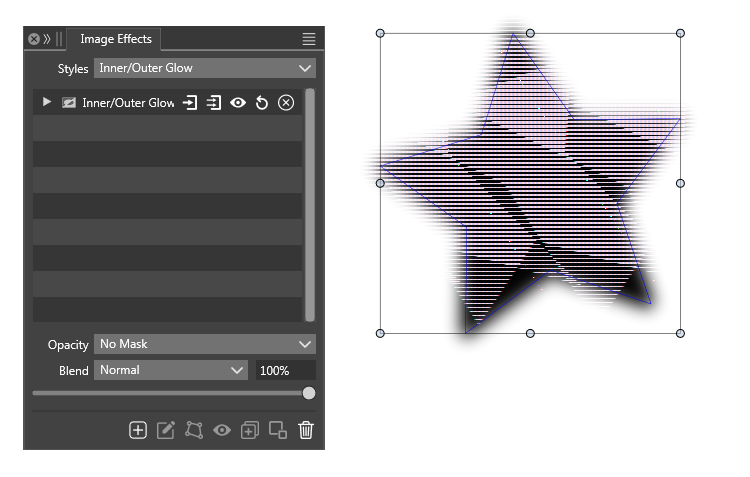
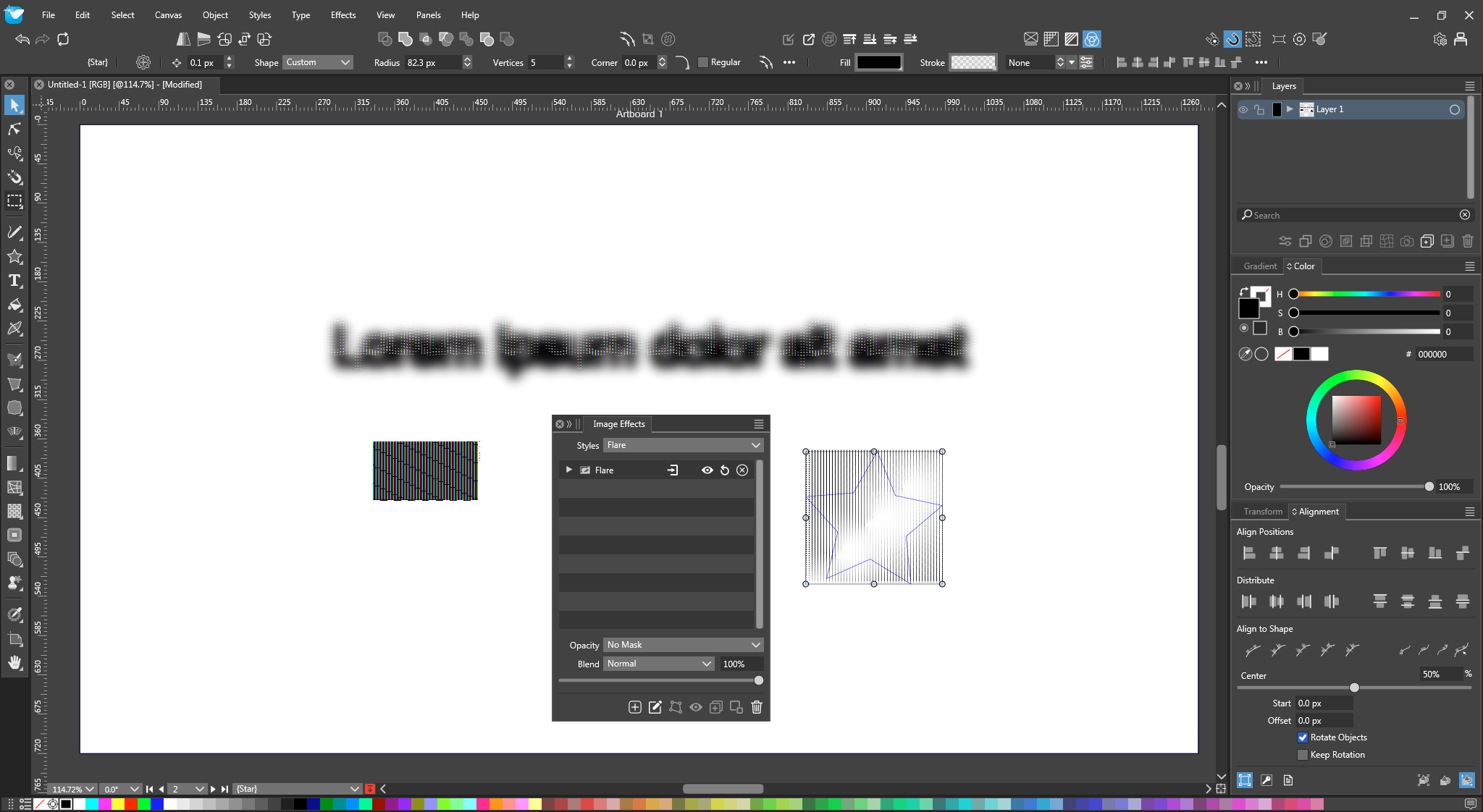
Problem: If I use NVIDIA CUDA as the renderer and appply Image Effects, things look really weird.
Rather surprisingly to me, software rendering is actually the least problematic and fastest.
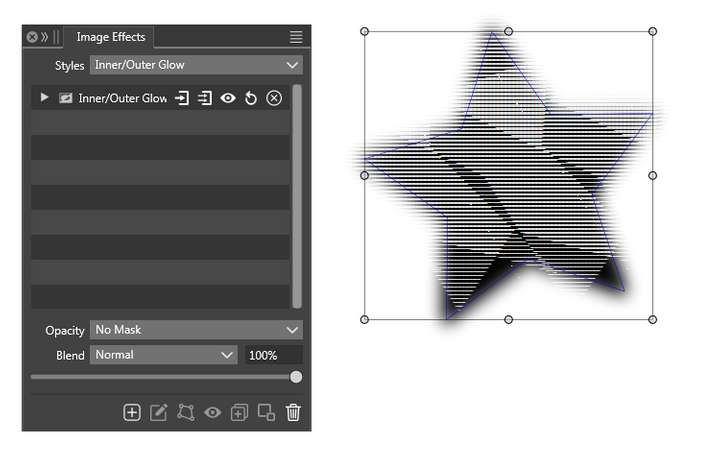
Tried updating NVIDIA driver to 555.99 (below image), and it still looks weird.
-
@nocturnalYL There have been some reports with CUDA issues recently: https://www.vectorstyler.com/forum/topic/4393/many-image-effects-have-issues-when-using-cuda
I have an open bug on this.
It might be that VS does not work well with new CUDA versions, try 10.2 or 11.5 CUDA
Also, there should be OpenCL support on Windows, check if that is working.
The speed issue could be some kind of error slowing down the CUDA / VS part.
-
@VectorStyler OpenCL works fine, but after applying effects, said effects don't show up until a bit later (feels like about 0.6 to 1 seconds). Not bad, but software rendering is faster. Tested with applying box blur, wave noise, generate noise and outer glow on a simple solid-fill rectangle.
Software rendering takes about 0.5 seconds or less for each of the same effects.
My current installed CUDA driver version is 12.5.78. Before updating, I was at NVIDIA driver 472.88, which I believe corresponds to CUDA version 11.4, which still had the problem.
Not a problem for me since software rendering works fine; just letting you know.
-
@nocturnalYL I will try to find a solution for these issues.

