VectorStyler
    • Categories
    • Unread
    • Recent
    • Tags
    • Popular
    • Register
    • Login

    Some effects are not exported

    Scheduled Pinned Locked Moved Bugs in VectorStyler
    7 Posts 2 Posters 7.1k Views 2 Watching
    Loading More Posts
    • Oldest to Newest
    • Newest to Oldest
    • Most Votes
    Reply
    • Reply as topic
    Log in to reply
    This topic has been deleted. Only users with topic management privileges can see it.
    • B Offline
      B-Vs-V
      last edited by

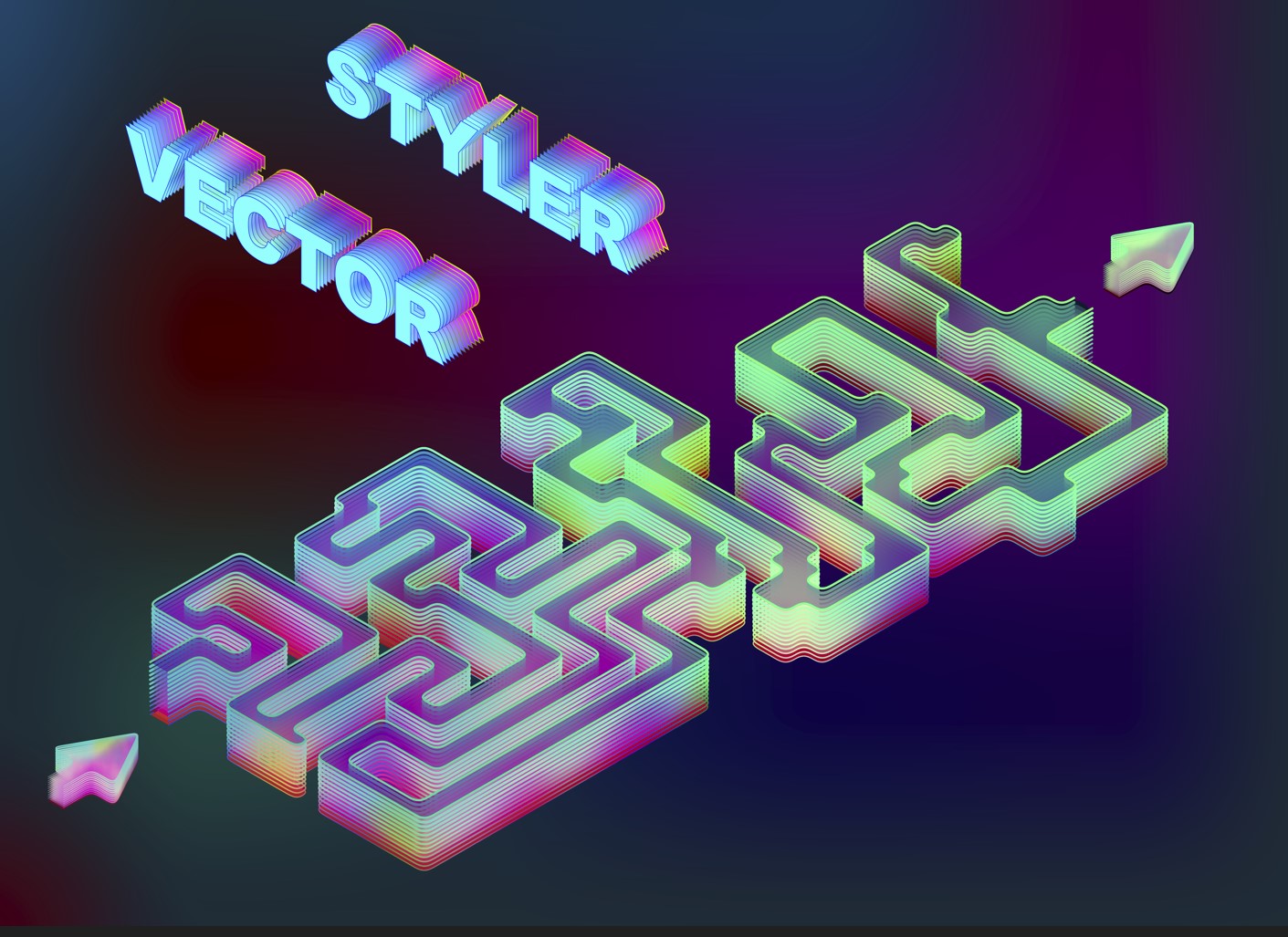
      It's great to be able to change the transparency settings, but some of them aren't correctly exported (not as tif, svg or pdf (there aren't even all the elements in the artboard)).
      Here's the original:

      0_1721918212409_o.jpg

      the tif file:
      0_1721918247555_f3.jpg

      the svg:
      0_1721918327093_f2.jpg

      W11 Pro 25H2 - 12th Gen Intel(R) i7-12700K 3.61 GHz - RAM 64 Go - NVIDIA GF GTX 4070 Ti - Intuos - Dell UP3216Q / Eizo ColorEdge
      W11 Pro 25H2 - 12th Gen Intel(R) i7-12700KF 3.60 GHz -RAM 64 Go - NVIDIA GF GTX 3080 - IntuosPro- ProArt PA329C

      VectorStylerV 1 Reply Last reply Reply Quote 2
      • VectorStylerV Offline
        VectorStyler @B-Vs-V
        last edited by

        @Pat I cannot see the difference between the original and the tif.

        Some image effects indeed are not exported to SVG. Also the gradient on stroke might be an issue.

        B 2 Replies Last reply Reply Quote 0
        • B Offline
          B-Vs-V @VectorStyler
          last edited by B-Vs-V

          @VectorStyler Colours of the tif file are not so vivid (& seem wrong ; original VS file in rgb).

          W11 Pro 25H2 - 12th Gen Intel(R) i7-12700K 3.61 GHz - RAM 64 Go - NVIDIA GF GTX 4070 Ti - Intuos - Dell UP3216Q / Eizo ColorEdge
          W11 Pro 25H2 - 12th Gen Intel(R) i7-12700KF 3.60 GHz -RAM 64 Go - NVIDIA GF GTX 3080 - IntuosPro- ProArt PA329C

          1 Reply Last reply Reply Quote 1
          • B Offline
            B-Vs-V @VectorStyler
            last edited by

            @VectorStyler I think it's crucial to be able to export all the effects applied to get a close rendering of the design (at least in one vector fomat). Thanks ☺

            W11 Pro 25H2 - 12th Gen Intel(R) i7-12700K 3.61 GHz - RAM 64 Go - NVIDIA GF GTX 4070 Ti - Intuos - Dell UP3216Q / Eizo ColorEdge
            W11 Pro 25H2 - 12th Gen Intel(R) i7-12700KF 3.60 GHz -RAM 64 Go - NVIDIA GF GTX 3080 - IntuosPro- ProArt PA329C

            VectorStylerV 2 Replies Last reply Reply Quote 2
            • VectorStylerV Offline
              VectorStyler @B-Vs-V
              last edited by

              @Pat said in Some effects are not exported:

              I think it's crucial to be able to export all the effects applied to get a close rendering of the design (at least in one vector fomat).

              Yes, I will try to find a solution for this.

              1 Reply Last reply Reply Quote 0
              • VectorStylerV Offline
                VectorStyler @B-Vs-V
                last edited by

                @Pat I'm trying to replicate this issue, is there an sample file you could send me? What effects were used? Thanks!

                B 1 Reply Last reply Reply Quote 0
                • B Offline
                  B-Vs-V @VectorStyler
                  last edited by

                  @VectorStyler File just sent ☺

                  W11 Pro 25H2 - 12th Gen Intel(R) i7-12700K 3.61 GHz - RAM 64 Go - NVIDIA GF GTX 4070 Ti - Intuos - Dell UP3216Q / Eizo ColorEdge
                  W11 Pro 25H2 - 12th Gen Intel(R) i7-12700KF 3.60 GHz -RAM 64 Go - NVIDIA GF GTX 3080 - IntuosPro- ProArt PA329C

                  1 Reply Last reply Reply Quote 1
                  • First post
                    Last post