The disappearing figure
-
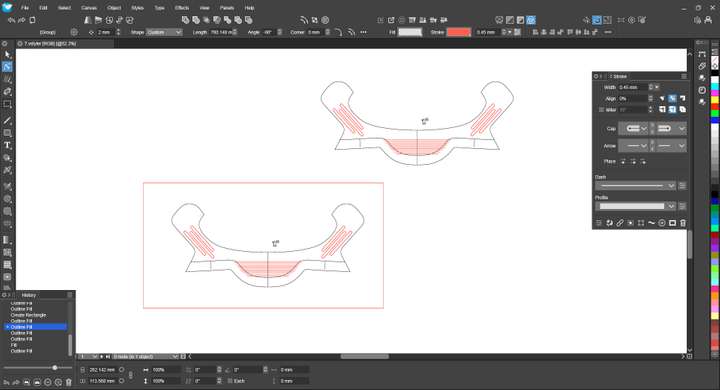
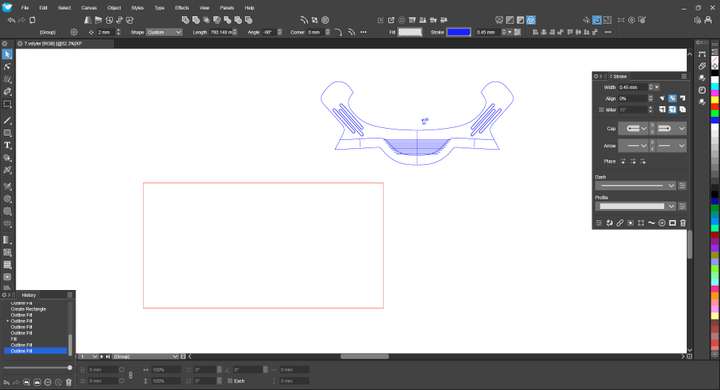
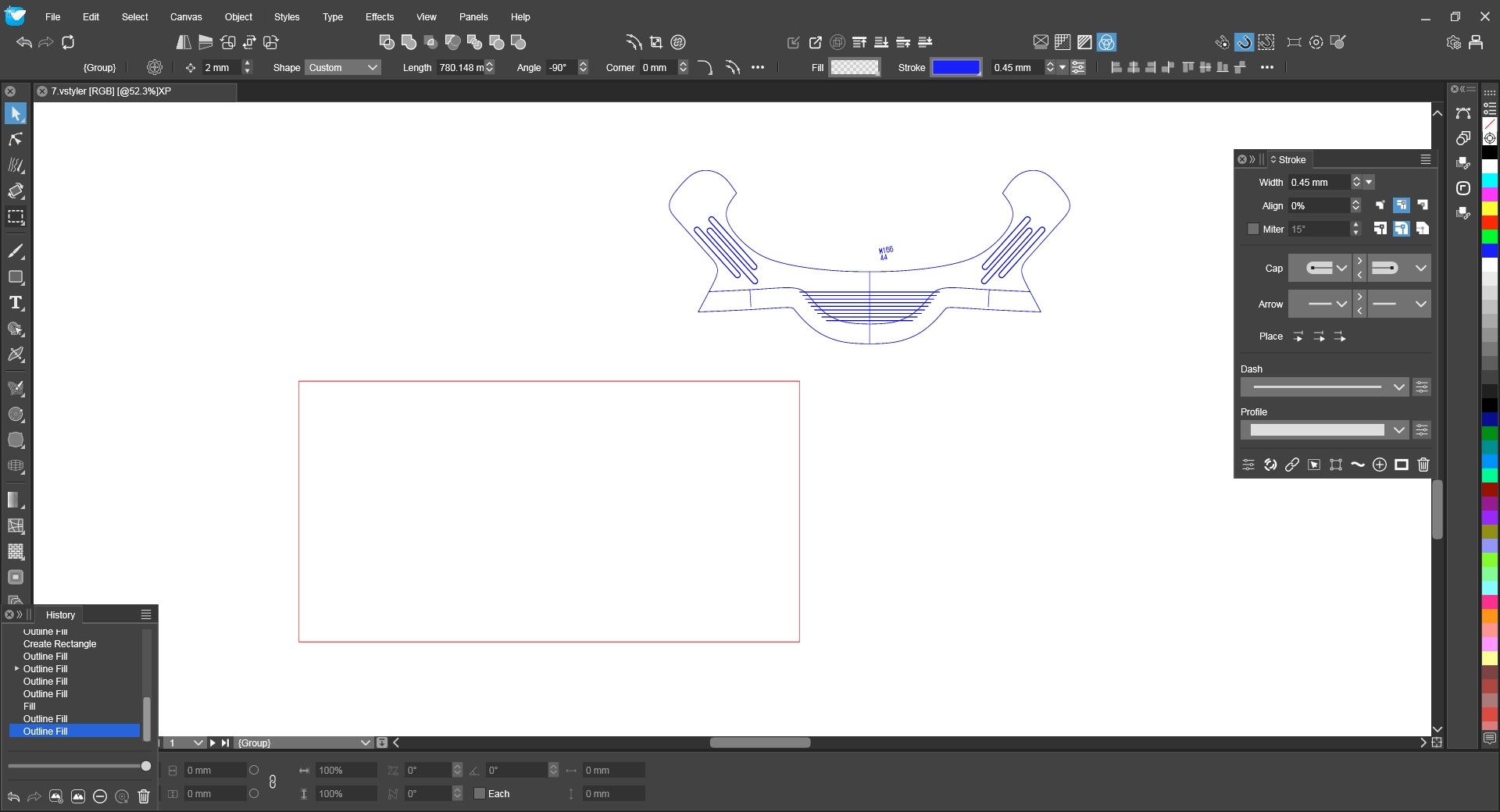
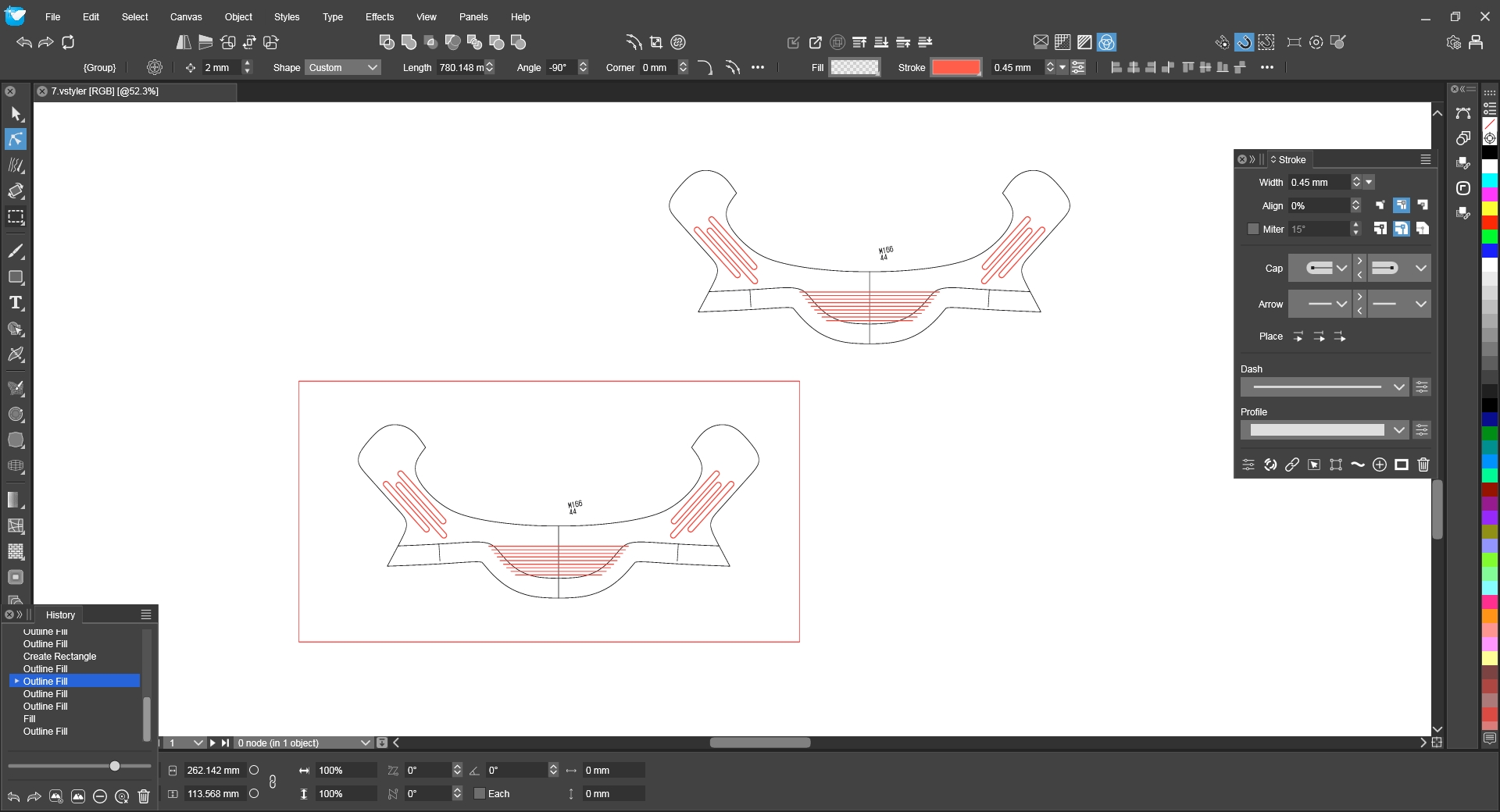
No matter whether you modify the path color or the fill color of the figure in the box below, this object will disappear. Please check what the problem is.
-
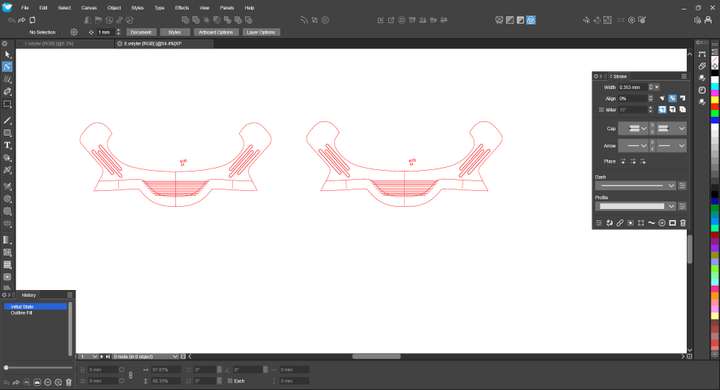 0_1728013887323_8.vstyler Select any group of graphics here. If you ungroup it twice, they will all disappear.
 -
@monsterfox I will try to replicate these.
-
@VectorStyler The errors in the first file have been fixed, but the errors in the second file still exist. And the errors in my file should be the same. I hope they can be fixed together.
0_1728229512366_4_1 (1).vstyler https://youtu.be/tFWpzbONjnQ?feature=shared -
I think your problem is that you have a corrupt shape of some sort.
It seems as if the outer shapes are references of one another because if you hide the outer shape in one group, the outer shape in the other group also disappears - and vice versa.
Also, the outer shape of the object on the left is corrupted somehow. If you select the outer shape and switch to the Node Tool, you can see the hilited nodes are not following the path. They are off path. However, if you examine the outer shape of the object on the right with the Node Tool, the nodes are ok. They follow the path.
So if you delete the entire object on the left and simply duplicate the object on the right, now you will be able to ungroup them twice without any issue.
Were these imported by any chance from a CAD program? I think one way or the other the left shape got corrupted and that's why the error happened.
https://rumble.com/v5hox9x-vectorstyler-corrupt-shape....html
-
@pentool Now many errors are caused by compound paths. I need to correct the angles of symmetrical objects. The path panel in VS is very useful, but it has not supported the group state. If it is in the group state, this error will not occur. The graphics cloned from File 2 and File 3 will not make mistakes if a "convert to curves" operation is performed once. So I am in a dilemma now.
-
@monsterfox I will reopen this issue with the second file and try to find a solution for the next build.