Precision error - Guidelines and Center of Object not Perfectly Aligned when positions are Identical
-
Bug:
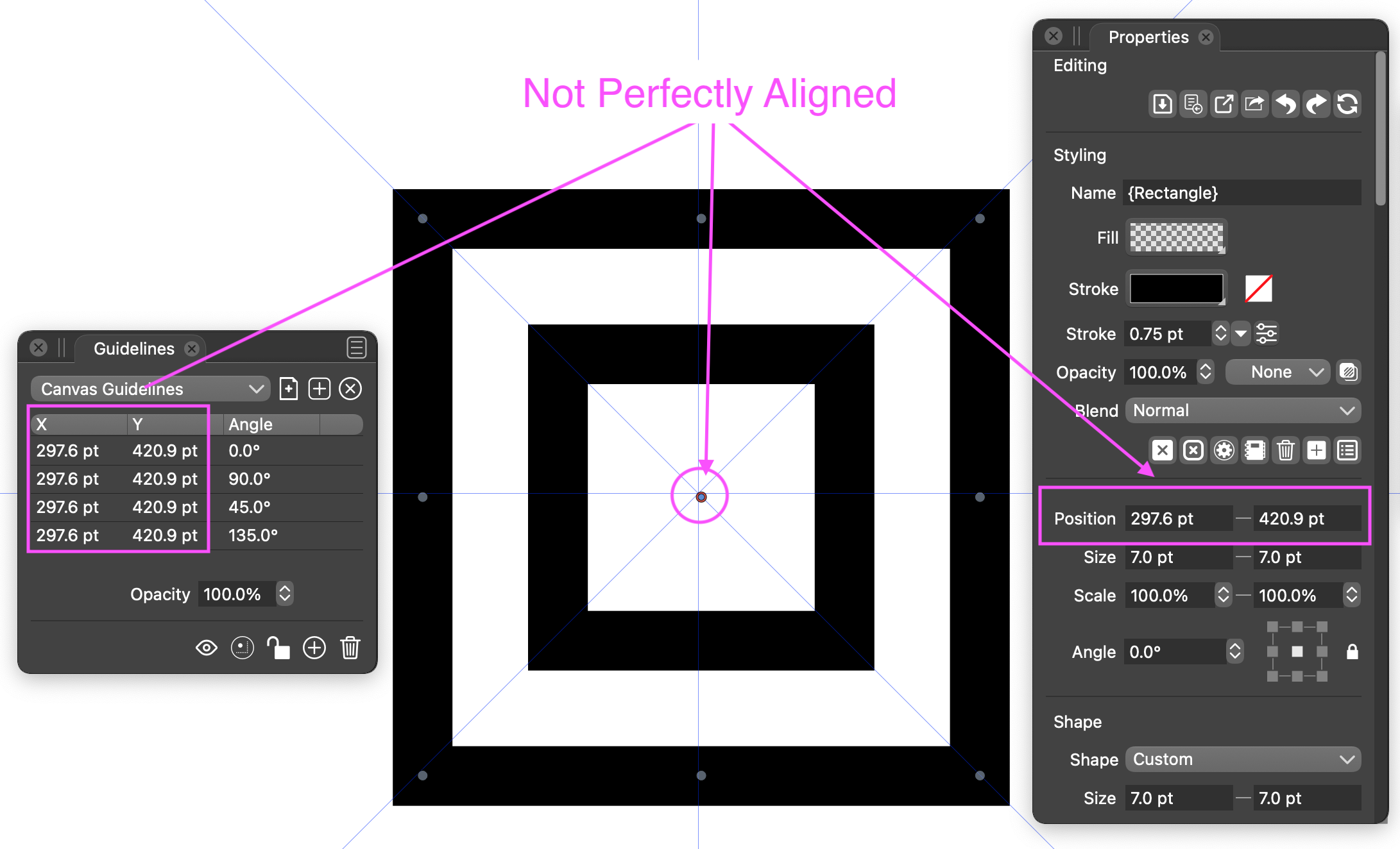
I created a Perfect Square and the Center of it is off slightly and not perfectly aligned with Guidelines set to the exact same location.
In my Example, the Guidelines Panel X and Y coordinates are the exact same value as the Square Center Position Coordinates as shown in the Properties Panel, yet the intersection of the Guides and the Center of the Square are not Perfectly aligned.
This can clearly be seen when using High Zoom magnification.
Maybe there is some kind of "rounding errors" ?
I am sending you the file for examination to see if you can determine why there is not perfect alignment so you can fix it.
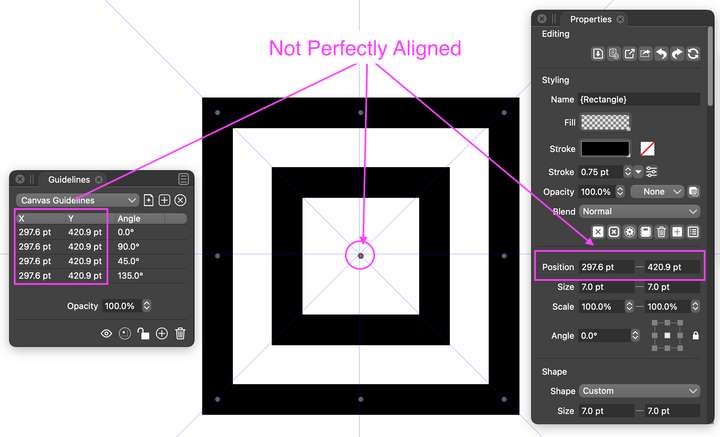
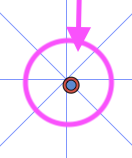
.
FYI, I also tried another example with a perfect Circle. This also did not align perfectly.
-
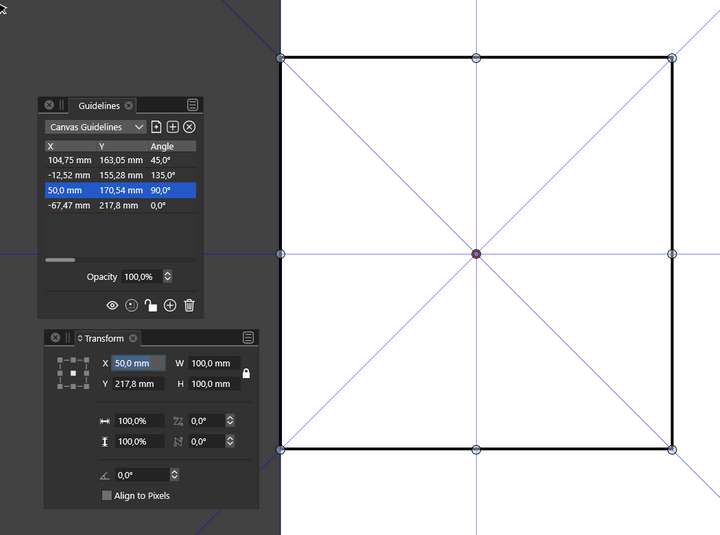
I can't reproduce the error.
Maybe two decimal places would solve the problem? What about other units
-
@Vector-Rock Got the file.
The issue is with the precision of displaying the number in the UI. The actual rectangle X position is 297.638 pt.The precision of numbers can be set in Preferences -> Number Editors -> Point Decimals (when pt is used).
Typing 297.6 pt into the field and confirming with enter, will move the rectangle to the proper position.
-
@vectroadmin,
Thank you,

Adjusting the Preferences by increasing the number of decimal places did provide accurate alignment.

.
.@vectoradmin,
Could you fix a minor Bug with the Properties Panel.
When set to the maximum 8-decimal places (for pt, I have not tested the other unit values), the Properties Panel, even when pulled to maximum horizontal width, will not fit all the numerical decimal places and the letters "pt". Could you please adjust and make the data entry field wider/bigger to accommodate the maximum value?
.
FYI, The Guidelines Panel could be pulled horizontally to fit the complete value, so all is good there.

