About page
-
@VectorStyler https://youtu.be/ikrYV0BgwTs?feature=shared
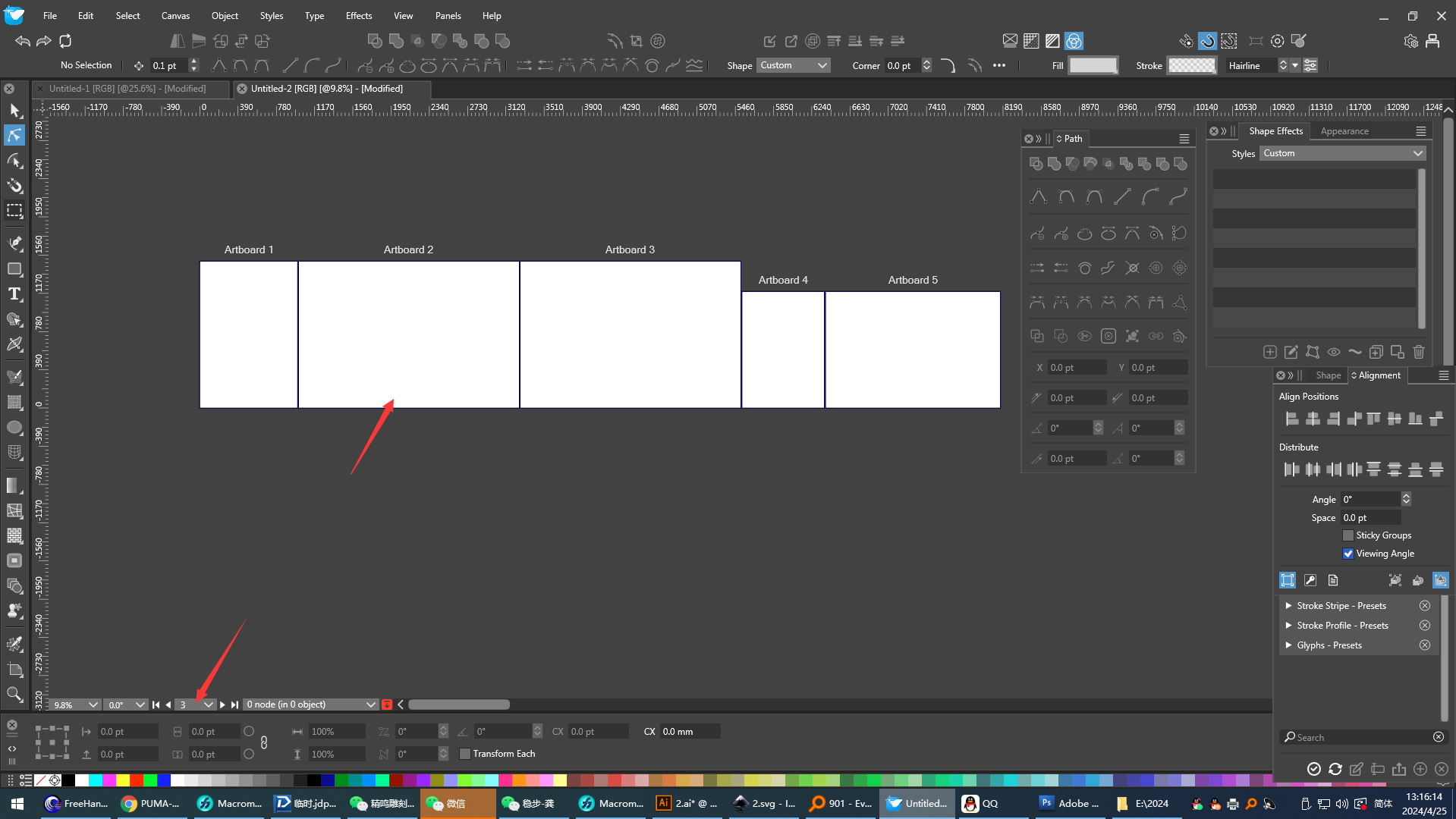
For the third point, Freehand can be referred to. Select any drawing board randomly, and when its position is moved, the code of the current drawing board will be updated automatically. (Pay attention to the change of the drawing board code below.) The coding sequence is always in the order from top to bottom and from left to right. If Visual Studio (VS) uses this feature, it will be much more natural to view the order of the drawing board codes when arranging the drawing boards. First, there will be no situation where the drawing board codes are odd numbers above and even numbers below. Second, there will be no situation where the drawing board codes are arranged in a ring - like pattern, which is very difficult to operate. I hope this function can be added. Thank you. -
@monsterfox said in About page:
and when its position is moved, the code of the current drawing board will be updated automatically.
This cannot be done in VectorStyler. The artboard names are associated (and editable) to the artboard and they cannot change based on position.
-
@VectorStyler
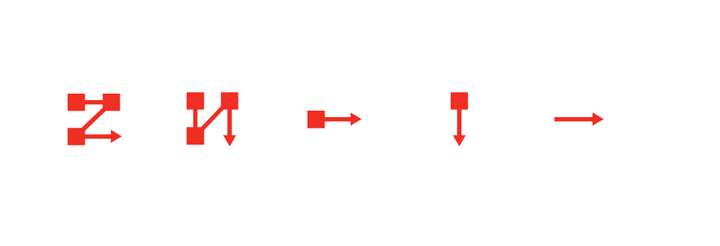
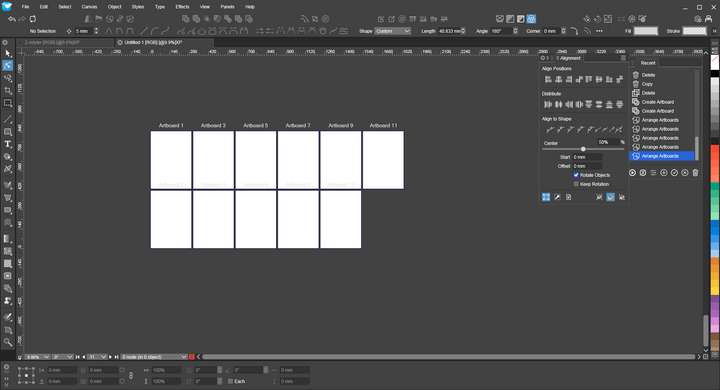
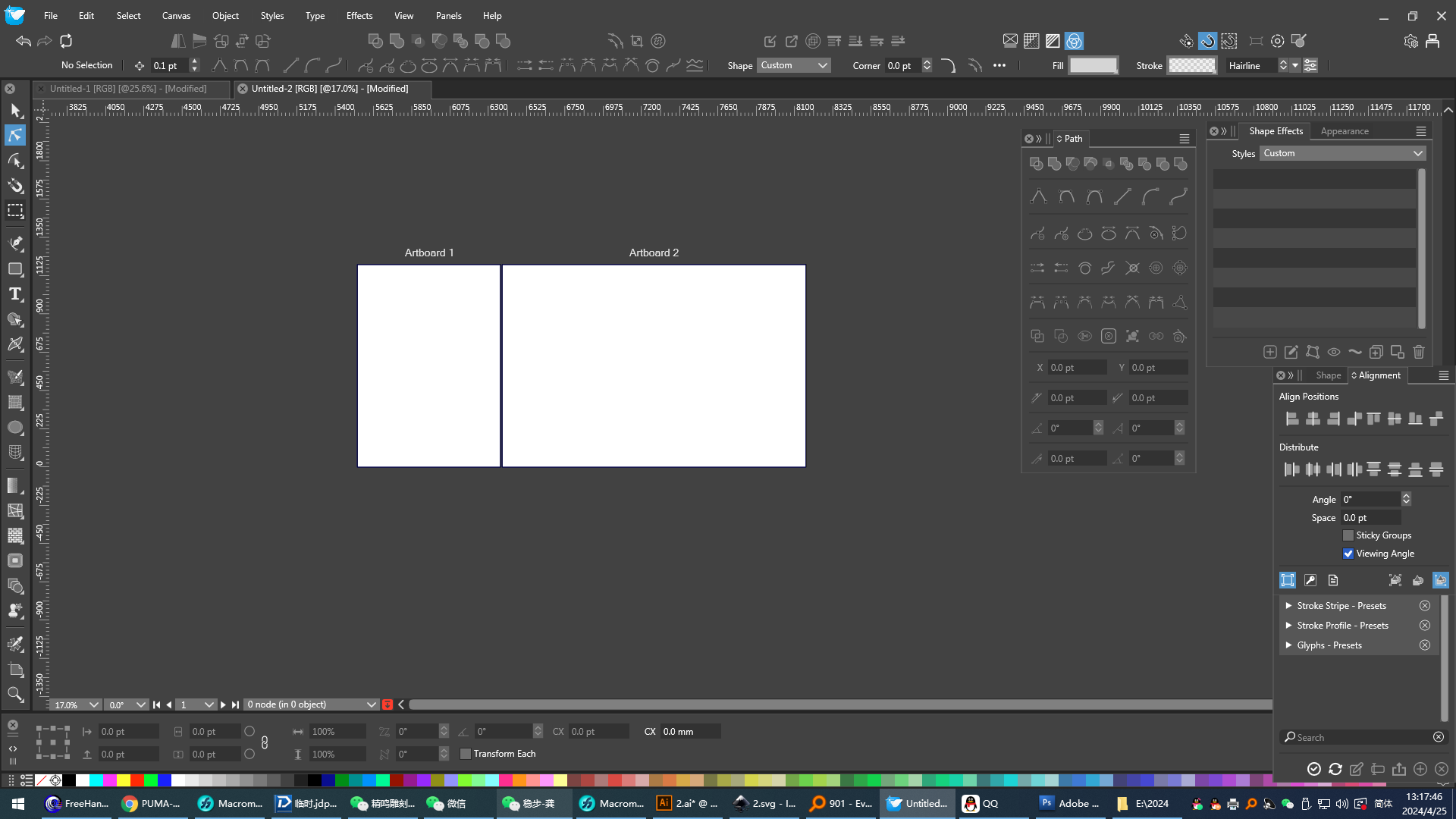
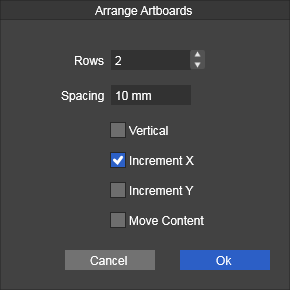 At present, VS can basically complete the form of artboard arrangement, but the control of artboard coding during typesetting is still insufficient. When one row of artboards is arranged into two rows, the artboard coding has odd numbers on the top and even numbers on the bottom, and the logic is a bit wrong. It is recommended to adopt the arrangement method of AI software and use five buttons for control. The first four buttons control the arrangement direction, and the fifth button reverses the direction. I think this can basically meet the needs of most people. Please add this function.
 -
@monsterfox said in About page:
It is recommended to adopt the arrangement method of AI software and use five buttons for control.
I will try to improve this.
-
@VectorStyler
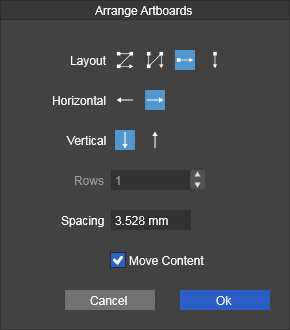
This operation is much more convenient now. There is also a problem. The arrangement methods of the third and fourth in the first row should be in a horizontal row and a vertical row to arrange the drawing board, but it seems ineffective (after modifying the two rows, it is ineffective to use this arrangement method again). -
This post is deleted! -
This post is deleted! -
This post is deleted! -
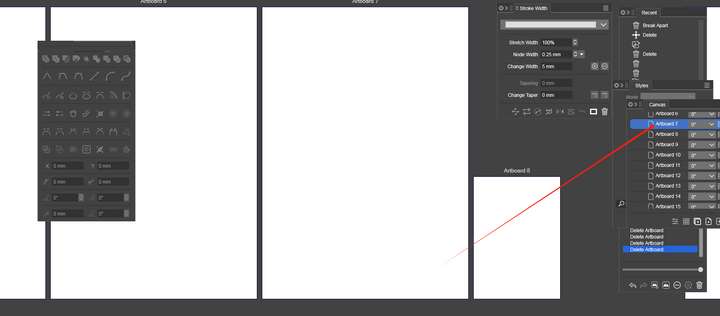
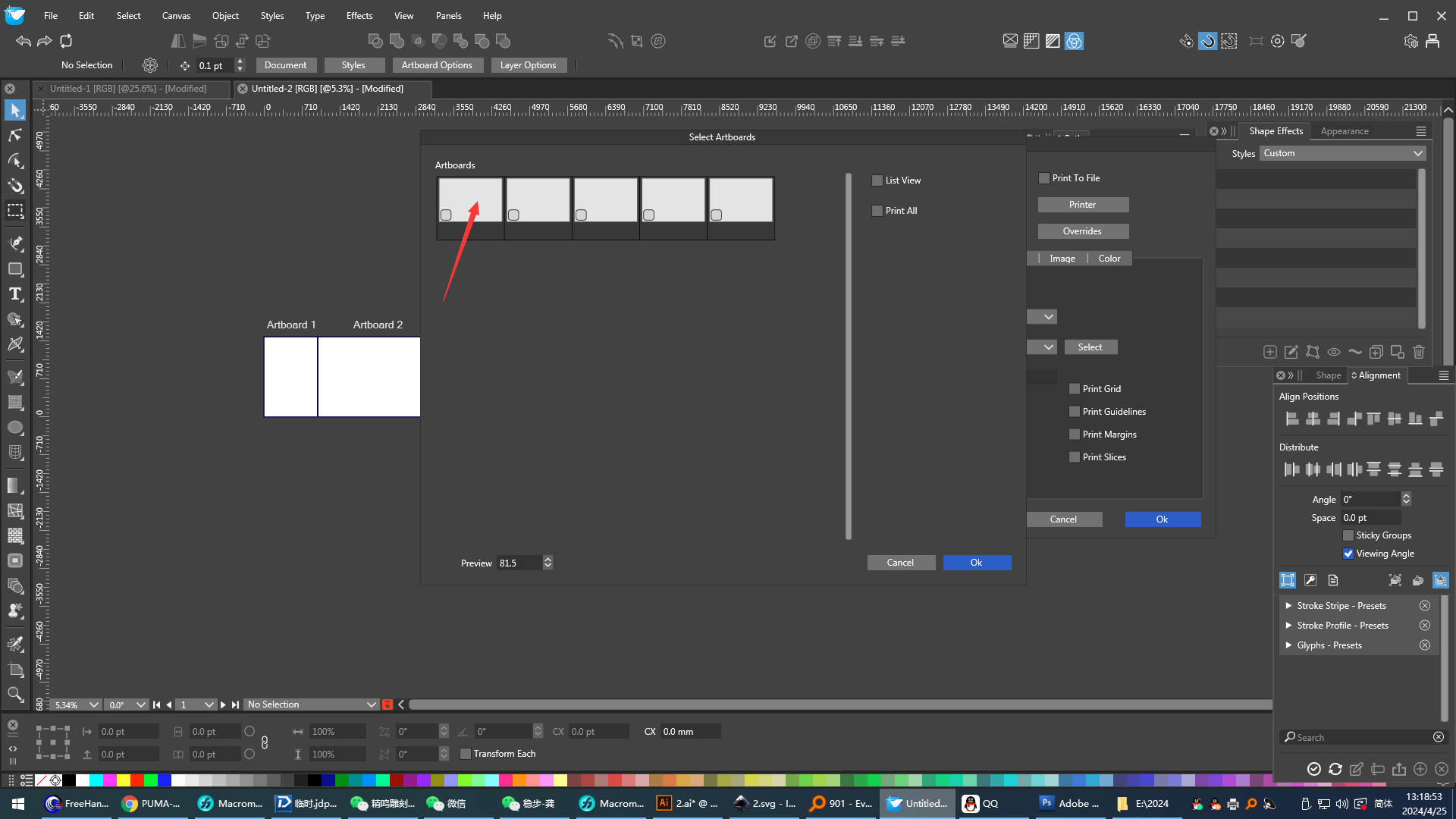
- Let the ordinary pointer tool have the function of recognizing the drawing board code.
Does this mean that when clicking on a page, that should become the active page?
I can't quite understand the meaning of the activity page. For Freehand, simply click on the drawing board. Only the drawing board bar below needs to be able to recognize the current drawing board's code, without the need to select and move the drawing board. Recognition alone is sufficient. And this does not conflict with the properties of the drawing board tools. I hope this feature can be added.
-
@monsterfox said in About page:
I can't quite understand the meaning of the activity page.
The active page is used by some actions, like exporting (current artboard) or zooming to artboard.
-
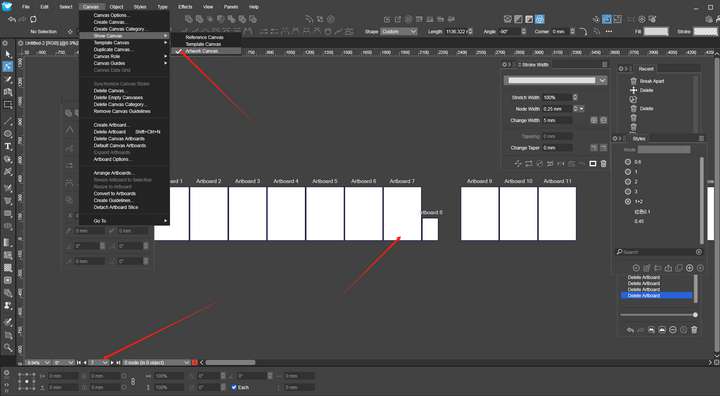
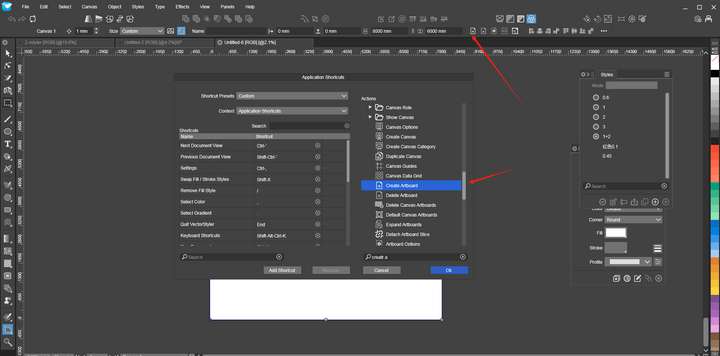
@VectorStyler The function of the red arrow above is not in the shortcut key list. What is in the list is the dialog box for batch - creating drawing boards. I hope it can be added in.
-
@monsterfox I added this to the backlog.
-
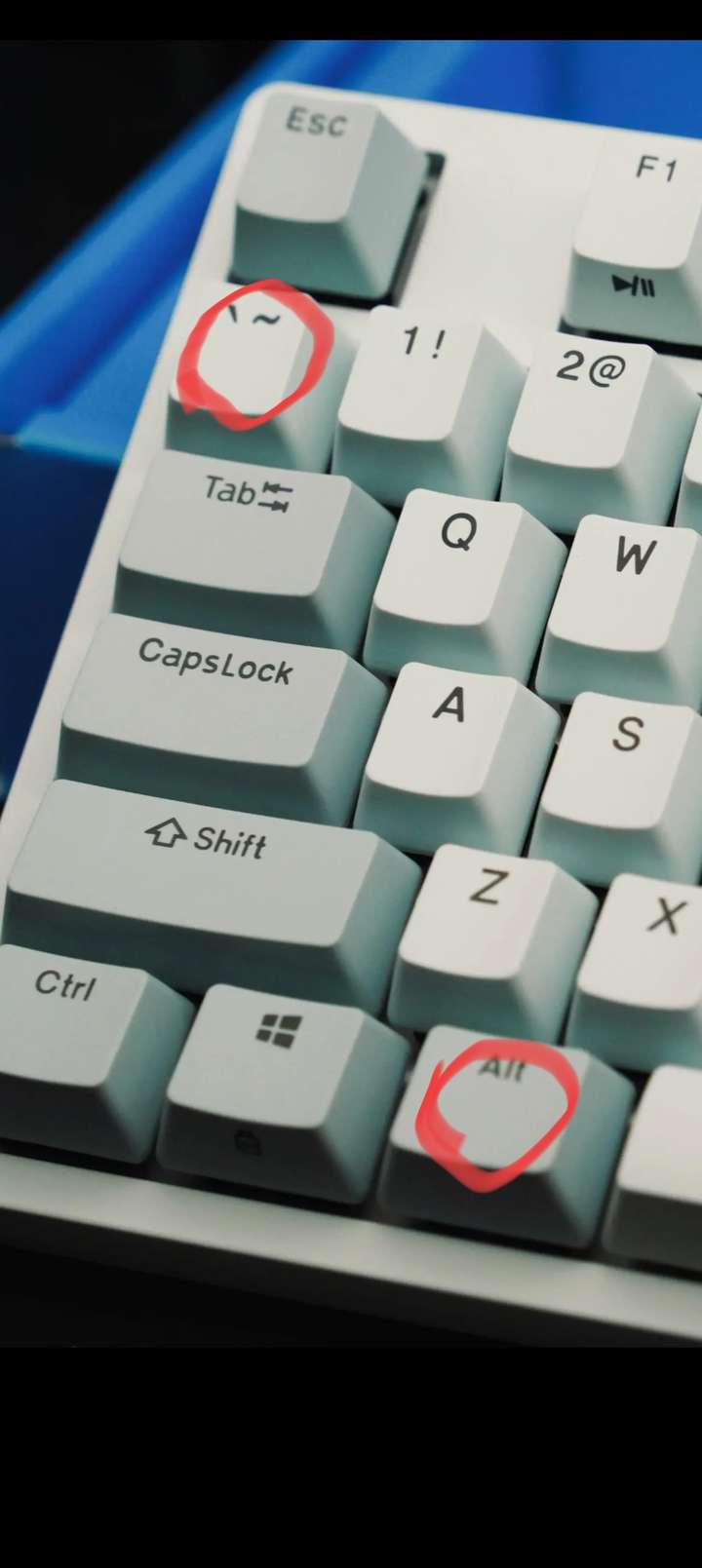
@VectorStyler By the way, as shown in the figure, the shortcut keys cannot be set. I hope it can be fixed.
-
- It is hoped that a function of maximizing the display of the current drawing board will be added to this menu, and this function has the same effect as maximizing the display of the current drawing board after clicking on the drawing board in the canvas panel.
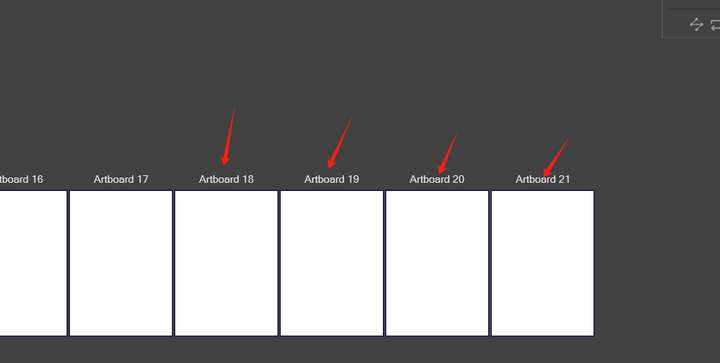
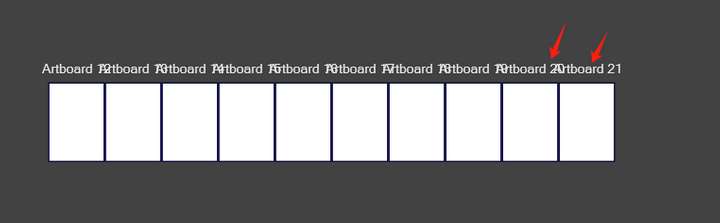
2.At present, after clicking on the drawing board, the drawing board property bar below will automatically recognize the code of the current drawing board. Therefore, the English names of these drawing boards are now redundant and it is hoped that they can be removed so that it will look more concise and clean.
- It is hoped that a function of maximizing the display of the current drawing board will be added to this menu, and this function has the same effect as maximizing the display of the current drawing board after clicking on the drawing board in the canvas panel.
-
@monsterfox said in About page:
maximizing the display of the current drawing board will be added to this menu
This is in the view menu (if I understood correctly).
removed so that it will look more concise and clean.
You can hide the artboard labels with View -> Margins -> Show Artboard Labels
-
@VectorStyler The "Add Artboard" button in VS does not maximize the display of the artboard. However, artboards added using the shortcut key will be displayed in a maximized manner. I hope this issue can be resolved.
https://www.youtube.com/watch?v=ymj0_ZI0h7o -
@monsterfox This is by design. I can change it, but not sure that focusing on the added artboard is best in this case.
-
@VectorStyler I don't think it's necessary. This seems like an action where there are two steps: 1. Create a new canvas, 2. Maximize the canvas display. The shortcut key operation is just for the convenience of adding a canvas. I have also set a separate shortcut key for maximizing the canvas display. I believe most people share my view. This is more in line with the actual operating habits.