Issues with the default printer, and Adobe PDF
-
Hi, I have recently had two issues with a printer. Both these have been experienced using the Windows version of VS, version 1.2.071.
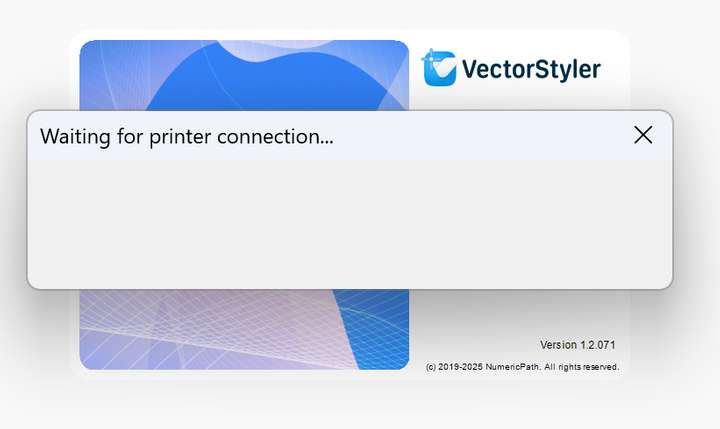
First, whenever I launch the app, I get the following message:
 .
.
It stays on screen without VS responding for about a minute after it goes aways and the app finally launches.The error is probably related to the fact that I currently use the app on a laptop and off the office so the default WiFi printer connection is not available. But it seems to stay even if I set up a virtual printer as the default, probably because VS still remembers the last physical connection and tries to reconnect to that.
Another issue is related to Adobe PDF virtual printer. It works without issues with other apps, but when trying to print using it with VS, printing halts and VS just freezes without possibility to abort the task. Adobe PDF works fine otherwise so I can set up its properties from within VS but just cannot get it processing the actual printing task. Using other virtual printers, like PDF-XChange Standard or Microsoft Print to PDF does not cause issues with VS, only Adobe PDF.
I have not used Adobe PDF lately with VS but I remember to have been able to use it without problems before.
-
@Arde This could be caused by loading the last used printer options at startup.
Try printing with an other printer and change the last used printer.
