VS is completely broken on my system (Mac OS High Sierra)
-
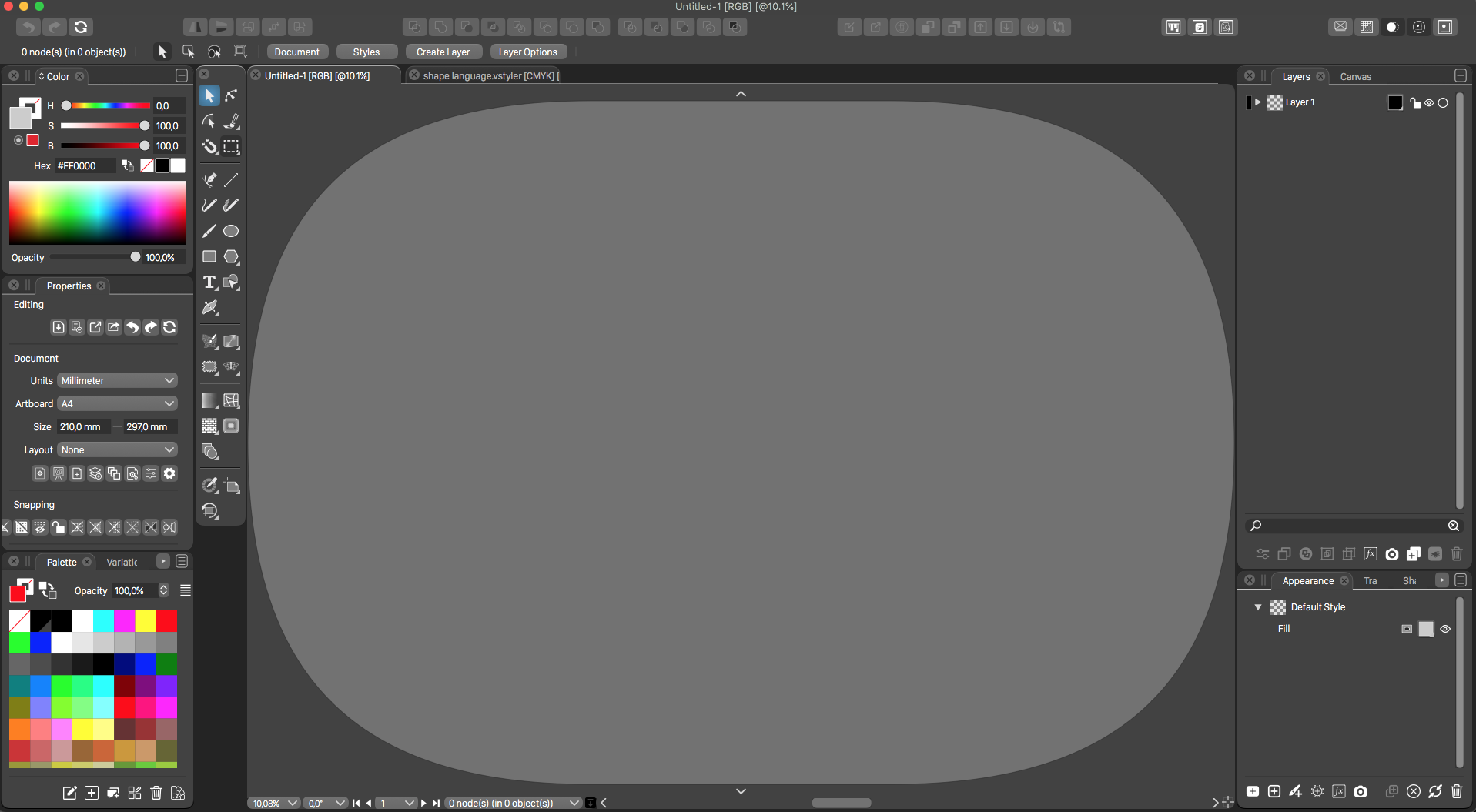
Since the latest updates, VS does not work anymore. I can start the app and all seems OK, but when I open a new document I get a big grey oval shape in the document, and I cannot doe anything with it. I can not zoom in or move anything. Changing settings for the document does no change, I tried various sizes, RGB and CMYK, changed artboard settings... nothing.
All the tools can be normally selected, but I can not do anything with them.
I tried opening a VS document I created in a previous version, but it produces the same result.
I hope you can find a solution as this makes the app useless...
-
@postdes Something went wrong with the workspace. Try staring with Shift+Option+Command to reset settings and workspace.
If that does not work, try deleting the ~/Library/Application Support/NumericPath/.
Is this build 1.0.042 on High Sierra?
-
@postdes if non of the above works, it is also possible to downgrade till the issue is found, by downloading an earlier version from:
https://www.vectorstyler.com/releaselog/ -
@vectoradmin Resetting the workspace as described seems to have done the trick, thanks. This is the latest build, but the issue also occured with the previous one.
-
@postdes Thanks for letting me know. If the issue occurs again, please check what files the ~/Library/Application Support/NumericPath/VectorStyler1.0/vector/data/resources/ folder contains. If there are any files there with the ".res" extension, then something is wrong.
-
Funny thing is, when I turn off rulers, I get the same problem again. When I turn them on again, it gets back to normal.
The library files don't include any .res files, only .xml
-
@postdes Replicated! Turning off the rulers is the issue.
