Missing artboards in Canvas Data Grid
-
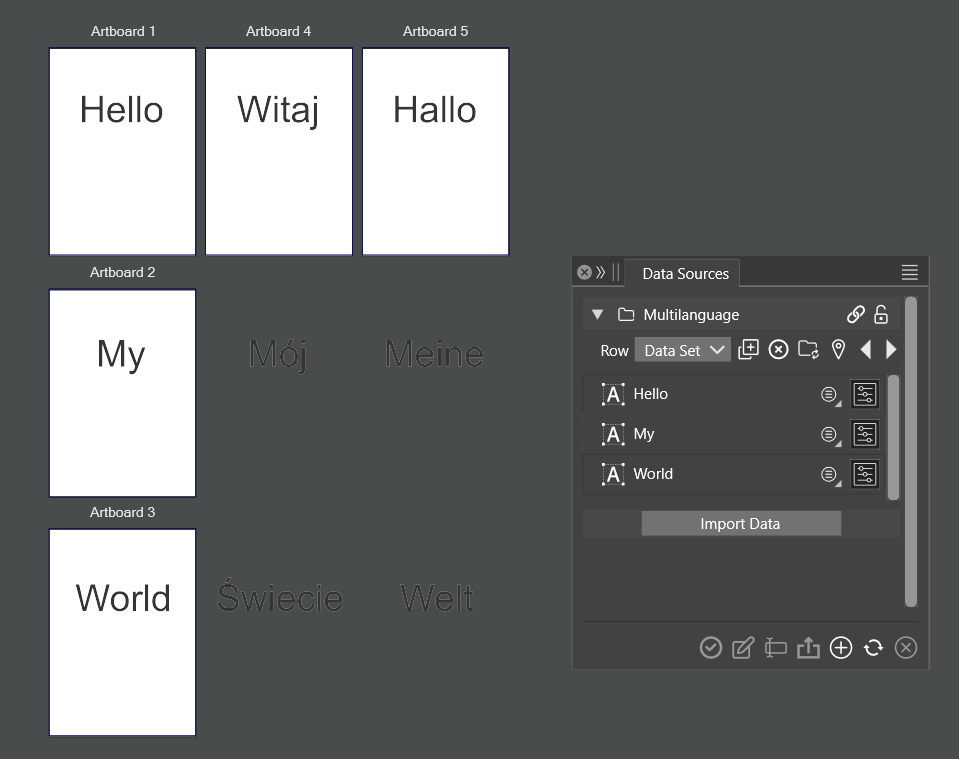
I tried to construct artboard matrices using data sources. It seems that artboards are only created in the first row:
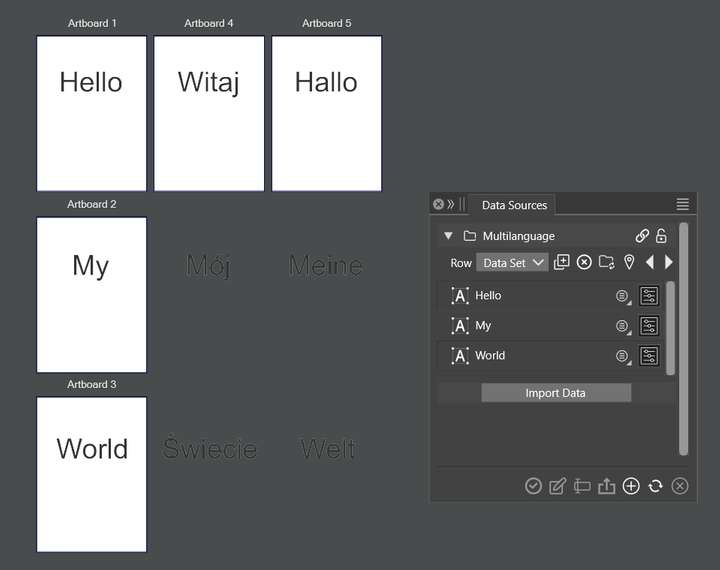
VS and CSV files:
0_1758286176148_Multilanguage.zipWin 11, XP Pen Deco 01 V2 graphic tablet
-
@Harry I opened a bug on this
-
@Harry The problem here is that only a single artboard can be turned into a grid on a canvas.
If a canvas already has multiple artboards, the canvas grid feature will not work. -
@VectorStyler Is there any hope for fixing this to work with multiple artboards?
This feature would be beneficial, for example, when producing brochures/books in several languages at once by entering text in a CSV file.
-
@Harry said in Missing artboards in Canvas Data Grid:
This feature would be beneficial, for example, when producing brochures/books in several languages at once by entering text in a CSV file.
To do that you can use multiple canvases (not artboards).
For this example:- create a template canvas (see canvas&artboards panel)
- on the template canvas you have 3 artboards with the first row of CSV data
- create 3 regular canvases (Artwork canvases)
- set the template for each (Canvas -> Template Canvas)
- set the active data row on each canvas from the Data Sources panel
There is also batch export support to export files with variations (rows) from a data source, without the need for creating canvases
-
@VectorStyler said in Missing artboards in Canvas Data Grid:
There is also batch export support to export files with variations (rows) from a data source, without the need for creating canvases
Ok, thanks. For future reference for other users: This method works for artboards also, but in Canvas / Canvas Data Grid, "No Data" option should be selected.
Still, I have to experiment with the template canvas!
