4- VectorStyler | Blending | Open Paths | Blending Introduction (Part 1) | Full Process Example
-
Hola papus :v

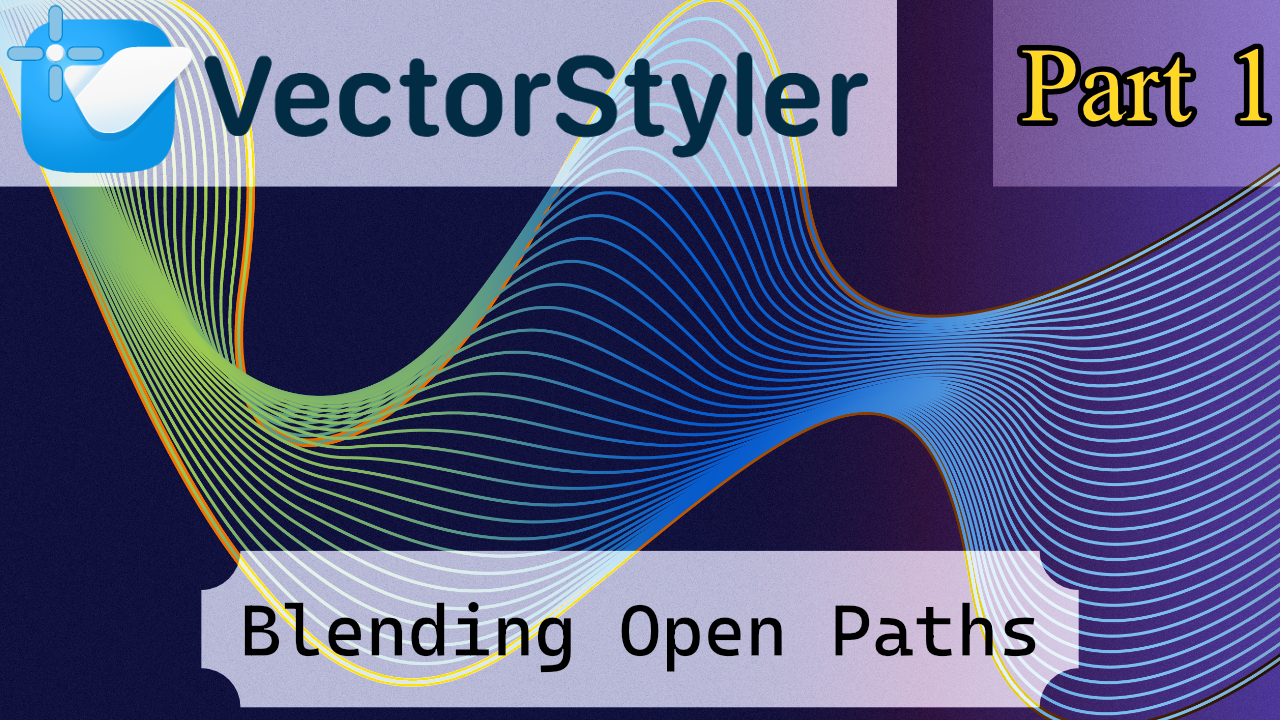
This is a tutorial about Open Paths. I had this idea for a while because it’s a popular effect in Illustrator tutorials, and I wanted to explore it here in VectorStyler.
It’s not the most concise tutorial because I wanted to show most of the visual options. They’re in the documentation, yes, but the official docs can sometimes be hard to visualize.
Some effects might seem like they don’t do anything because they only apply to specific cases. In this tutorial, it’s an Open Path, so certain functions don’t make a noticeable difference. The next tutorial will cover closed shapes, where functions like Align actually have an effect.
I also found another technique for creating a “shape skeleton” for a path, which I’ll cover in a separate linked tutorial. Honestly, linking isn’t that useful in vector design—it’s more relevant for 2D or 3D rigging, and VectorStyler isn’t really built for parent-child setups.
Another tutorial I want to make, not about VectorStyler, is about Strokes in Affinity. Right now there are like forty panels, and most tutorials use the outline mode instead of the real stroke. That will be a separate video too.
