6-VectorStyler | Blending | Linked Paths | Blending Introduction (Part 3) | Shape-Driven Blending --- Bug Report
-
Siento que el ingés no está bien en el título, o está raro, como hablo español, enteiendan que yo solamente interpreto los conceptos, así que algún día habrá algún título bien perrón que no tenga sentido
This is the third part of the blending series, this time focusing on linked paths. The idea is simple: a shape can act as a driver for the blend, meaning the blend reacts to changes in that shape instead of being completely fixed. It’s a small feature, but it can make blends a bit less destructive and easier to tweak later, which can lead to some interesting setups.
There are still a few blend-related topics I could cover, but honestly the subject starts to get repetitive after a while. Because of that, I’ll probably avoid making too many videos that revolve around the exact same thing.
In general, I prefer organizing tutorials by areas or basic exercises rather than stretching one topic too far. Personally, when I watch other channels, I enjoy seeing different examples more than watching many variations of the same demonstration for more than 20 minutes.
TikTok tiene consecuencias muy negativas, en resumen
So my preference is that each video focuses on one concept applied to a specific exercise, which keeps things clearer and a bit more practical.
Spainglish gogogo
Talking serius
Speaking more honestly about the feature itself: it’s not bad, but I don’t see a huge number of uses for it specifically in vectorization. It’s an interesting option if you like experimenting with blends, but it’s a bit niche.
If anything, the feature could benefit from a few small improvements. For example, it would be nice to have something like link options, or even a simple shape slot where you could copy and paste a path to act as the driver for the blend. That would make testing different shapes much faster.
Another issue is how unlinking currently behaves. When you remove the relationship, the link doesn’t really disappear cleanly unless you reset or delete things. Ideally there should be a simple disable link option.
The key detail would be that disabling the link should freeze the current result. Right now the choice is basically to keep the link active or reset the blend, and resetting means losing the result you already had.
So the one realistic improvement I’d really like to see is simple:
– Remove the link without breaking the current blend shape (keep the current state).
Anything more advanced, like a full link history, would probably be unnecessary. But being able to unlink while preserving the current result would make the feature much easier to use in practice.
Or maybe the curren Deactivate Linked Path option is bugged.
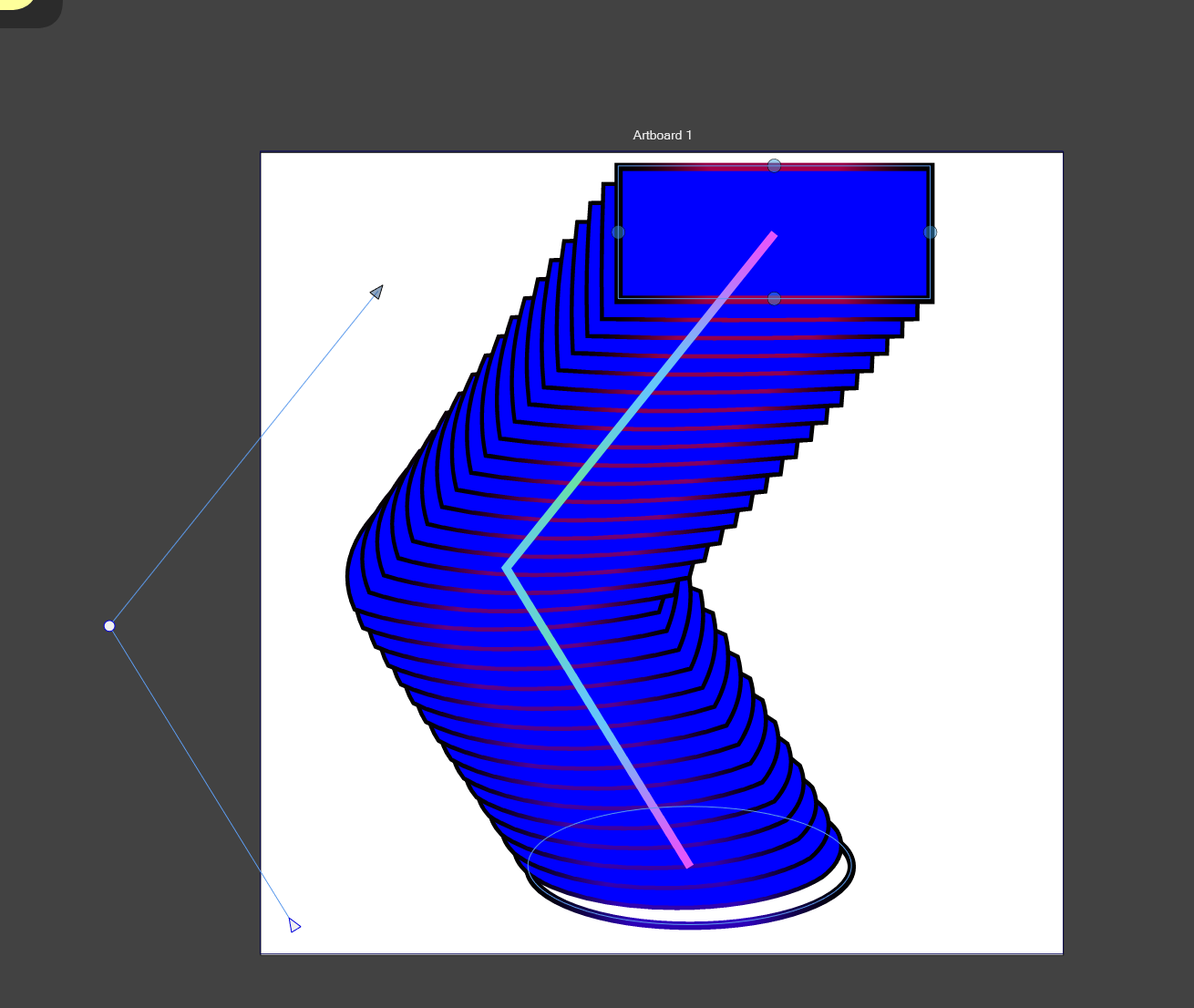
One click
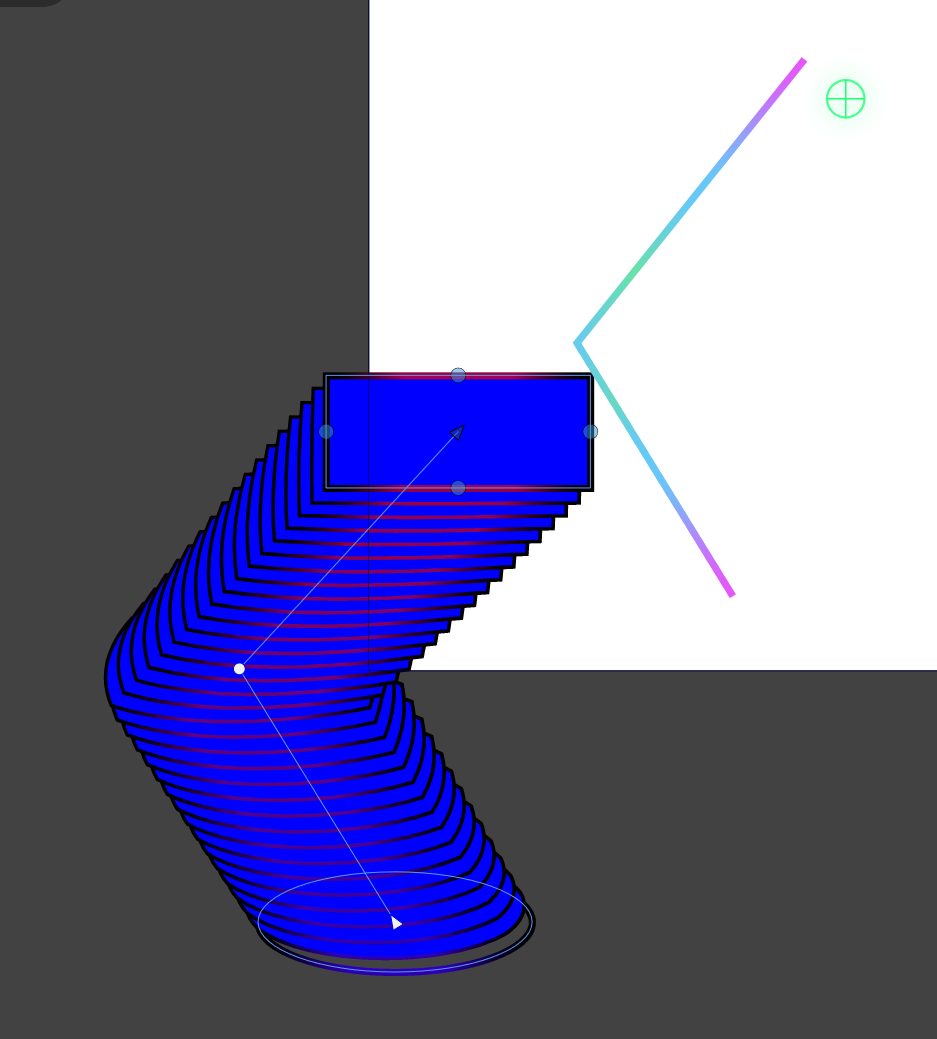
(is a linked path active)
Normally, if it's linked, it should be locked, but the line shifts a few steps, and when you press it, since it's not locked, this happens.
-
Wow, you're setting quite a pace!

Great tutorials! It's great that one can find Vectorstyler tutorials on YouTube
through them and see what Vectorstyler has to offer.
.
.
If I may, I'd like to add something about Blends wich work also with "linked paths"
or "Blends along a path," which I find a pretty nice feature in Vectorstyler." You could create a Pattern Brush from a Blend along a path,
also from Multiblends along a path. "This works this way:
Create a Blend or a Multiblend and Group the Blend then.
Select your grouped Blend go to Menu Styles -> Create Styles ->
Create Pattern Brush Preset and you have Pattern Brush Preset.I've made a tutorial about this quit a while a go.
Here's the link:
https://www.vectorstyler.com/forum/topic/2089/playing-with-blend-in-pattern-brush -
@Clippy-notes I will try to fix this

