Simple Tipp related to Gradient creation
-
Simple Tipp related to Gradient creation
When creating a simple gradient, you can set
the start and end colors as follows:Create an object.
For example, create a linear Gradient.
For the colors do the following:Select the first color with the left mouse button,
then select the second color immediately afterward
with the right mouse button.Its a simple and fast way to select the colors
of a Gradient.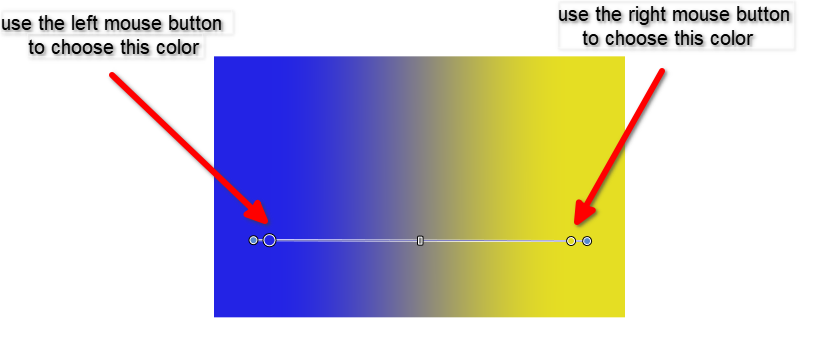
-
S Subpath referenced this topic on