14- NomadSculptxVectorStyler | Create Alpha Stamp | Dyntopo — Stabilize | Alpha with Blur x Noise Effect
-
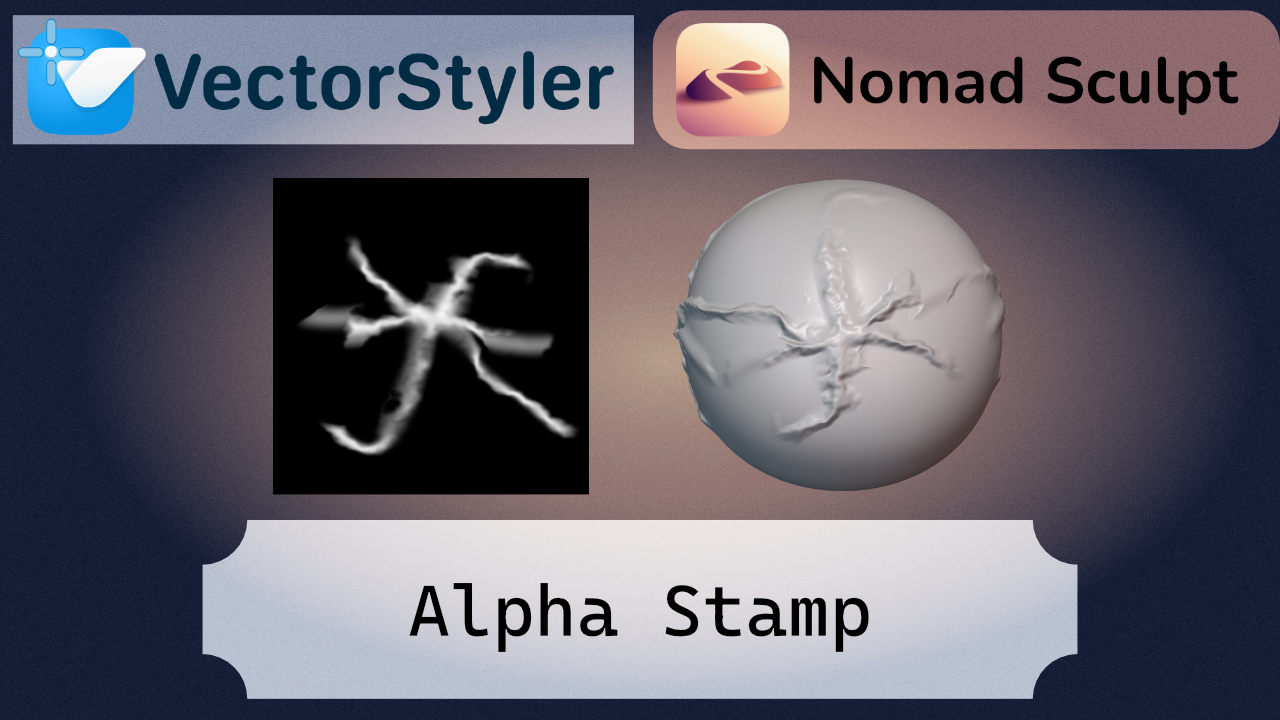
I wanted to make this tutorial because creating your own alpha maps from scratch is an extremely powerful workflow. It gives you full control over the result—for example, selectively adding blur in certain areas can significantly soften the height transitions, which often look too harsh or artificial when using standard alphas. This level of control is difficult to achieve with downloaded maps, but when you build your own, you can get much cleaner and more refined results.I also wanted to explore this cross-workflow to show that tools from different ecosystems can complement each other effectively. VectorStyler is especially strong when it comes to creating assets, and since these are vector-based, they can be scaled without loss of quality. If needed, this allows you to generate fully scalable textures depending on the requirements of your model.
For this reason, I recommend combining vector-based tools with 3D workflows, rather than relying too heavily on pre-made assets or buying them online. This approach gives you full ownership over your work—everything you create is unique, fully editable, and can be adapted precisely to the needs of your project.
