VectorStyler
    • Categories
    • Unread
    • Recent
    • Tags
    • Popular
    • Register
    • Login

    Bug List for Version 1.3

    Scheduled Pinned Locked Moved Bugs in VectorStyler
    81 Posts 4 Posters 18.2k Views 4 Watching
    Loading More Posts
    • Oldest to Newest
    • Newest to Oldest
    • Most Votes
    Reply
    • Reply as topic
    Log in to reply
    This topic has been deleted. Only users with topic management privileges can see it.
    • M Offline
      monsterfox @VectorStyler
      last edited by monsterfox

      @VectorStyler picture.dxf.zip Both files become smaller after import, so the size is not correct. Also, if you use the drag-and-drop method, one of the files cannot perform this operation. Please test it again.

      VectorStylerV 2 Replies Last reply Reply Quote 0
      • VectorStylerV Offline
        VectorStyler @monsterfox
        last edited by

        @monsterfox Also send me a VectorStyler file with these files imported (I want to check the result of importing as it happens for you).

        1 Reply Last reply Reply Quote 0
        • VectorStylerV Offline
          VectorStyler @monsterfox
          last edited by

          @monsterfox

          These are the VS files I get with importing the DXF files:

          22.vstyler

          Picture.DXF.vstyler

          In Adobe Illustrator 2026:
          the "22.dxf" file imports and has the same size as in VS: width 223.8 pt, height 208 pt
          Illustrator cannot import or open the "Picture.DXF.dxf" file

          M 1 Reply Last reply Reply Quote 0
          • M Offline
            monsterfox @VectorStyler
            last edited by monsterfox

            @VectorStyler https://www.youtube.com/watch?v=eBK79FwTJhQ

            BUG.vstyler

            VectorStylerV 1 Reply Last reply Reply Quote 1
            • VectorStylerV Offline
              VectorStyler @monsterfox
              last edited by

              @monsterfox The VS document is in MM the Illustrator in PT

              78.96 mm is about 223.83 pt

              M 1 Reply Last reply Reply Quote 0
              • M Offline
                monsterfox @VectorStyler
                last edited by monsterfox

                @VectorStyler No, both of my software are set to MM as the unit.

                https://youtu.be/QGbnutySYEo

                VectorStylerV 1 Reply Last reply Reply Quote 1
                • VectorStylerV Offline
                  VectorStyler @monsterfox
                  last edited by

                  @monsterfox I will have to review the DXF format to see how the units are handled. I reopened this bug.

                  M 1 Reply Last reply Reply Quote 0
                  • M Offline
                    monsterfox @VectorStyler
                    last edited by

                    @VectorStyler https://youtu.be/ZfK73KvZJkY
                    The issue with importing DXF files has now been resolved. The only remaining problem is that when exporting to DXF, the size of the original geometry is incorrectly scaled up. This has been tested across multiple software versions, and the same result occurs every time.

                    VectorStylerV 1 Reply Last reply Reply Quote 1
                    • VectorStylerV Offline
                      VectorStyler @monsterfox
                      last edited by

                      @monsterfox I will try to fix this

                      M 1 Reply Last reply Reply Quote 0
                      • M Offline
                        monsterfox @VectorStyler
                        last edited by

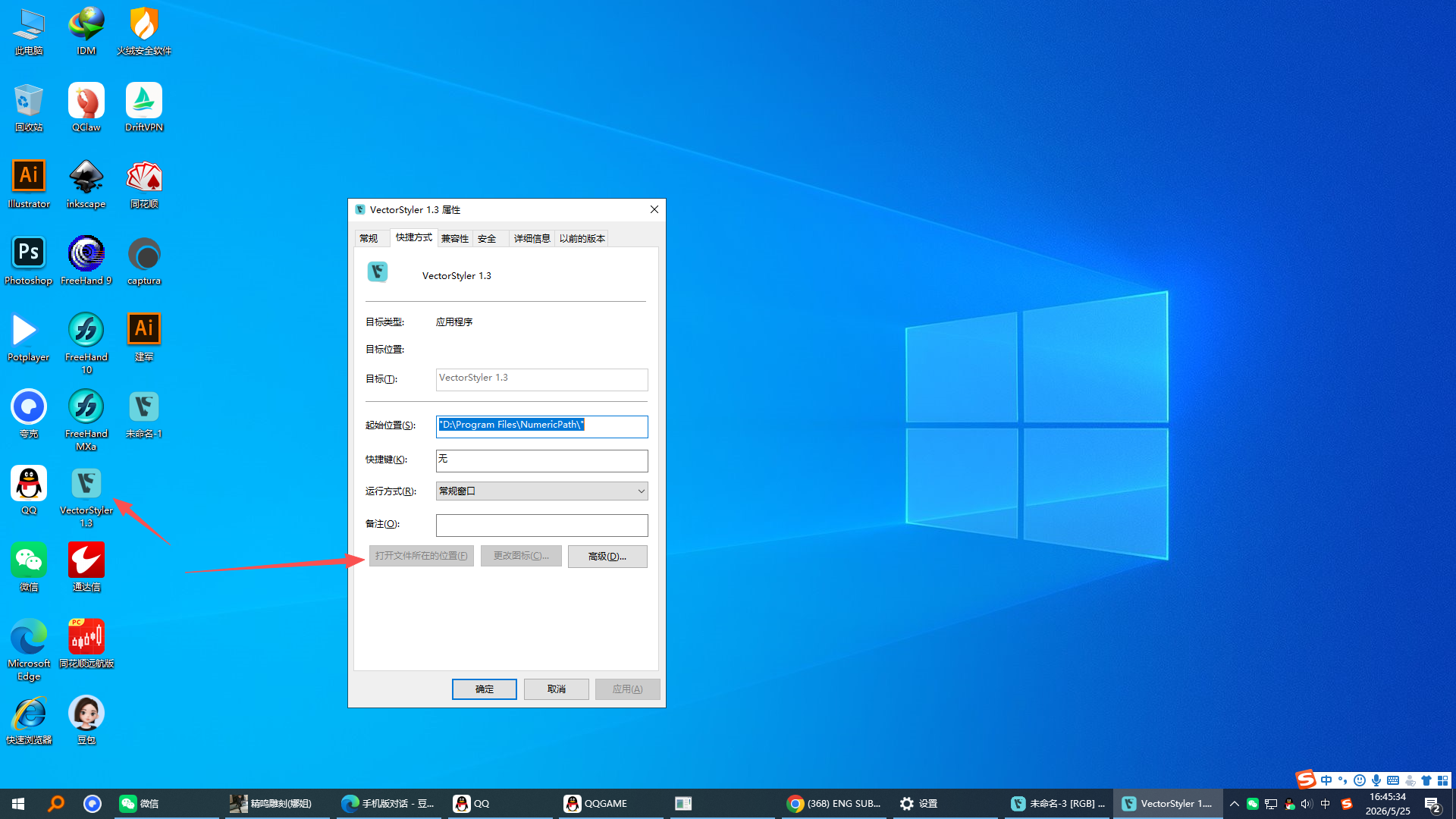
                        @VectorStyler 2aa71e2f-fa48-41e3-9e2d-da9bed3cb17a-image.png Right-clicking the icon on the desktop and selecting "Properties" fails to open the file location. This needs to be fixed.

                        VectorStylerV 1 Reply Last reply Reply Quote 1
                        • VectorStylerV Offline
                          VectorStyler @monsterfox
                          last edited by

                          @monsterfox Will be fixed

                          M 1 Reply Last reply Reply Quote 0
                          • M Offline
                            monsterfox @VectorStyler
                            last edited by

                            @VectorStyler 9e074e6b-1603-4066-bc30-35938648ee89-6a740e6ee28a5e5a0aa4f4d00cbf8166.png
                            a3d22afb-6a9c-44d1-b3fb-6572cbff65d7-e4abdcaea665fb13ee6b786fbb11d86b.png
                            d26c8ba8-e41c-4926-8791-cd22b5313126-image.png
                            ccd0096c-e217-4e5e-8855-35398aa388d0-image.png
                            06631c6b-bec3-460c-825f-fcda0cb7f0d0-image.png
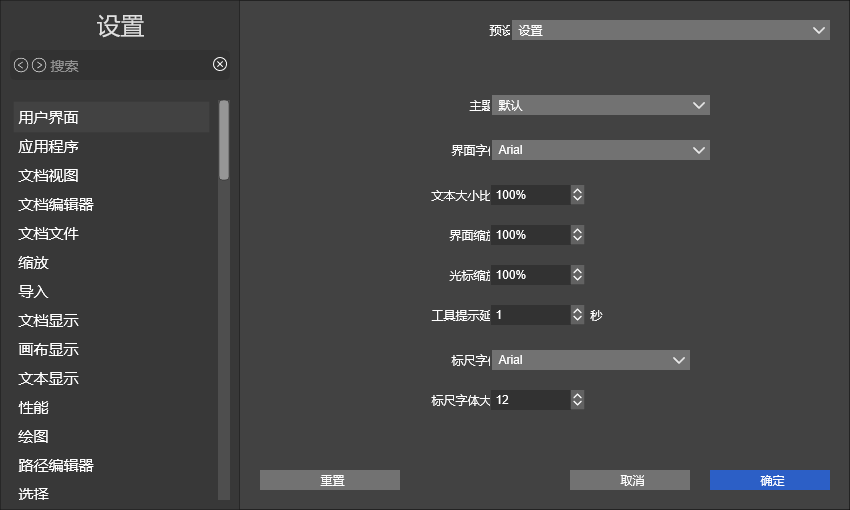
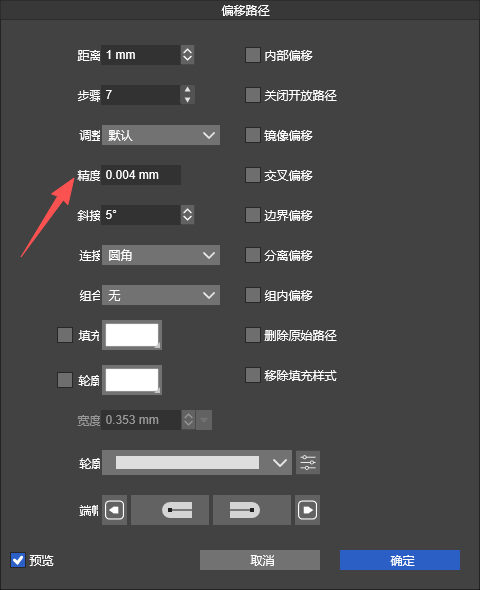
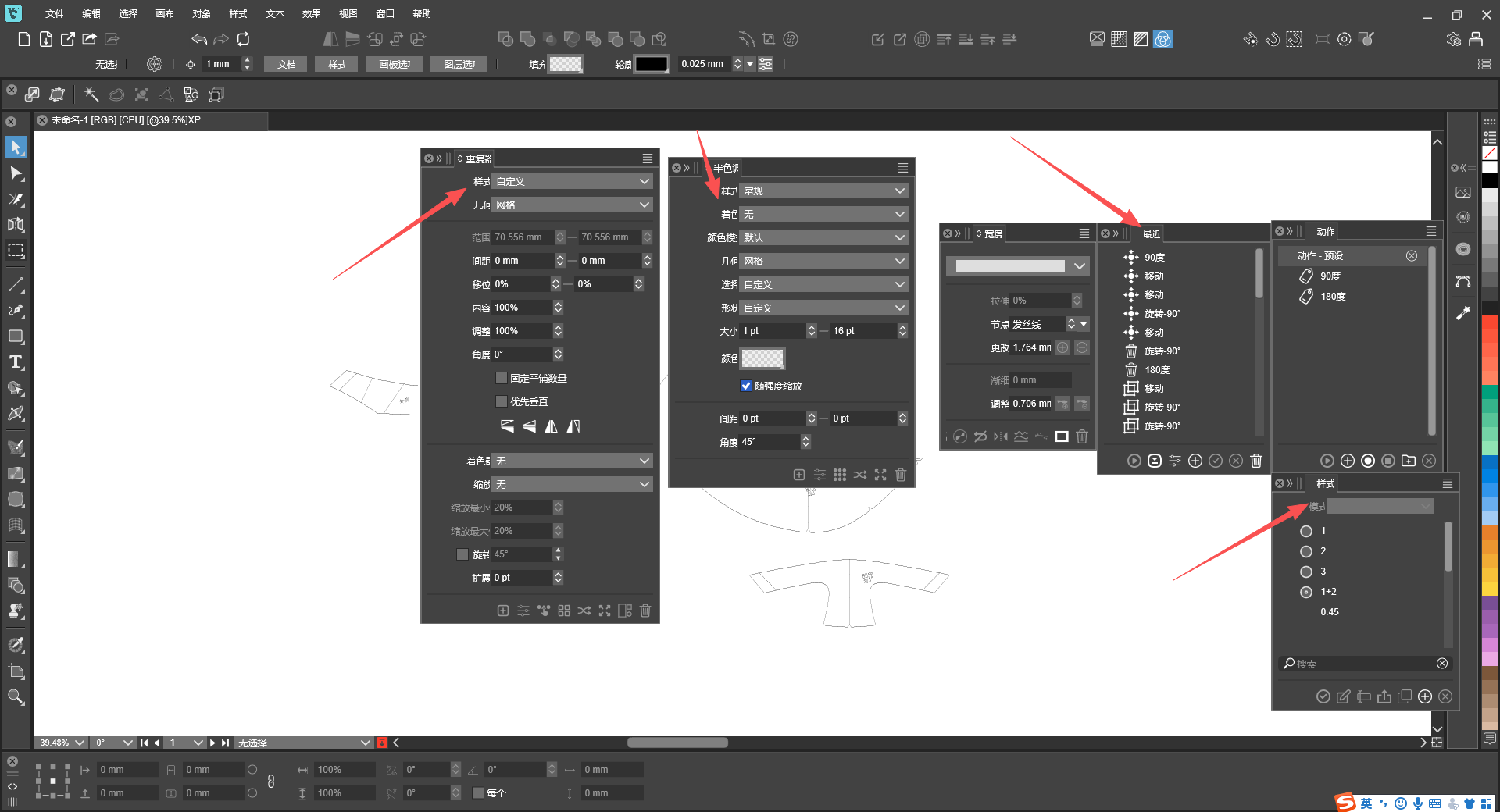
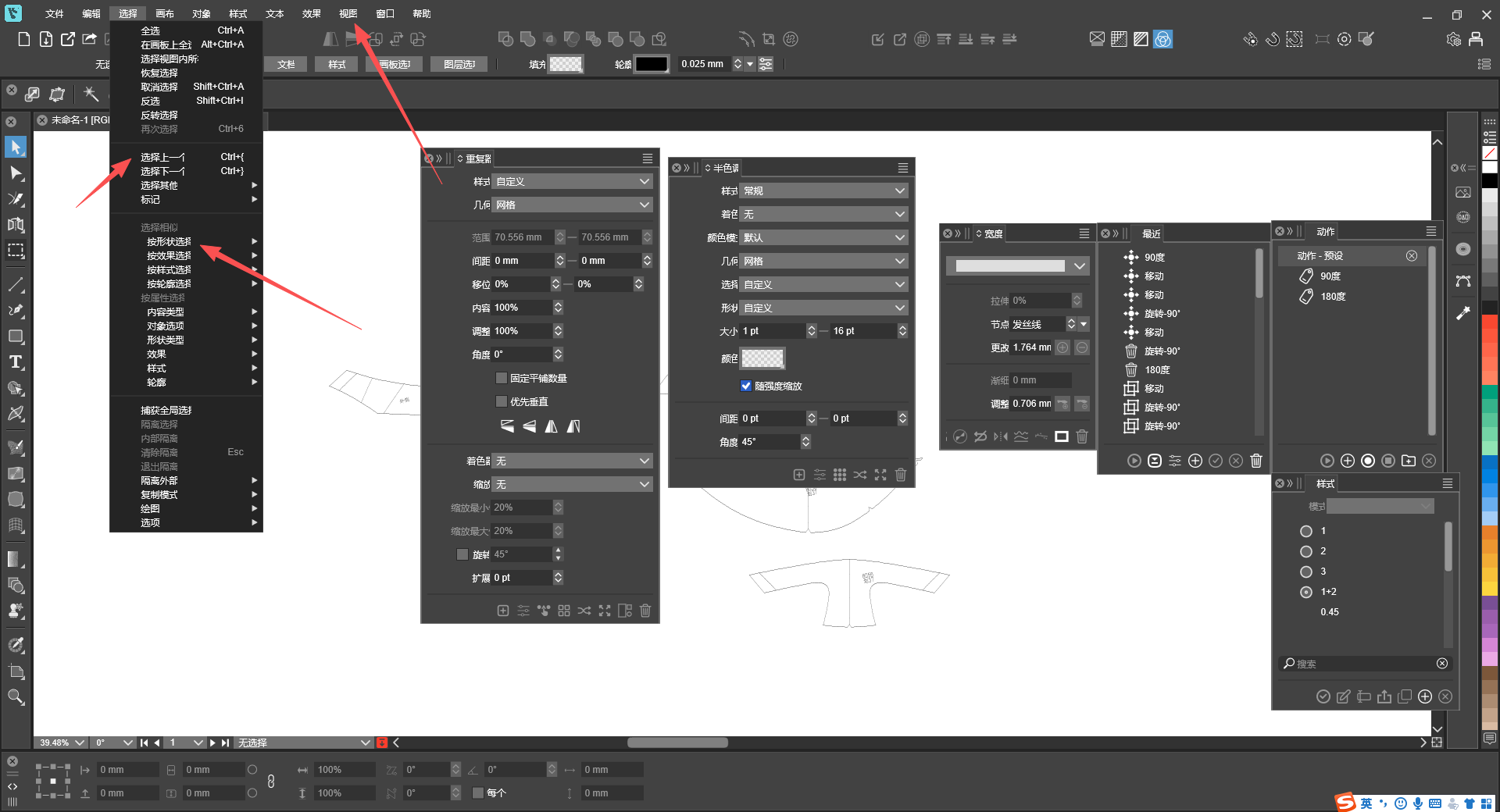
                            My software uses default font size parameters, yet parts of text are incomplete and invisible. This issue occurs on both panels and menus, hoping to get it fixed.

                            VectorStylerV 1 Reply Last reply Reply Quote 1
                            • VectorStylerV Offline
                              VectorStyler @monsterfox
                              last edited by

                              @monsterfox I will open a bug on this

                              1 Reply Last reply Reply Quote 0
                              • First post
                                Last post