PDF Font import bug
-
Title: PDF text imports with incorrect font
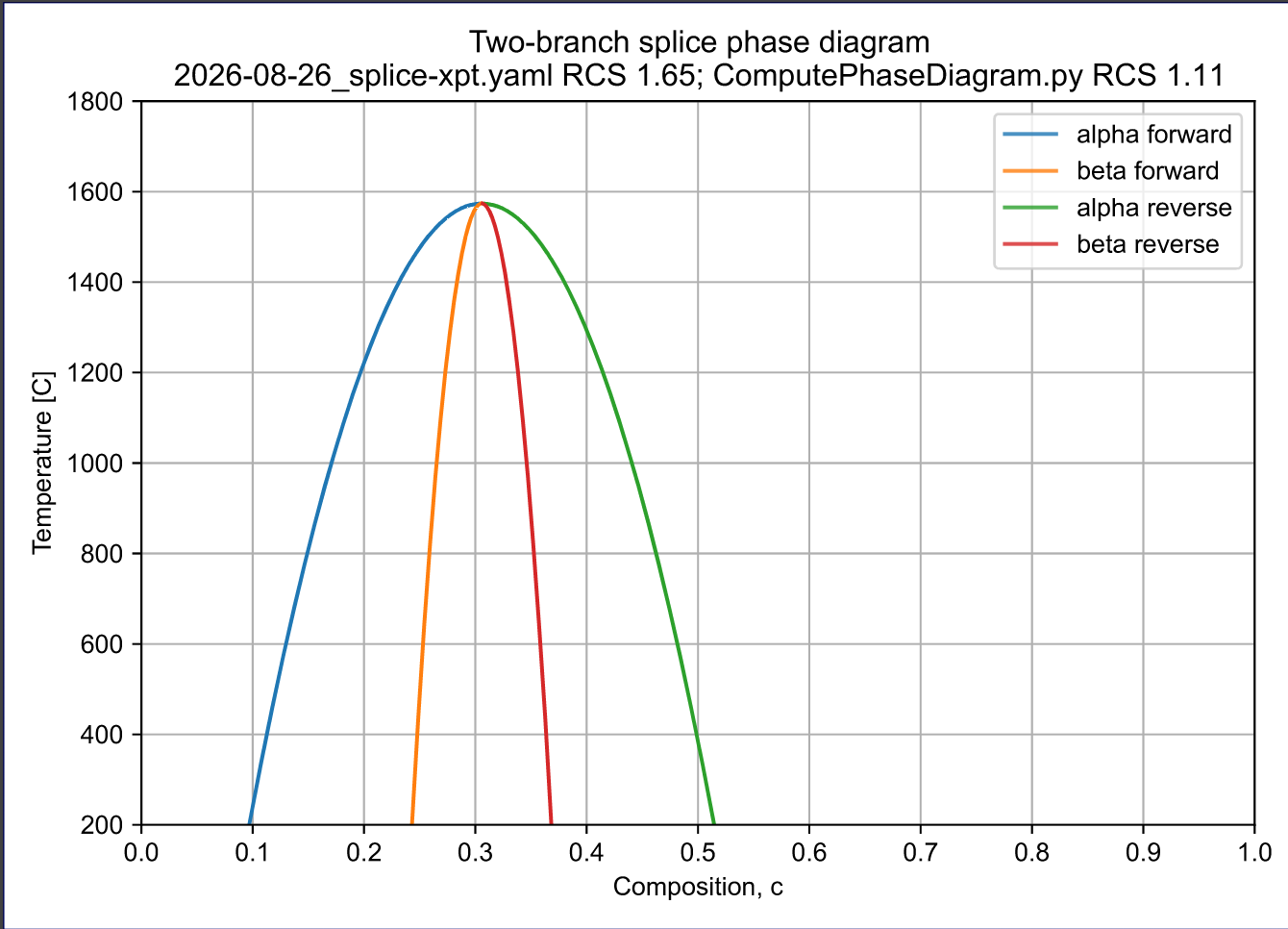
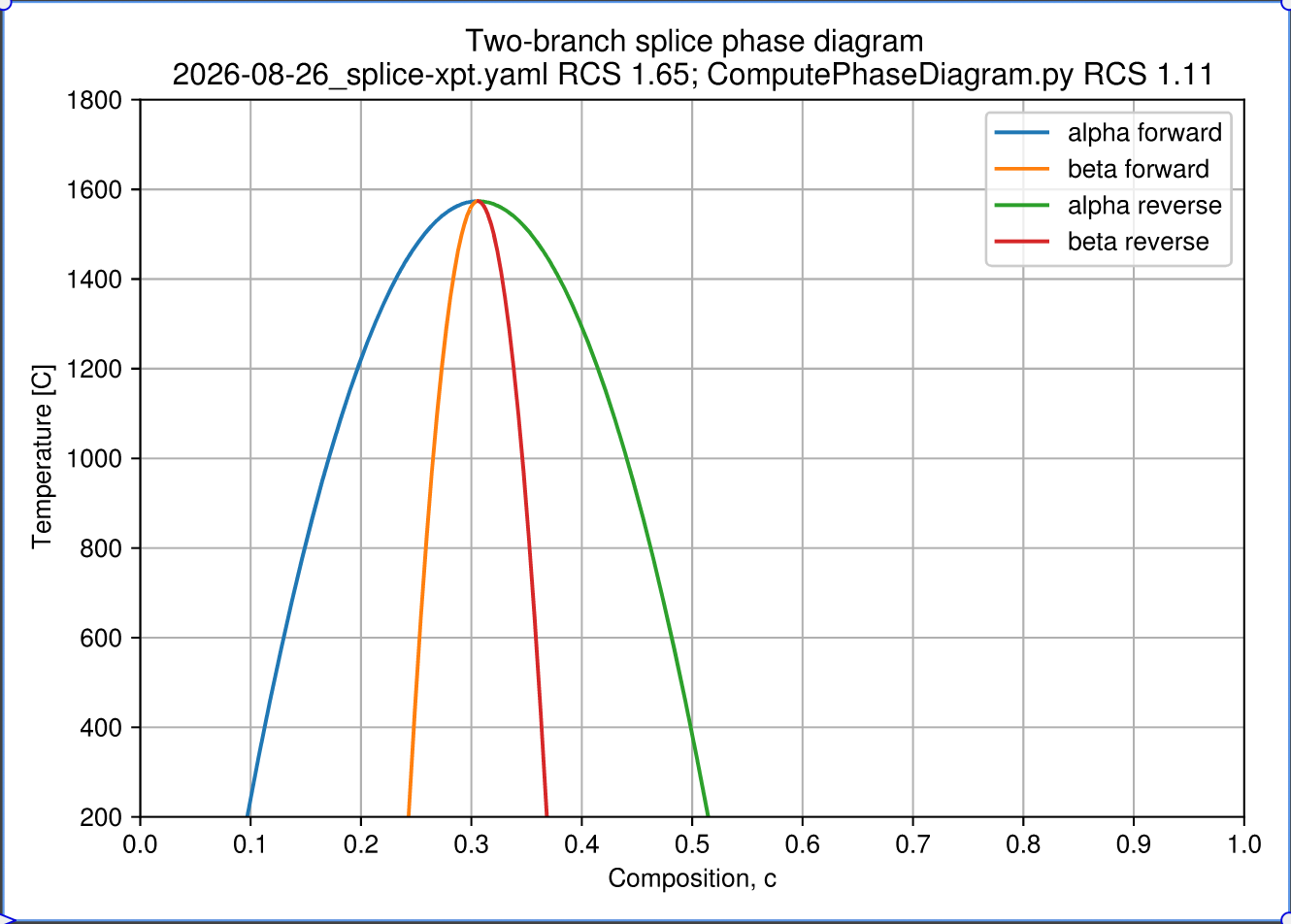
When importing the attached PDF with Text as Curves unchecked, the text does not display correctly. See the attached screenshot.
If I select all of the imported content, VectorStyler shows the font as Sana. If I manually change the font to Helvetica, all of the text displays correctly.
Attached are:
- The original PDF.
- A screenshot showing the result immediately after import.
- A PDF exported from VectorStyler after manually changing the font to Helvetica. [splice-phase-diagram_2026-09-28T15-47-15-VS-exportedPDF.pdf](Image dimensions are too big) [splice-phase-diagram_2026-09-28T15-47-15.pdf](Image dimensions are too big)
-
splice-phase-diagram_2026-09-28T15-47-15.pdf
splice-phase-diagram_2026-09-28T15-47-15-VS-exportedPDF.pdf
The screen shot was too big. This should get you there.
-
@jpsimmons I opened a bug on this
-
@jpsimmons
I tested these files. When opening, the font is replaced to Helvetica, here are the screenshots of the import as displays in VectorStyler.Send me the .vstyler file (by email) that results on your side when opening the PDF (and saving to .vstyler)
 .
.
