Bug List for Version 1.3

-
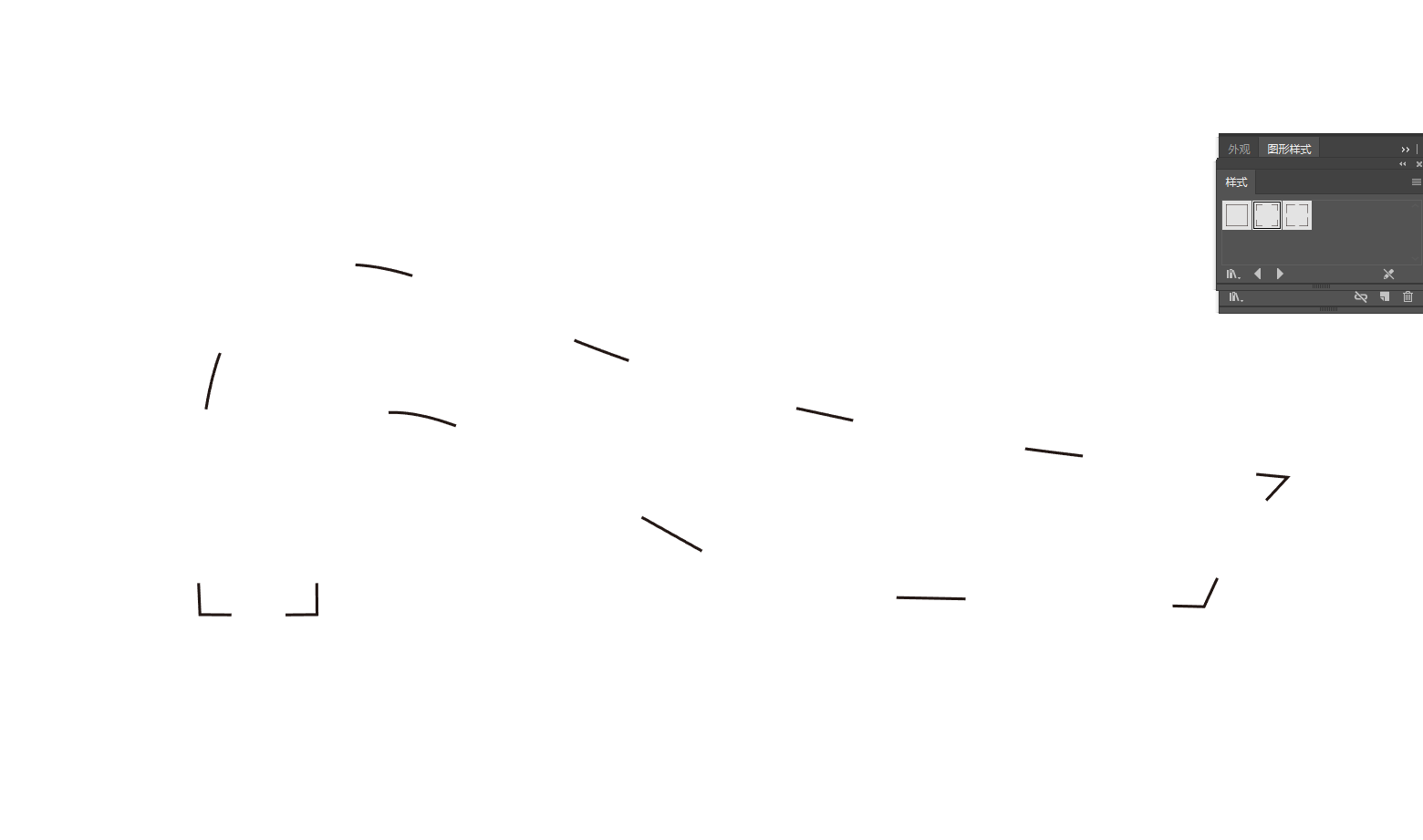
What tool is used in this case? I cannot see this from the video.
-
@VectorStyler https://youtu.be/T1P7AtA457c
混合.vstyler- Copy these two shapes to a new page, and the gray color will disappear.
- Scale down two identical shapes; one has Outline checked and the other does not, resulting in different final shapes.
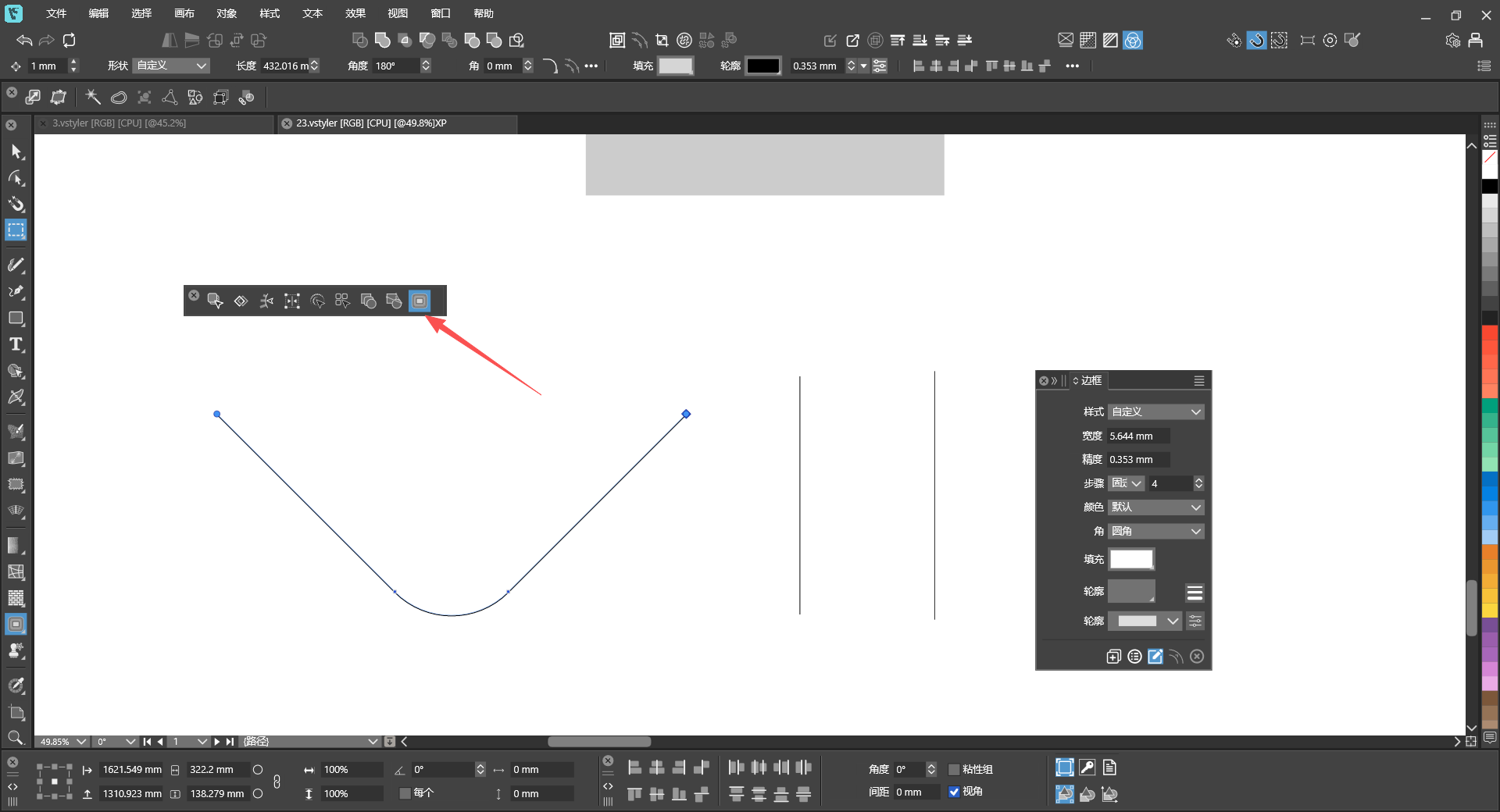
- Hold Ctrl and left-click the shape, and two identical tools will appear on the top toolbar.
- This shape’s outline has a gradient fill, and with Rotate Outline enabled, the gradient colors do not rotate along with the shape.
-
@monsterfox The last attached file seems to be corrupted. Can you please send it again. Thanks!
-
@VectorStyler I’ve tried many times and cannot save this file. I can only copy it, and all saved files get corrupted. Please fix the second bug first — this issue is reproducible on your side. As for the first bug: the blend shows no effect immediately after blending, but it turns out the blend is applied when I reopen the file. Let’s leave this bug for now. The third and fourth bugs are two different issues with the same shape; I will try to send you the file later.
-
@VectorStyler 未命名-2.vstyler
This is the file for bugs 3 and 4. -
@monsterfox said in Bug List for Version 1.3:
@VectorStyler I’ve tried many times and cannot save this file. I can only copy it, and all saved files get corrupted. Please fix the second bug first — this issue is reproducible on your side. As for the first bug: the blend shows no effect immediately after blending, but it turns out the blend is applied when I reopen the file. Let’s leave this bug for now. The third and fourth bugs are two different issues with the same shape; I will try to send you the file later.
Before saving the file, set the file format to JSON in Document Setup -> File -> File Format. In this way you can send it in JSON format that I can inspect manually to find what causes the saving issue.
-
@VectorStyler
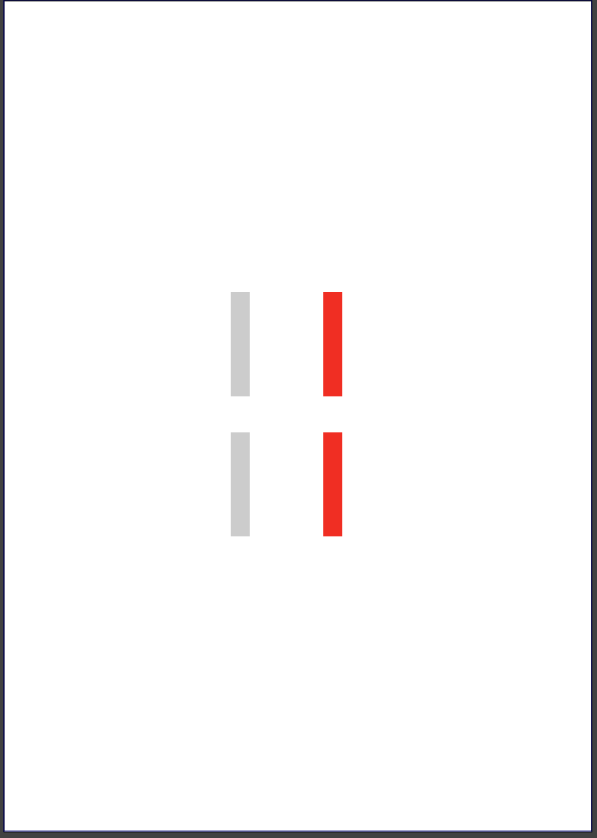
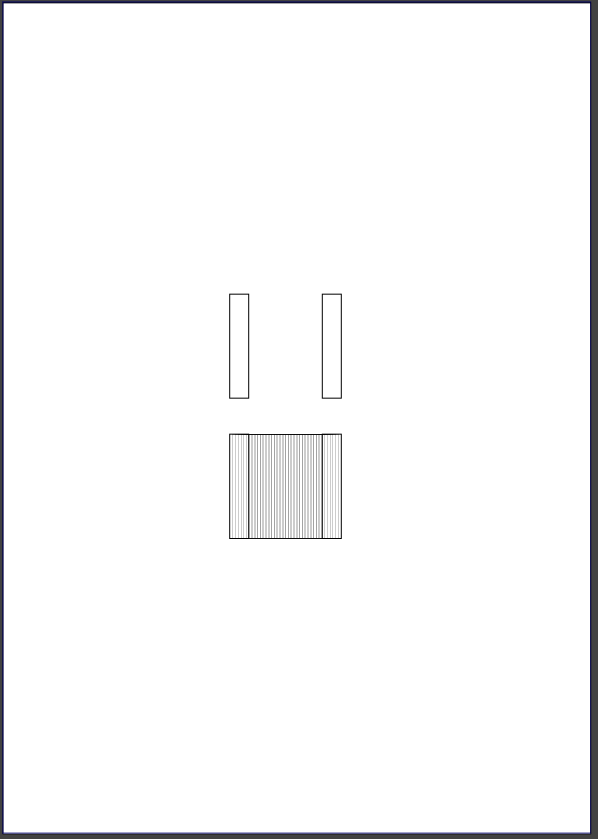
This is bug #1: the blended shapes inside the blend effect are not visible.
未命名-5.vstyler -
@monsterfox The blend issue can be replicated and will be fixed.
Scale down two identical shapes; one has Outline checked and the other does not, resulting in different final shapes.
This is normal and it is the result of the "Stroke Scale" option. Now instead of changing the rectangle shape properties, scaling will add a new Transform (the result can be observed in the Shape Effects panel).
-
Hold Ctrl and left-click the shape, and two identical tools will appear on the top toolbar.
This cannot be replicated here. Could be the result of some customization.
-
@monsterfox said in Bug List for Version 1.3:
This shape’s outline has a gradient fill, and with Rotate Outline enabled, the gradient colors do not rotate along with the shape.
This can be replicated and will be fixed