Better Image Quality of Cursor Icons
-
User Interface Improvement:
@vectoradmin,
I have mentioned this before, but I'd like to see much better image quality for the VectorStyler Cursor Icons.
They especially look bad against White and Light colored backgrounds; but also not the greatest with Dark backgrounds either.
They appear diffuse and fuzzy and somewhat translucent. Like there is a low Opacity applied to them.
I’m not sure what the problem is. You may want to do some testing and experimenting with different designs. I’m thinking maybe (???) the problem lies in that in trying to get them to look good when displayed against both dark and light backgrounds, the balance isn’t being maximized. Possibly the Black and White Outlines are too thin?
Below is a comparison between the VectorStyler and CorelDRAW Rectangle Tool Cursor Icons. The CorelDRAW Cursor Icons clearly look better.
VectorStyler: Blue Background
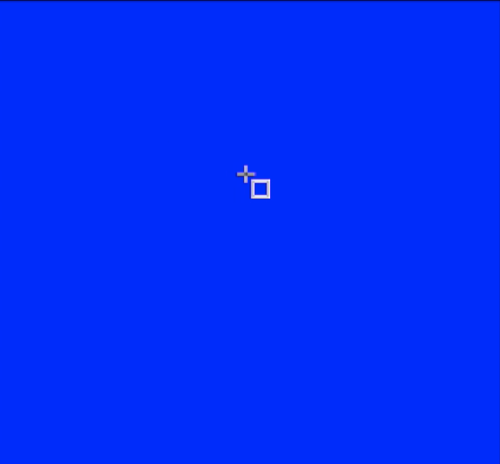
.
CorelDRAW: Blue Background:
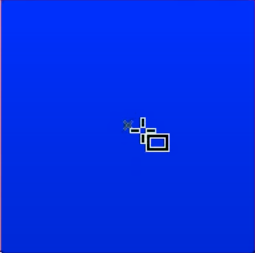
.
.VectorStyler: White Background
.
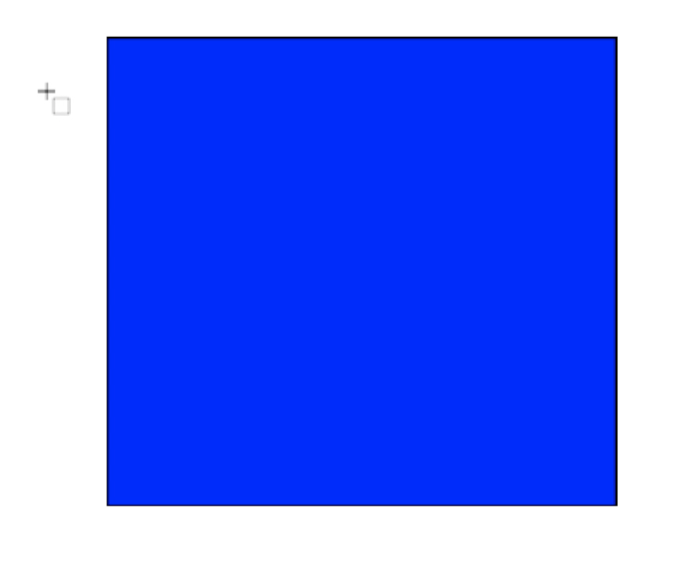
.
.
CorelDRAW: White Background: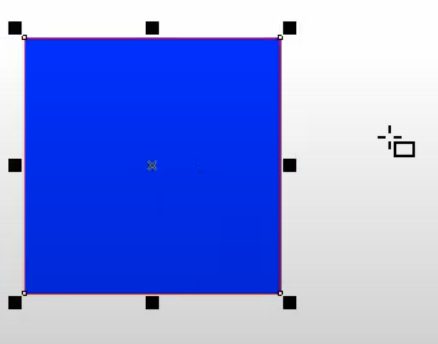
-
@Vector-Rock I add this to the backlog. Is this on Windows or Mac?
-
@vectoradmin said in Better Image Quality of Cursor Icons:
@Vector-Rock I add this to the backlog. Is this on Windows or Mac?
@vectoradmin,
This is on macOS (Intel).
-
@Vector-Rock A bit of (technical) explanation:
VS cursors are defined as vector shapes. This has some advantages like easy to customize size and rotation. And of course, these are all done in VS.For example the rotate cursor (when hovering just outside of the transform tool box corner) changes its angle to the current box rotation. This is a single cursor, shown with varying rotation.
But, creating small images from vectors (at the required cursor size of the OS) can be challenging. This is why fonts need hinting at small size. But there is no hinting for these cursor.
Of course for each cursor there is a cursor drawing and then a mask drawing which most of the time is just the expanded version of the cursor. I will try to use larger expansion.
-
@vectoradmin
Thanks for the information.
Of course I knew that that size was a challenging factor.
I guess a combination of know-how and trial and error is the required recipe to find the best solution.
It would be interesting to know how the CorelDRAW engineer handled this.
-
@Vector-Rock To my understanding, most (if not all) application cursors are drawn as image resources (basic bitmaps).
All software frameworks (both on Mac and Windows, but also others) require that cursors are given as images.
This means that each cursor can be handcrafted to the detail to look good. -
@vectoradmin MacOS has a default display resolution of 72 ppi. Maybe the vector-based resources for these cursors don't snap correctly to a 72-ppi-based grid? Maybe the black line is less than 2 pixels (say, 1.7 px) and the white contour is again somewhere in between integer values.
-
@b77 said in Better Image Quality of Cursor Icons:
@vectoradmin MacOS has a default display resolution of 72 ppi. Maybe the vector-based resources for these cursors don't snap correctly to a 72-ppi-based grid? Maybe the black line is less than 2 pixels (say, 1.7 px) and the white contour is again somewhere in between integer values.
The 72ppi assumption dates back to the pre-Retina days. No longer a safe assumption.
-
@fde101 Sure, but 144 is still "compatible" with 72, so to speak. It's not 90 or 96 or whatever other ppi value.
-
144 is not safe either:
https://discussions.apple.com/thread/5153667
https://www.scantips.com/no72dpib.htmlAlso, note that there are "scaling" options available in display preferences for some retina monitors, effectively making the display DPI calculations variable.
-
Cursor quality has been improved in build 1.0.045
-
@vectoradmin Indeed it has. Great!


