imported images have two strange lines in them
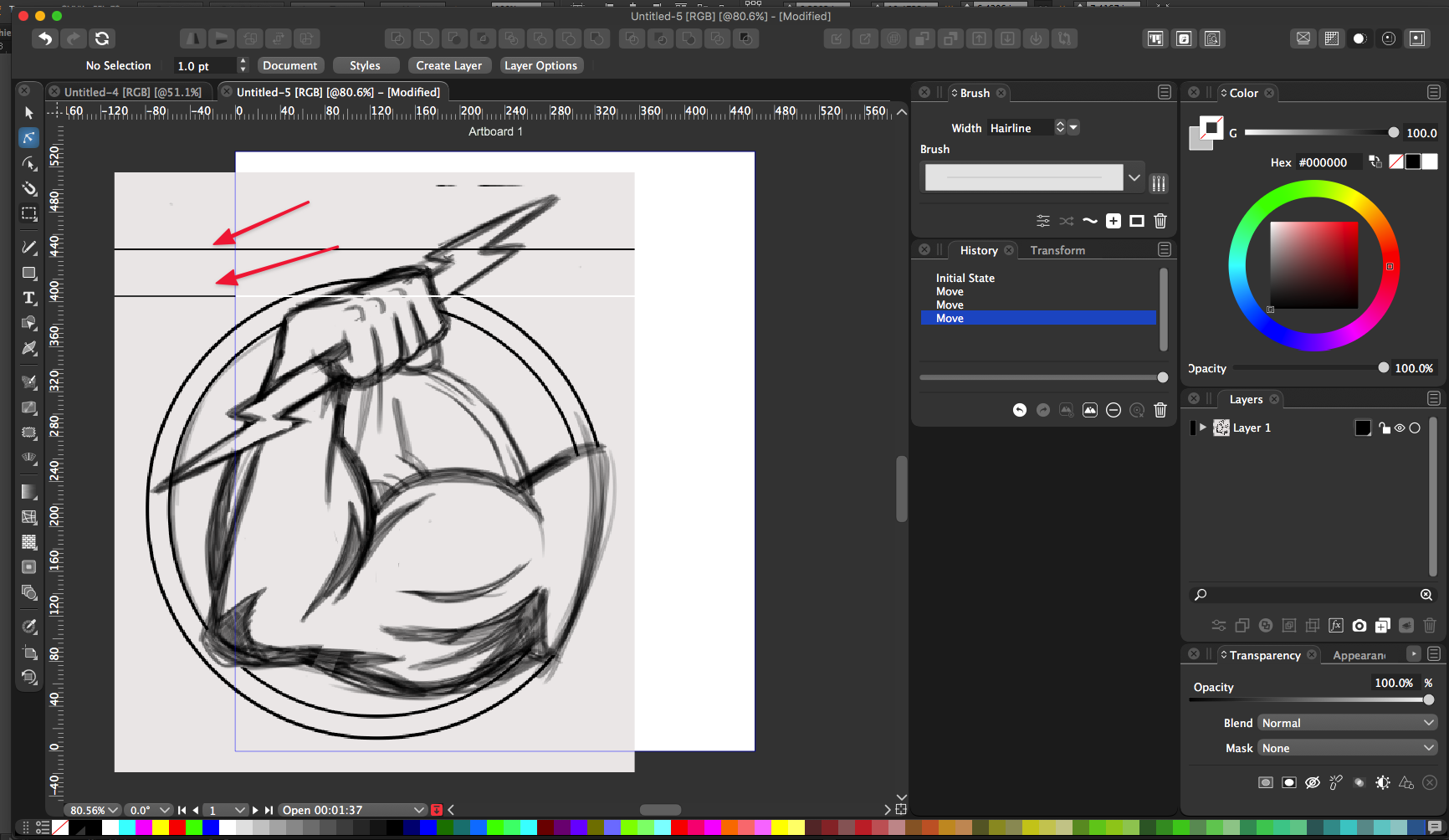
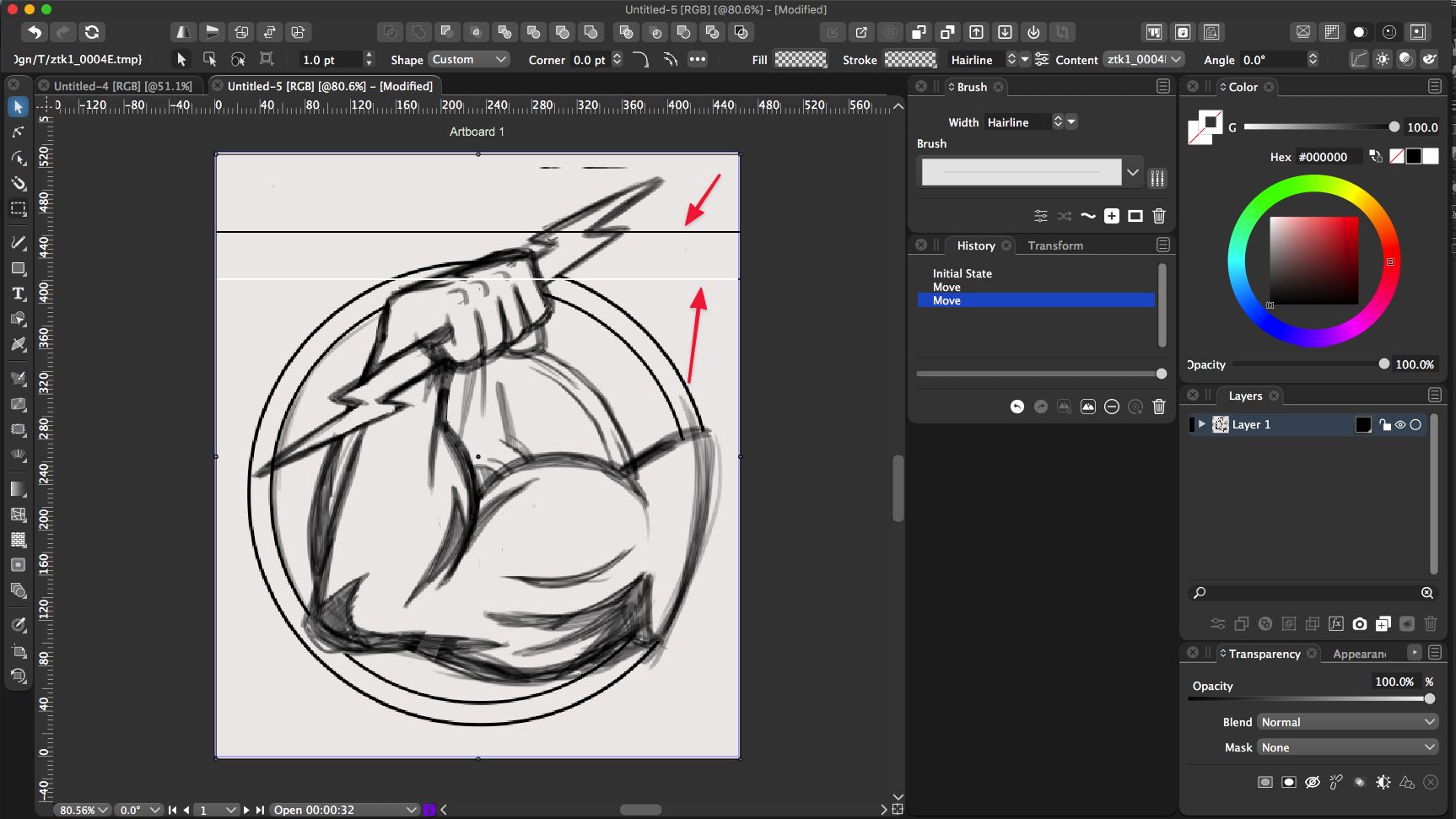
-
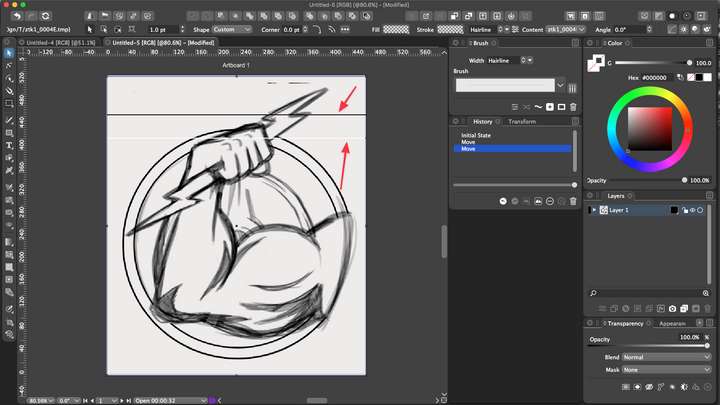
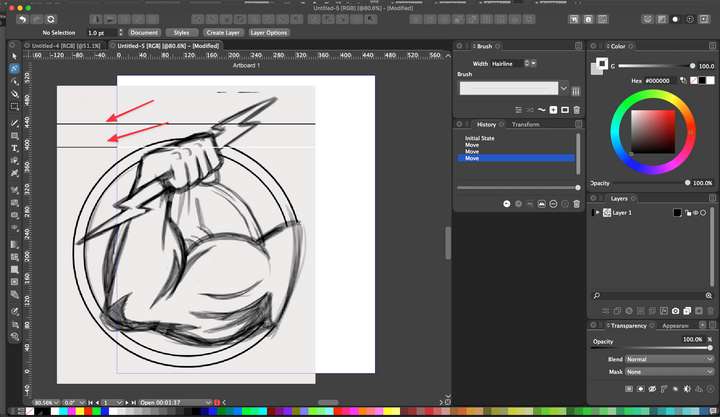
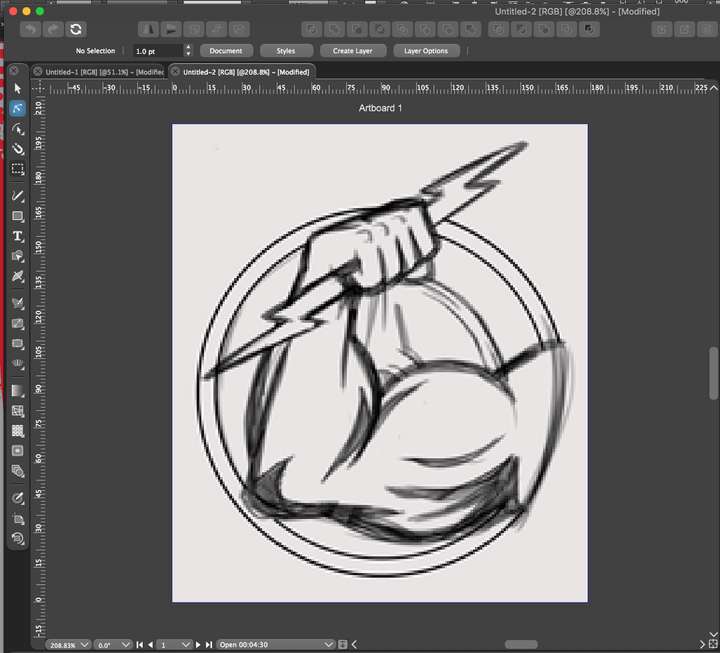
I noticed this before but did not remember to post in the forum, so it;s not a new issue for me. When I either paste a raster image into VS to trace over, or when I use the "new from clip" option, it puts a couple horizontal lines on my VS screen that are not in the original image. You can see them in the pics below. the second screenshot shows what happens when I slide the pasted image off the artboard.
The lines go with the image as if they were part of it... just also noticed the top two smaller broken lines above the lightning bolt are also not in the original raster image I pasted...
This has occurred with more than just this image. Most things I paste into VS are from screenshots I take of the pencil art on my screen
🍎 macOS Tahoe 26.2, Mac mini (M1, 2020), Chip Apple M1, Memory 16 GB
Cintiq 27QHD Display and LG Ultra HD Display -
@Boldline Do these occur if the images are imported from a file?
-
@vectoradmin I ended up restarting VS as part of the adjusting the font sizing in the UI and then tried saving the image and importing it and then also tried the "new from clipboard" again and it imported both ways just fine... I do know the lines occurring like that was not the first time, but it's not happening every time
Next time it does, I'll save the file and email it. I forgot to do that before restarting VS this time...
-
@Boldline Pasting images from the clipboard had some (replicated) issues. These have been fixed in the new build 1.0.048

