VectorStyler
    • Categories
    • Unread
    • Recent
    • Tags
    • Popular
    • Register
    • Login

    Issues with effects applied
    Scheduled Pinned Locked Moved Resolved Issues
    10 Posts 4 Posters 9.9k Views 1 Watching
    Loading More Posts
    • Oldest to Newest
    • Newest to Oldest
    • Most Votes
    Reply
    • Reply as topic
    Log in to reply
    This topic has been deleted. Only users with topic management privileges can see it.
    • G Offline
      gentlecl
      last edited by

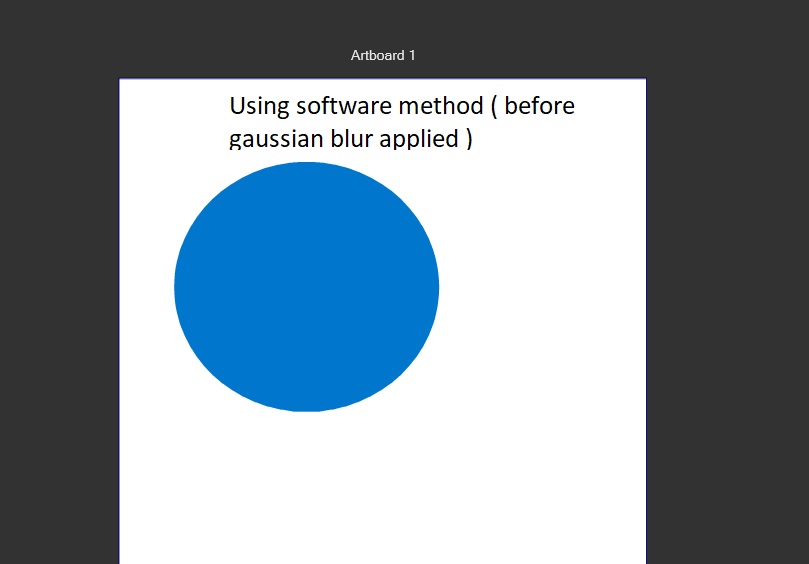
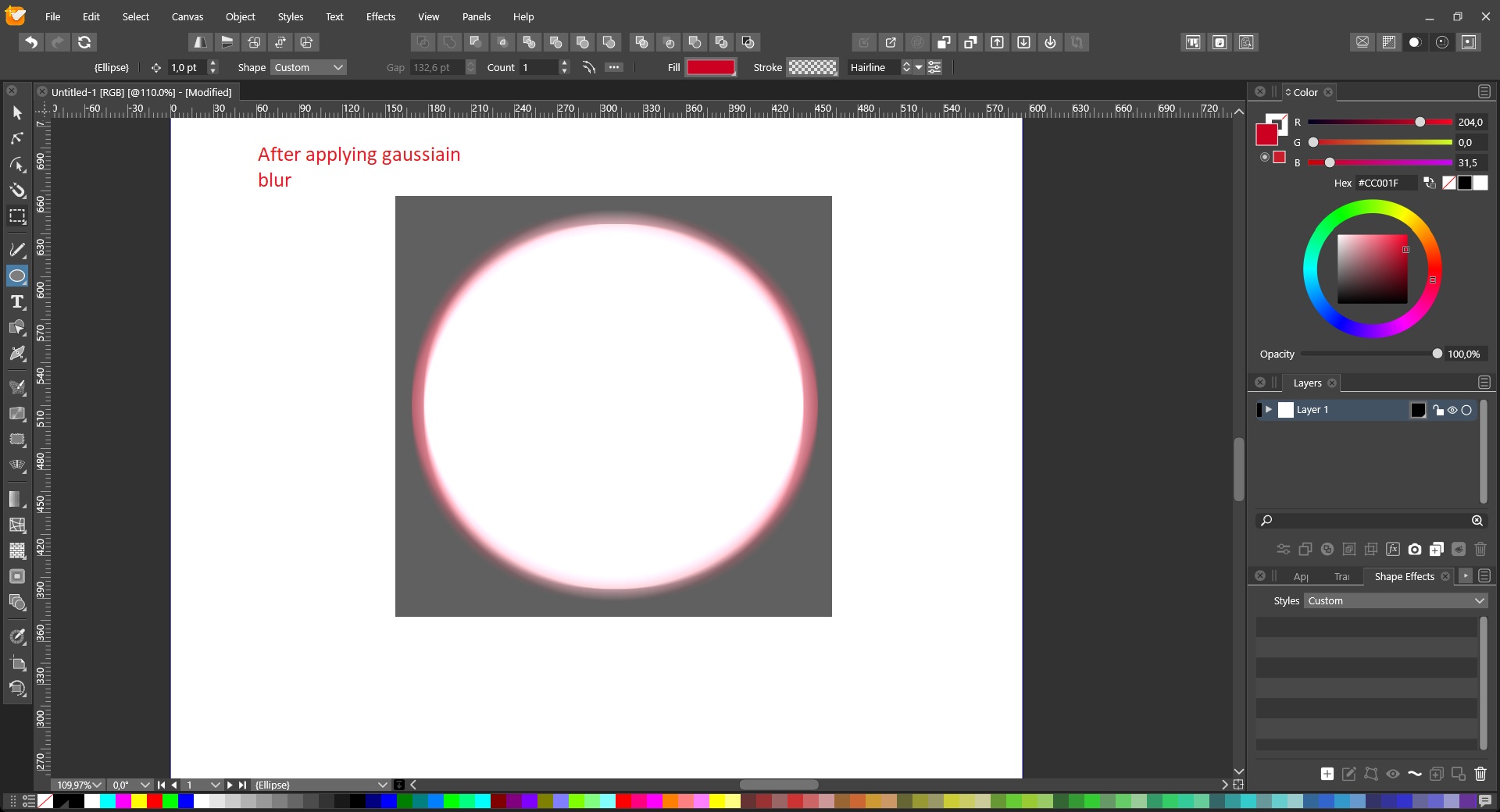
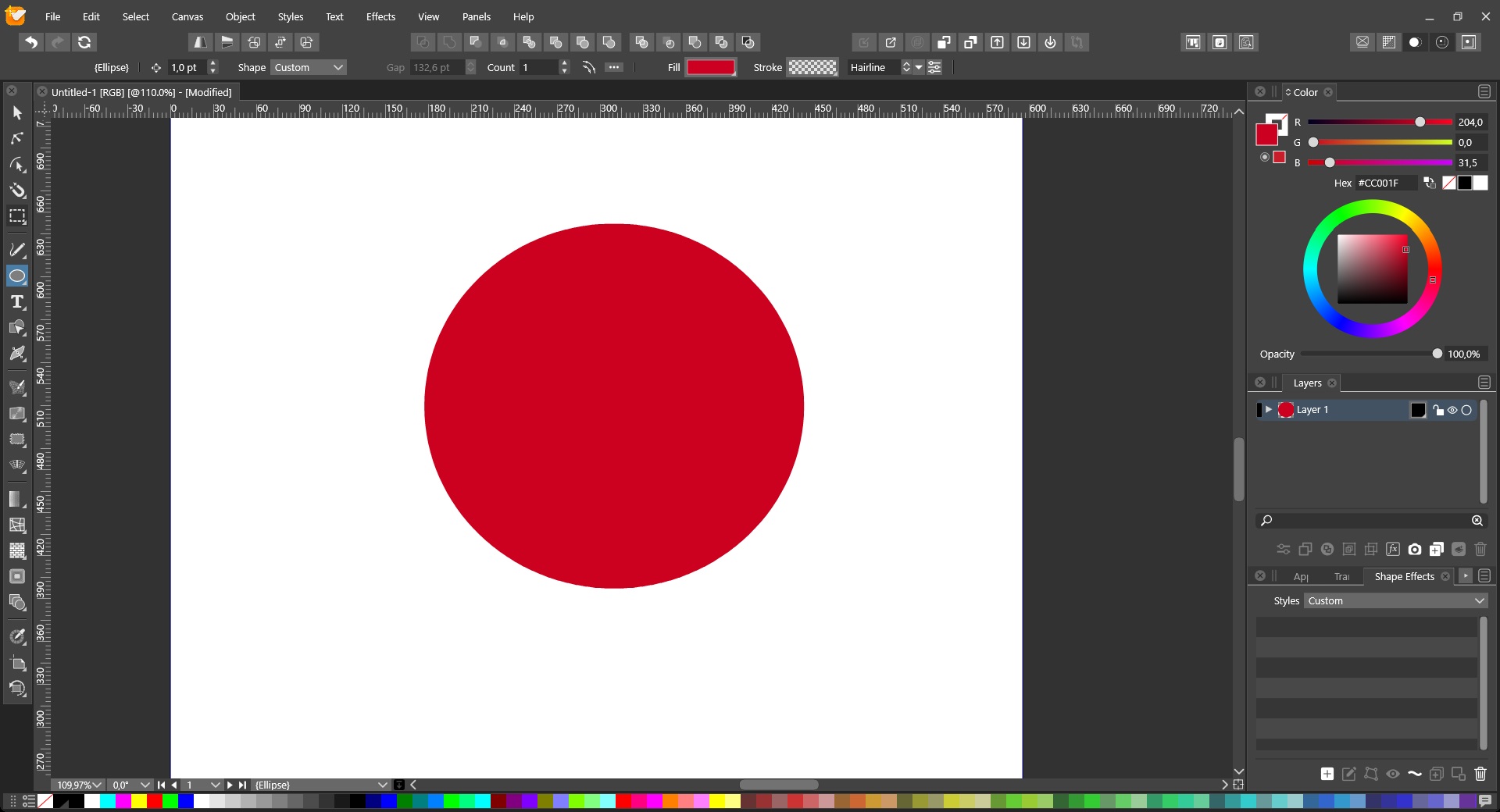
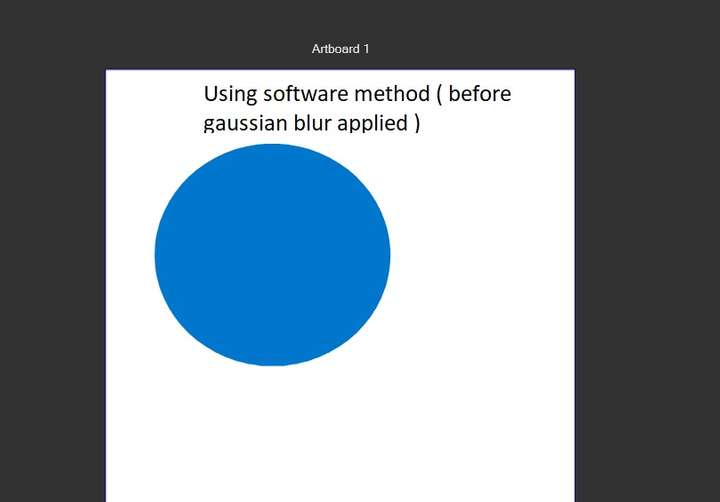
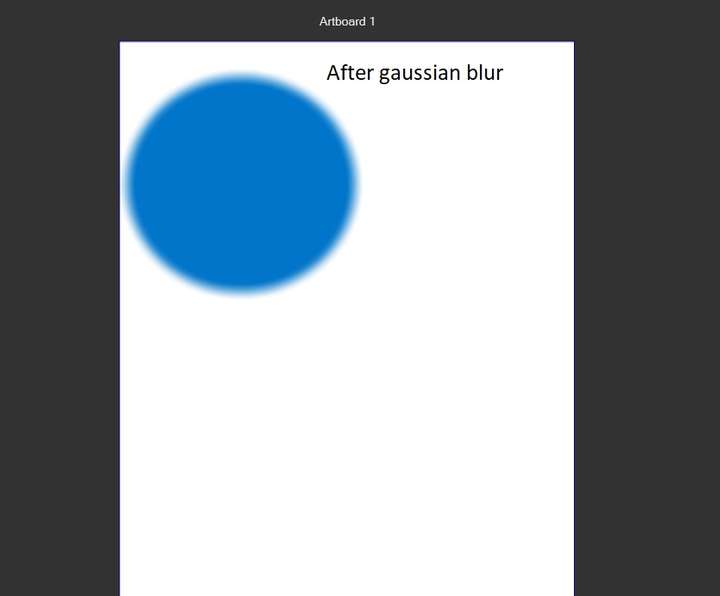
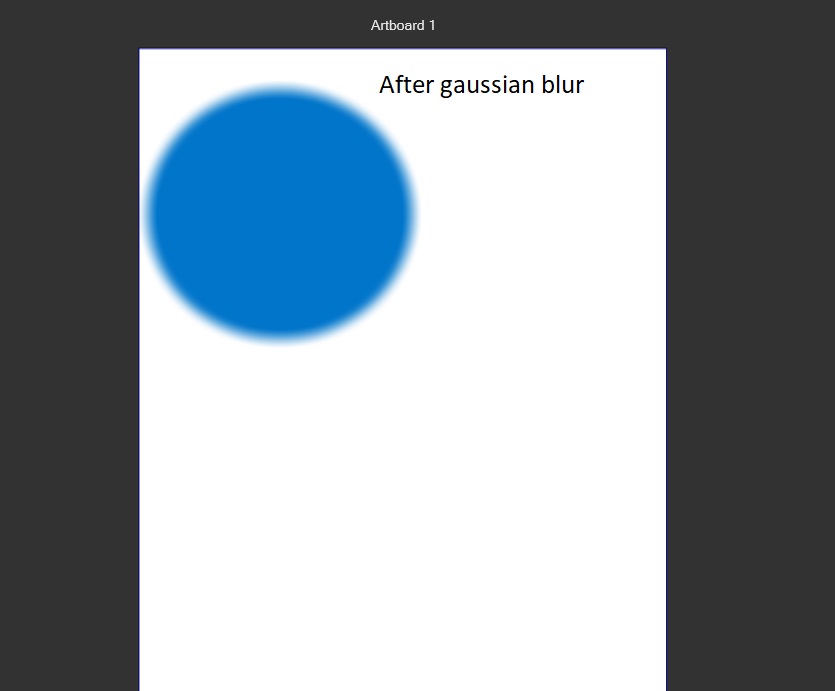
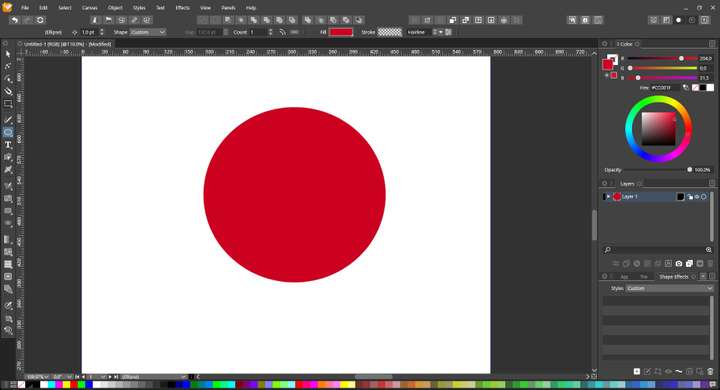
      Using the open cl computation method most effects have a grey box surrounding them after the effect is applied
      Gaussian blur
      I think the grey box is th actual alpha channel , the dropdown shadow also shows the same issues
      0_1629036605416_1.jpg
      0_1629036615855_2.jpg 0_1629036622397_3.jpg 0_1629036637381_4.jpg
      0_1629036654254_5.jpg
      0_1629036660867_6.jpg

      VectorStylerV 2 Replies Last reply Reply Quote 0
      • VectorStylerV Offline
        VectorStyler @gentlecl
        last edited by

        @gentlecl What is the GPU type?

        G 1 Reply Last reply Reply Quote 0
        • G Offline
          gentlecl @VectorStyler
          last edited by

          @vectoradmin
          An old amd radeon , which I think is not compatible , but I am using software renderer

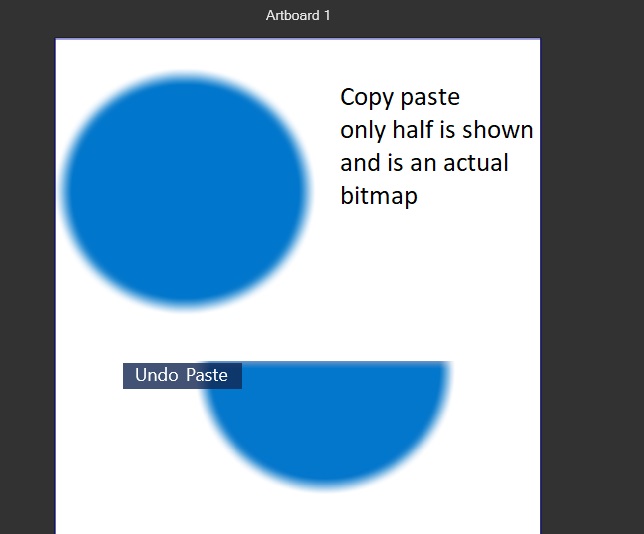
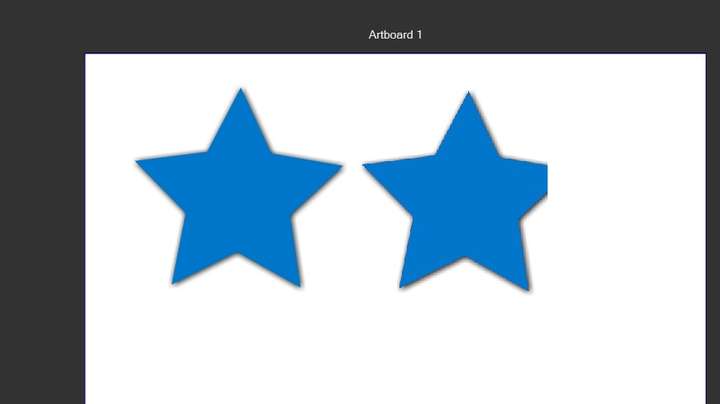
          Here's the shadow dropdown effect applied
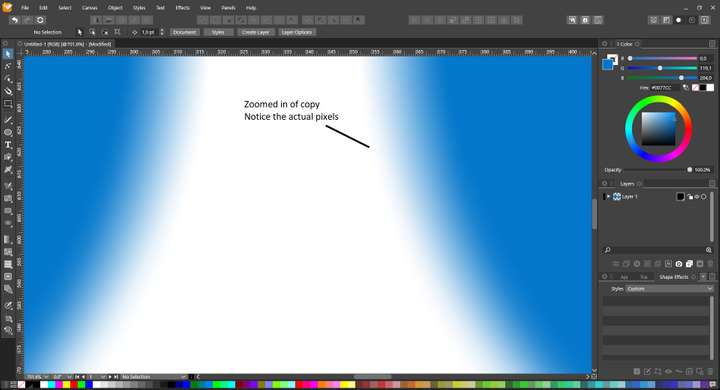
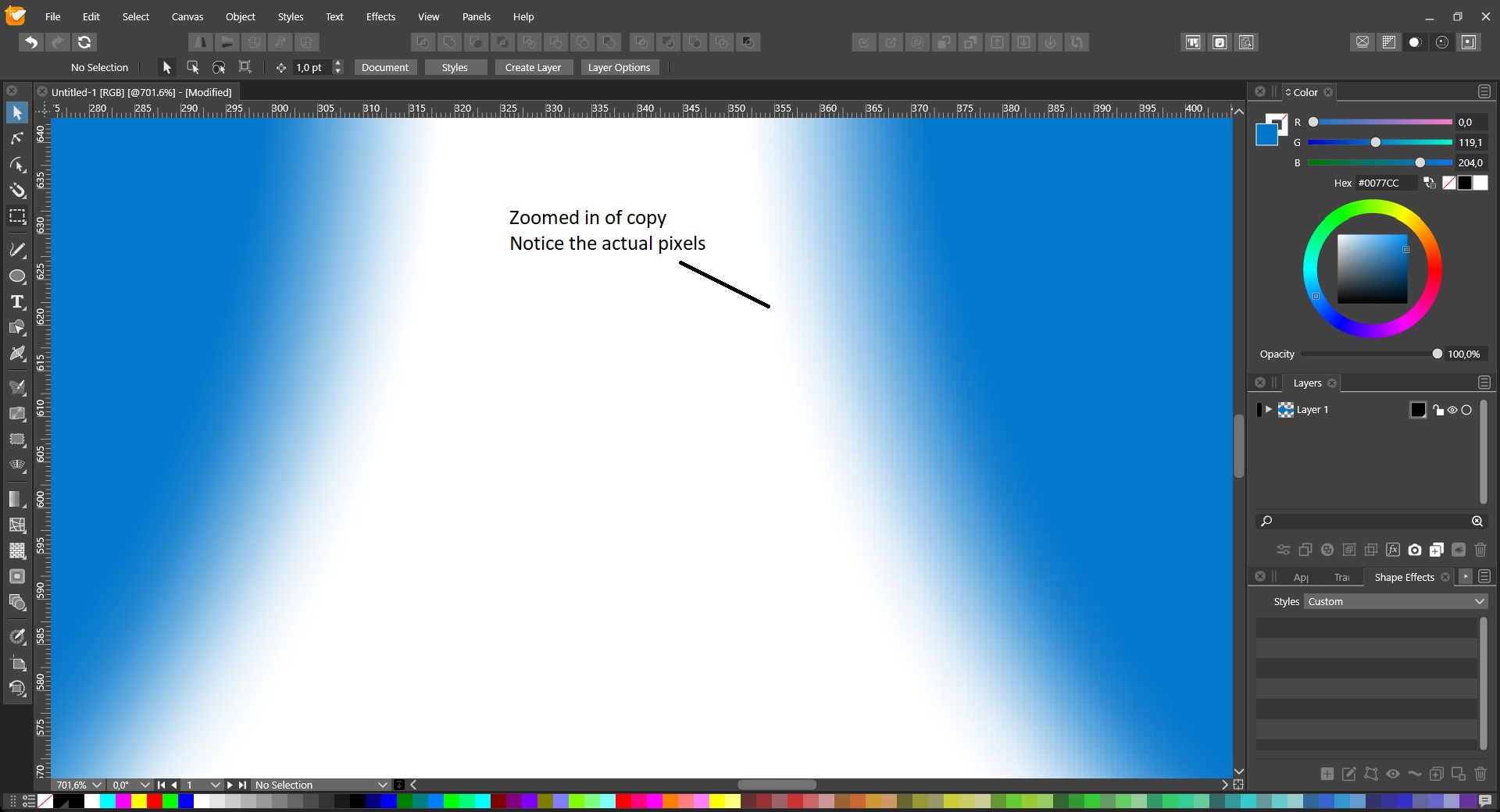
          The copy doesn't render completly , and zoomed it looks like a bitmap
          0_1629037124784_1.jpg 0_1629037130441_2.jpg

          VectorStylerV 1 Reply Last reply Reply Quote 0
          • VectorStylerV Offline
            VectorStyler @gentlecl
            last edited by

            @gentlecl At higher zoom levels, some image effects will render at low resolution. This can be changed using the View -> Display -> Display Options -> Images -> Filter Precision field (50% by default, 100% means full resolution, but blur can be very slow).

            Also: do not worry about the preview at high zoom levels, when exporting to image file formats, the filter is rendered at 100% precision.

            1 Reply Last reply Reply Quote 0
            • G Offline
              gentlecl
              last edited by

              I am more worried about the partially copied objects , why certain elements are cut off abruptly ., the grey bouding area etc..
              As it is now , for me the stylize effects are not usable , maybe it's becasue of the gpu hardware incompatibility ?
              either way , I think you have a winner on your hands !

              VectorStylerV 1 Reply Last reply Reply Quote 0
              • VectorStylerV Offline
                VectorStyler @gentlecl
                last edited by

                @gentlecl I will look into the cut off issues. Is there an example file you could send by email to csraba at vectorstyler.com. It would help replicating the issue. Thanks!

                BoldlineB 1 Reply Last reply Reply Quote 0
                • G Offline
                  gentlecl
                  last edited by

                  How can we upload files ?

                  b77B 1 Reply Last reply Reply Quote 0
                  • BoldlineB Offline
                    Boldline @VectorStyler
                    last edited by Boldline

                    @gentlecl VS files don't get uploaded here - just images and links to videos. Email any working files to @vectoradmin
                    csaba at vectorstyler.com (I am pretty sure he misspelled it above)

                    🍎 macOS Tahoe 26.2, Mac mini (M1, 2020), Chip Apple M1, Memory 16 GB
                    Cintiq 27QHD Display and LG Ultra HD Display

                    1 Reply Last reply Reply Quote 0
                    • b77B Offline
                      b77 @gentlecl
                      last edited by b77

                      @gentlecl Send the file to csraba

                      MacBook Pro (Intel) running Monterey 12.6.4

                      1 Reply Last reply Reply Quote 0
                      • VectorStylerV Offline
                        VectorStyler @gentlecl
                        last edited by

                        @gentlecl Fixed in build 1.0.046

                        1 Reply Last reply Reply Quote 0
                        • First post
                          Last post