Convert Photo Image To Vector - White Edge On Each Shape Of The Vector
-
Hello,
Is there a way to remove the white edge on each shape of the vector? The conversion is from photo image to vector.
All shapes are combine to form the ultimate vector but all individual shape have white edge around.
Thank you.
-
@KF In the Image Trace panel, what is selected in the "Mode" field?
There is an Ignore White option in the panel menu, but that should be on by default.
Maybe an example image would help. -
Hello,
I am using Photographic for style and for mode is Full Tone. I have changed the tolerance to 5.0. If zoom in, the white edge of the shape ( especially the shapes within the leaf ) can be seen. Any ways to remove the white edge? Thanks.
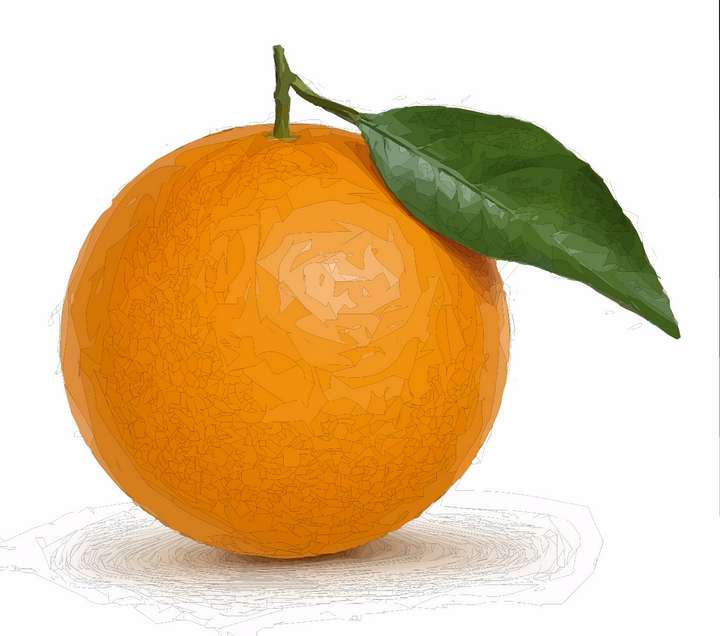
-
@KF This is a bit of a problem
 It is an anti aliasing artifact caused by exactly touching shapes. It has nothing to do with tracing, it is a rendering artifact.
The only way to do away with this is to turn off anti-aliasing by selecting View -> Subpixel -> None.
There is an open task in the backlog regarding this rendering artifact caused by anti-aliasing, I will try to find a solution.
-
@KF The Stacked Shapes option in the Trace panel might help avoiding these type of touching shapes in some cases.
-
Hello,
I have tried both of your method but the white edge is still there. Anyway thanks for help and hopefully the issue can be solved in the future software upgrade. Many thanks.
-
@KF I added this issue to the backlog. Is there an example file (of the apple trace, or original image) you could send me by email, that would help replicate the issue. Thanks!
-
Hello,
Please find the attached image for the orange. I downloaded from the website for trying the image tracing.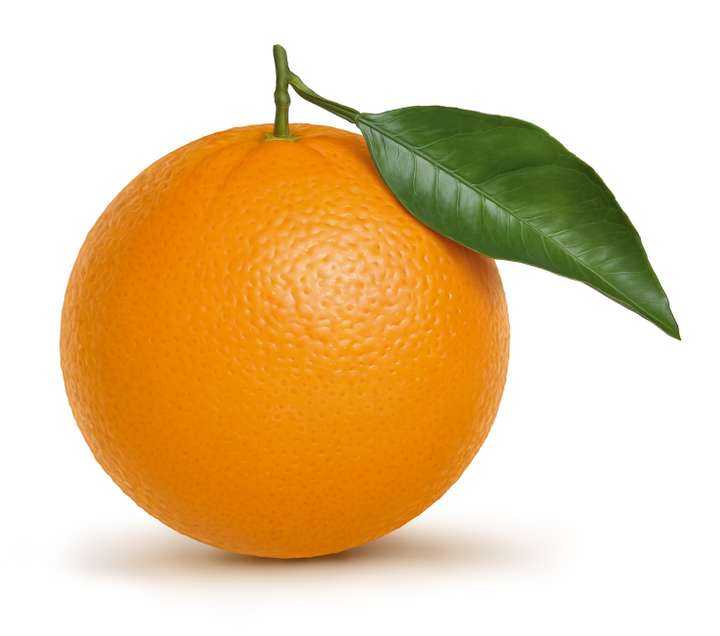
-
@KF Thanks for the image. I tested it, and with anti aliasing turned off (View -> Subpixel -> None) here is what I get:
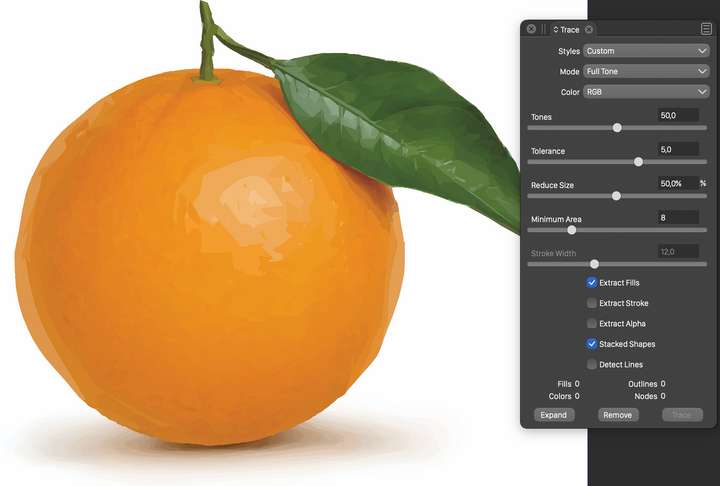
The anti-aliasing artifact is in the backlog (list of things to fix), and I will try to find a solution for that.
