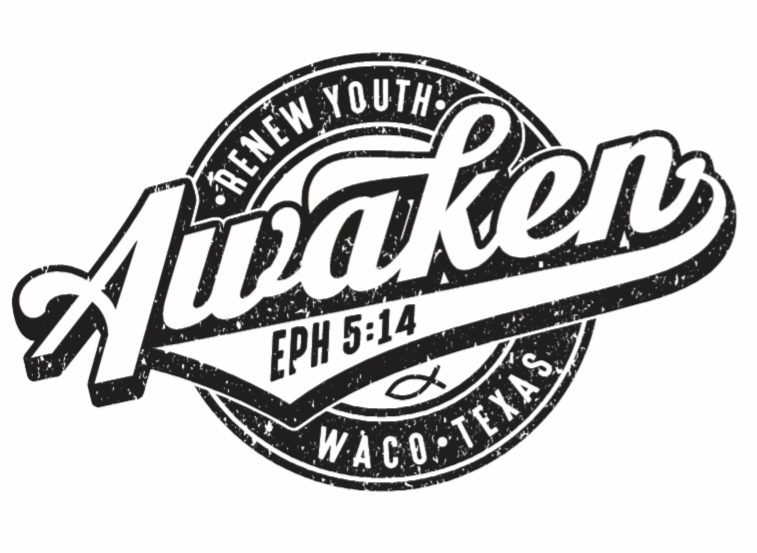
Design created 95% in Vectorstyler
-
I wanted to share that I was able to complete 95% of this design project in VS! It would have been 100% had there not been issues with a particular font registering inside VS and some related font expansion issues. Regardless, each project I feel more comfortable working within VS and at this point I prefer using it over Illustrator. I should clarify, my goal is not necessarily to literally create everything inside VS. When i worked in other programs I often pull in vectors and effects from other sources and I have the same expectation here. My goal is that I can use VS as a base program to create and add everything within to produce professional client work.
The hard part is learning a new program after taking for granted knowing Illustrator like the back of my hand.
On the plus side, each new project I do provides plenty of material - questions and ideas, for the forum! I absolutely love VS and where it's headed!
-
@Boldline Cool!
Since you posted this in the Tutorials section, can I ask what did you use for the grungy/distressed look? An image texture pasted inside? The app's own FX? Some other method?
-
@b77 haha I guess I saw it as a place for "tutorials and projects where techniques can be shared"
texture was one I had previously downloaded as an eps file from a vector source site. I imported it onto a new layer over top the rest, changed the color of it to match the background and "ungrouped all" to eliminate any groups within it and then moved sections around to where I felt it looked best. -
@Boldline Thanks!

