Two Layers Panels
-
Hi,
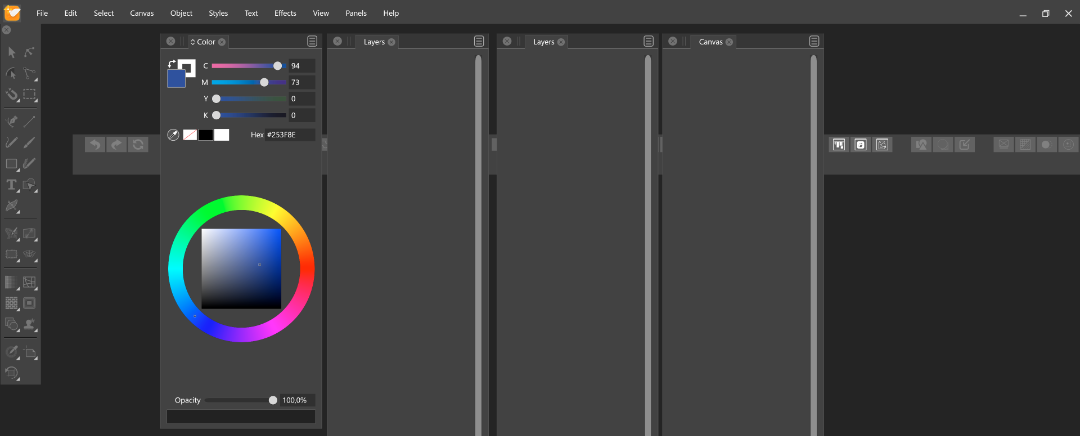
I tried to rearange the panels and I found 2 Layer panes.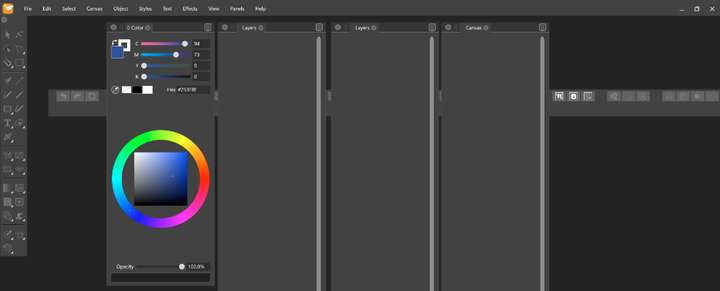
-
@Petar_MK Some of the panels can have multiple instances. But of course those should only show if intended.
So it depends how it got there.Some ways to get multiple layers panels:
- from the Layers panel menu "Open with ..." commands at the end of the menu.
- from the "Canvas&Artboard" panel (seen opened in the screenshot), by clicking on the last icon of a canvas row.
About this second mode:
VS documents contain multiple canvases where each canvas can contain multiple artboards. Each canvas has its own layer hierarchy, and only once canvas is visible at a time in a view (to show multiple canvases at the same time, use multiple views).
But, a layer panel can be opened with an other canvas than the visible one, allowing drag&drop of objects and layers between layer panels. -
Hi,
- I didn't use "Open with..." from Layers Panel;
- I created a "New Document (CTRL+N)" not "New Document Setup" so, I suppose, it automatically creates 1 canvas with 1 artboard.
-
@Petar_MK Every new document has 3 groups of canvases, initially with one canvas in each group.
- Reference Canvases: for various design assets, symbols, etc.
- Master Canvases: used for "master page" functionality
- Artwork Canvases: this one contains the default empty canvas with one artboard for the drawing.
But only one layer panels should be opened by default. Close all layer panels, and restart the app. Are there any layer panels open? If not, using the Layers from the Panels menu should open one layer and should stay like that.
-
Thank you.
