VectorStyler
    • Categories
    • Unread
    • Recent
    • Tags
    • Popular
    • Register
    • Login

    SVG pasting or importing will result in incorrectly sized figures
    Scheduled Pinned Locked Moved Resolved Issues
    12 Posts 2 Posters 14.1k Views 2 Watching
    Loading More Posts
    • Oldest to Newest
    • Newest to Oldest
    • Most Votes
    Reply
    • Reply as topic
    Log in to reply
    This topic has been deleted. Only users with topic management privileges can see it.
    • U Offline
      umauma @VectorStyler
      last edited by

      @vectoradmin

      "Remove All Shape Effects" did not improve the situation.
      I've uploaded the file, please check it out.
      https://ufile.io/i86oxzy3

      1 Reply Last reply Reply Quote 0
      • VectorStylerV Offline
        VectorStyler @umauma
        last edited by

        @umauma This issue should be fixed in the new build 1.1.002 (beta)

        U 1 Reply Last reply Reply Quote 0
        • U Offline
          umauma @VectorStyler
          last edited by

          @vectoradmin Thanks, it's now importing correctly.

          However, the size is still wrong when pasting from other applications(For example, Internet Explorer).

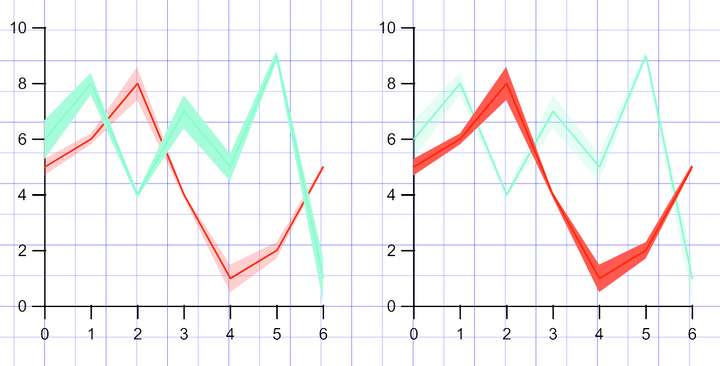
          Also, the caps on all strokes are ROUND, they are essentially flat.
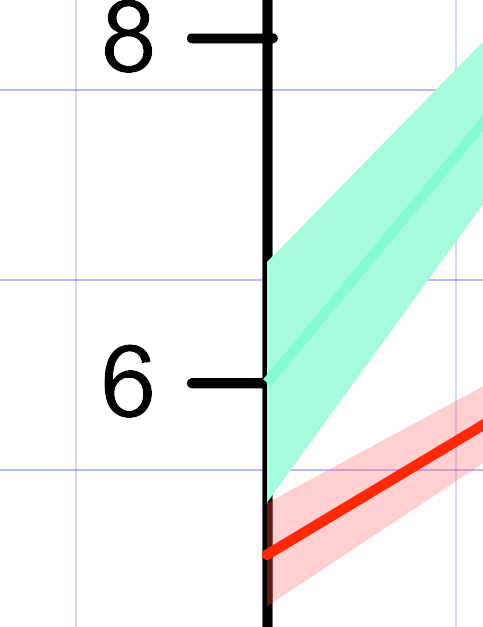
          0_1640749489806_0ded97ee-1e0a-472b-8224-3dc5920889af-2021-12-29 (4).png

          In addition, the transparency of the plot located top is ignored.
          0_1640749322169_fad358df-4a6f-4d29-a109-1fbed276735a-2021-12-29 (2).png

          VectorStylerV 2 Replies Last reply Reply Quote 0
          • VectorStylerV Offline
            VectorStyler @umauma
            last edited by

            @umauma I keep this issue open.
            Don't have Internet Explorer, but I will try to replicate with others.

            1 Reply Last reply Reply Quote 0
            • VectorStylerV Offline
              VectorStyler @umauma
              last edited by

              @umauma SVG pasting size should be correct in build 1.1.008

              1 Reply Last reply Reply Quote 0
              • U Offline
                umauma
                last edited by

                @vectoradmin Thanks, I've confirmed that the SVG can be pasted at the correct size!
                However, there is still the problem that the transparency of the topmost plot is ignored.

                VectorStylerV 1 Reply Last reply Reply Quote 0
                • VectorStylerV Offline
                  VectorStyler @umauma
                  last edited by

                  @umauma Can you send me the SVG, it seems that the one I have does not have those plots.

                  U 1 Reply Last reply Reply Quote 0
                  • U Offline
                    umauma @VectorStyler
                    last edited by

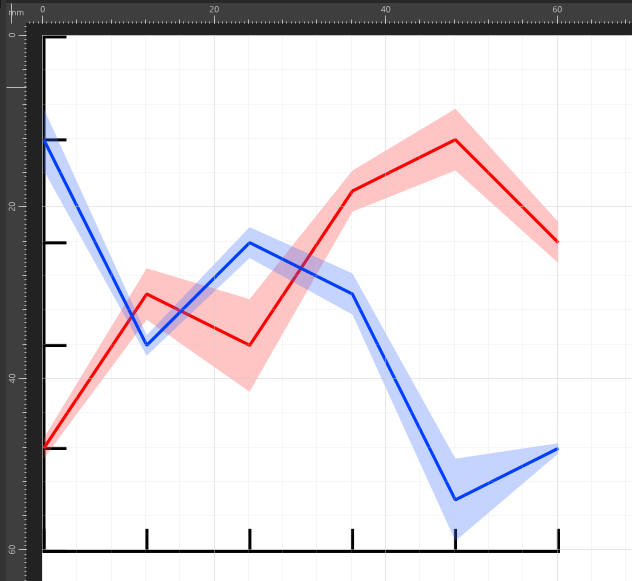
                    @vectoradmin It shows up fine in Affinity Designer, 0_1642661819070_スクリーンショット (9).png
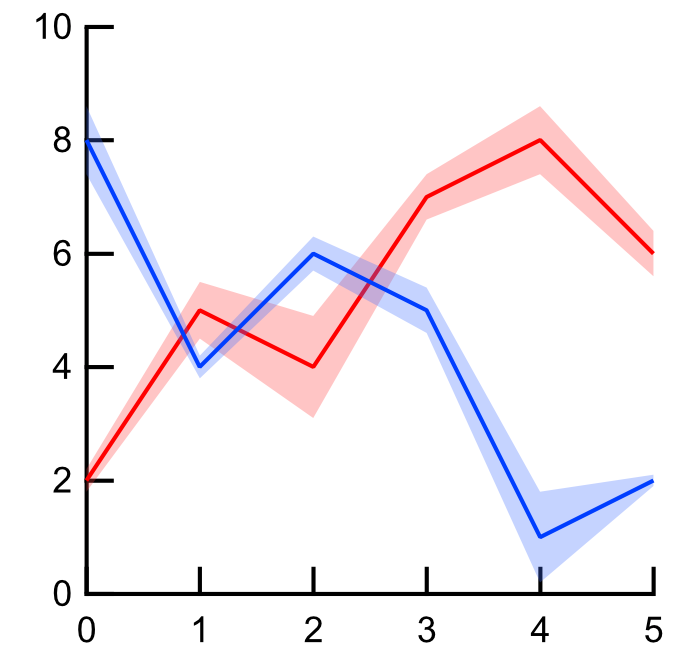
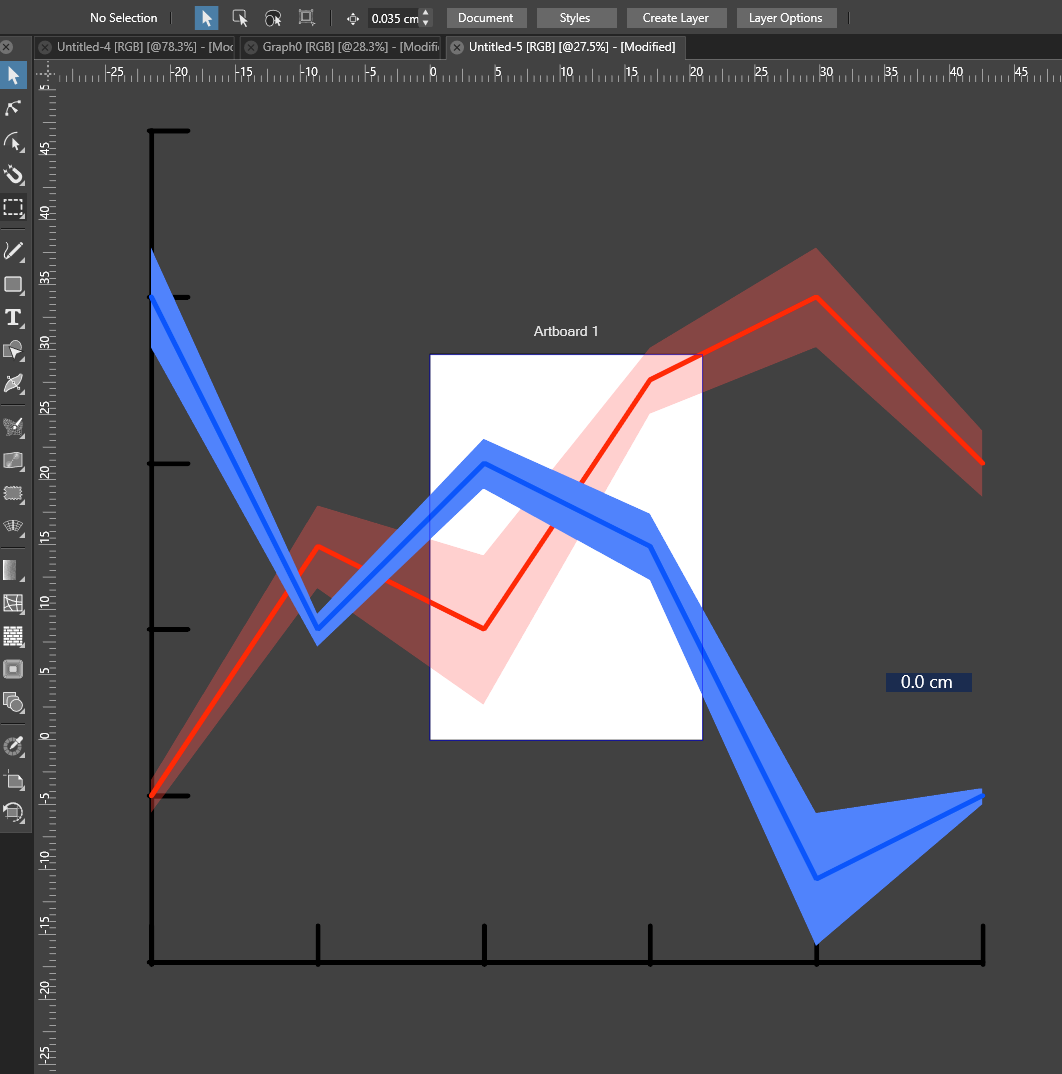
                    but the transparency is wrong in VS.0_1642661783759_スクリーンショット (8).png

                    https://ufile.io/x2hzcpog

                    VectorStylerV 2 Replies Last reply Reply Quote 0
                    • VectorStylerV Offline
                      VectorStyler @umauma
                      last edited by

                      @umauma Got it. Thanks!

                      1 Reply Last reply Reply Quote 0
                      • VectorStylerV Offline
                        VectorStyler @umauma
                        last edited by

                        @umauma This problem should be fixed now.

                        1 Reply Last reply Reply Quote 0
                        • First post
                          Last post