Node handle jumps and locks when shift is held
-
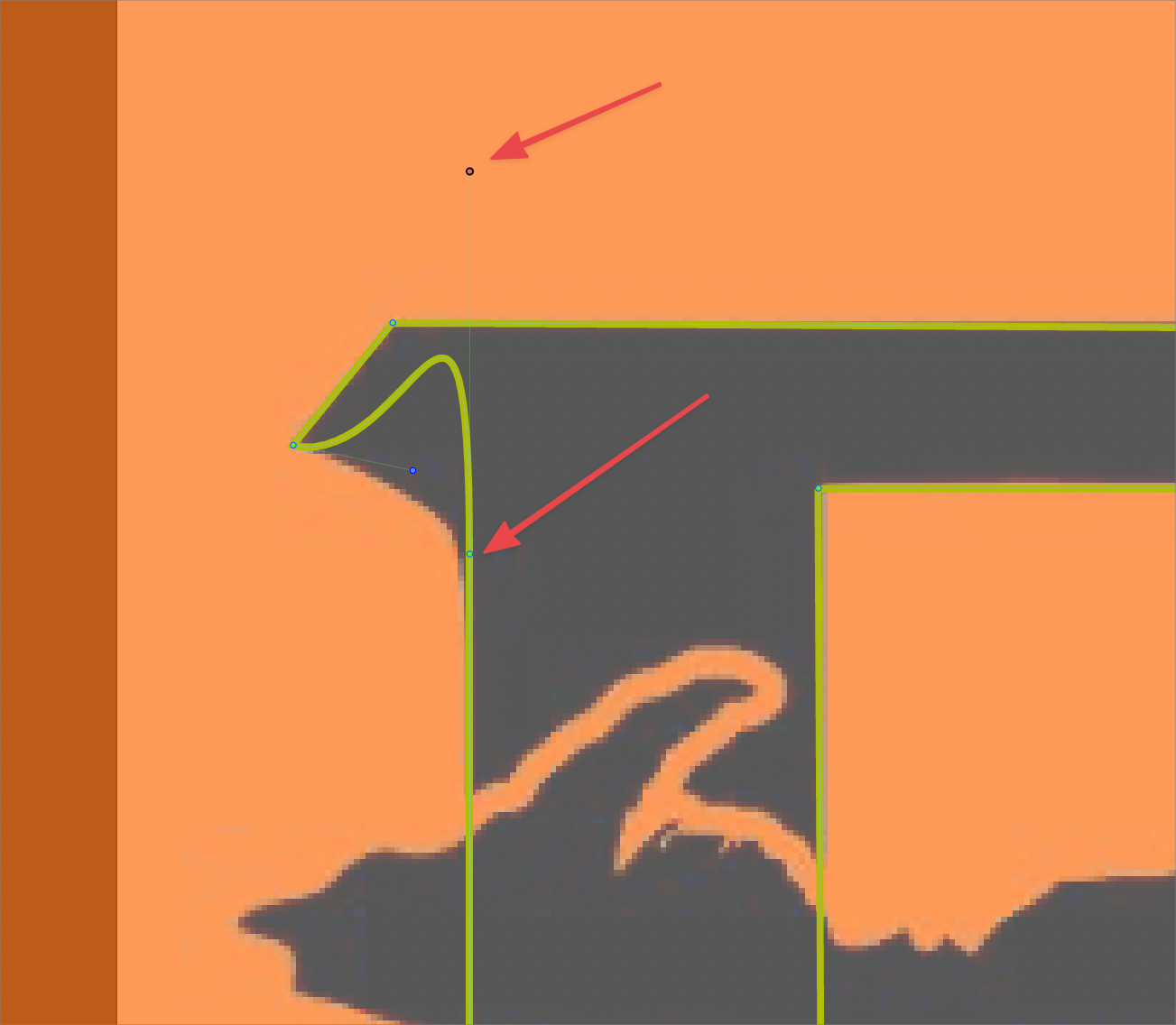
Tracing the black shape underneath the top layer, at the point of the bottom arrow in my screenshot, I held down shift to adjust the node handle and maintain it straight. the node handle jumped up higher than intended and then locked up and could not be moved again
this may be in part the modifier shift still being tied to restricting angles and not to maintaining a straight course. regardless I would assume it should not lock up
When I try to go back in the history to before it locked, I can go back the steps but result on screen does not change at allI attached the working file to this post
thanks!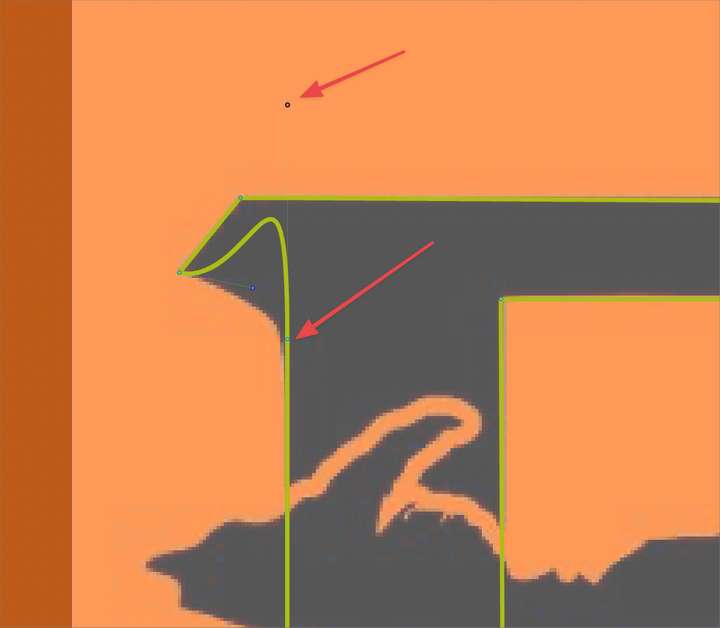
🍎 macOS Tahoe 26.2, Mac mini (M1, 2020), Chip Apple M1, Memory 16 GB
Cintiq 27QHD Display and LG Ultra HD Display -
@Boldline said in Node handle jumps and locks when shift is held:
Tracing the black shape underneath the top layer, at the point of the bottom arrow in my screenshot, I held down shift to adjust the node handle and maintain it straight. the node handle jumped up higher than intended and then locked up and could not be moved again
This lock-up is something I also experience from time to time with shift and nodes, I think
-
@Boldline I add this as a bug, could be the same Shift+ issue as before.
-
@Boldline Checked the file, it seems that the node next to the line is set to be symmetric. Control points of symmetric nodes next to a line will have fixed positions.
To fix this, set the node type to smooth or cusp.


