Option to lock some nodes and not others within same shape
-
If it's not already part of VS - It might be a good addition. I'd like to see consideration given to being able to lock individual nodes of a shape and leave the rest of the shape editable. For example, if I made a selection with the lasso tool around some nodes and then hit the lock - they would remain in their current state... so even if I edited other nodes in the same shape, they would not affect the locked nodes.
I ran into this problem today, though it's more an issue between different vector editing programs than strictly a VS thing.
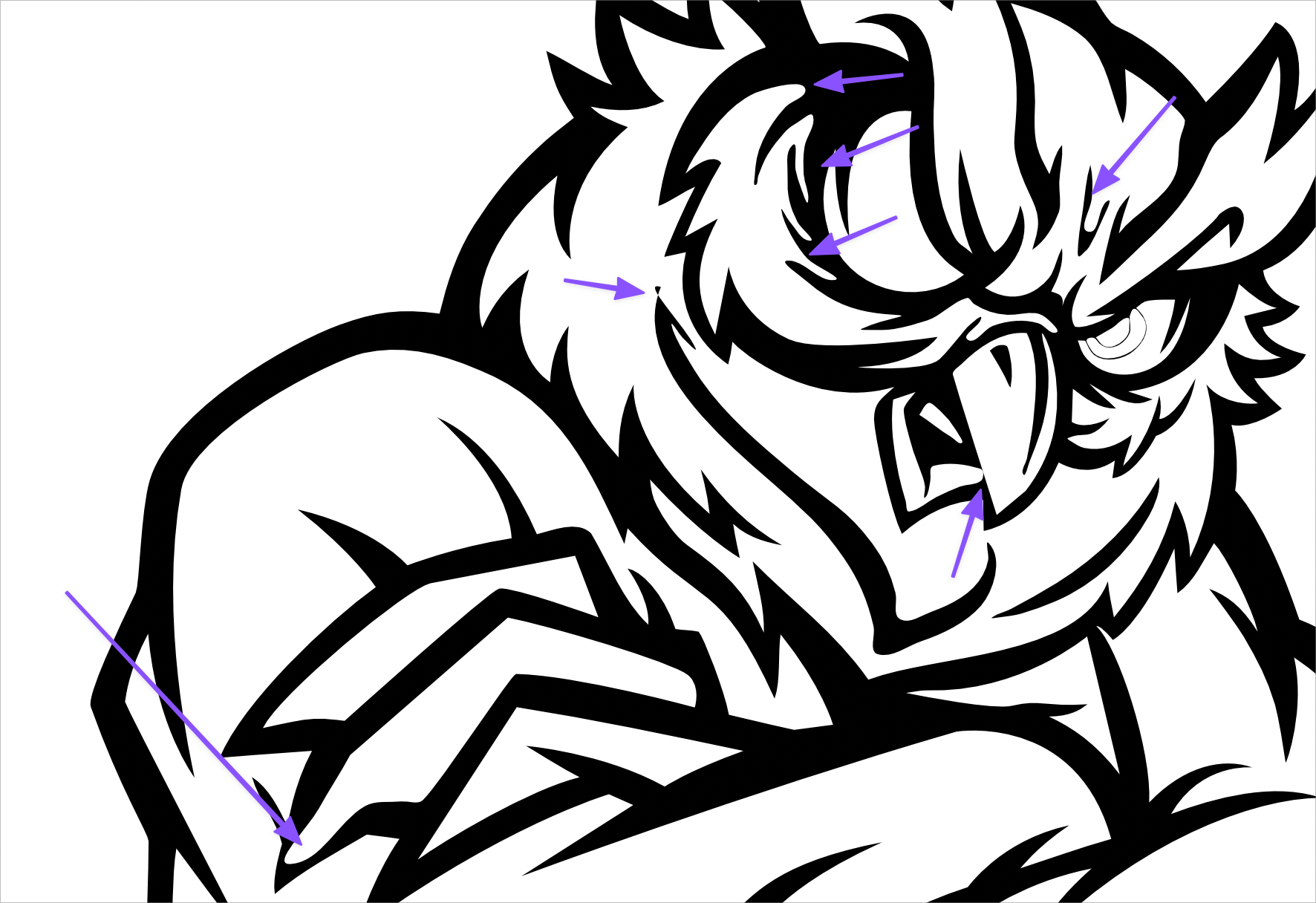
I had inked a mascot of an owl in a raster program and then did a vector trace of it in vector magic. I imported that vector into VS and was part way through editing and cleaning up nodes.
I wanted to finish the rest on my iPad in affinity so I was more mobile for the day so I sent it to myself there and was finishing it up.
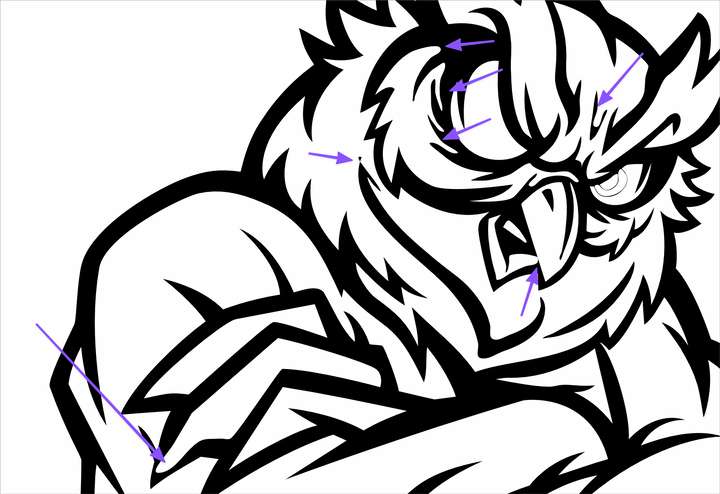
Each time I finished a section and moved on to another section, the first section would love its edits and look like it had melted. I shared a picture of the design and added arrows to examples of where I once had crisp corners and how it suddenly has turned to garbage.
Regardless of a solution, I should probably break up my designs into sections I could edit and then lock the layer for and move to the next section...On a related note, I feel a little stuck no matter what I do because the reason I had done all the strokes and such in a raster tool and then used a vector trace, was to eliminate the issues I get when I try to use vector strokes - expand, divide, clean up and then try to merge/unite again - but it seems like everything already being connected has it's own issues!
-
@Boldline From what app was this vector imported into VS? It looks like the node types (cusp, smooth) could be wrong in some cases.
Send the drawing to me by email. I can check what is going on.
No node locking feature at this time. I will add this for the feature requests.

