VectorStyler
    • Categories
    • Unread
    • Recent
    • Tags
    • Popular
    • Register
    • Login

    Bug in Layers panel

    Scheduled Pinned Locked Moved Resolved Issues
    10 Posts 4 Posters 8.6k Views 3 Watching
    Loading More Posts
    • Oldest to Newest
    • Newest to Oldest
    • Most Votes
    Reply
    • Reply as topic
    Log in to reply
    This topic has been deleted. Only users with topic management privileges can see it.
    • P Offline
      Petar_MK
      last edited by

      Hi,
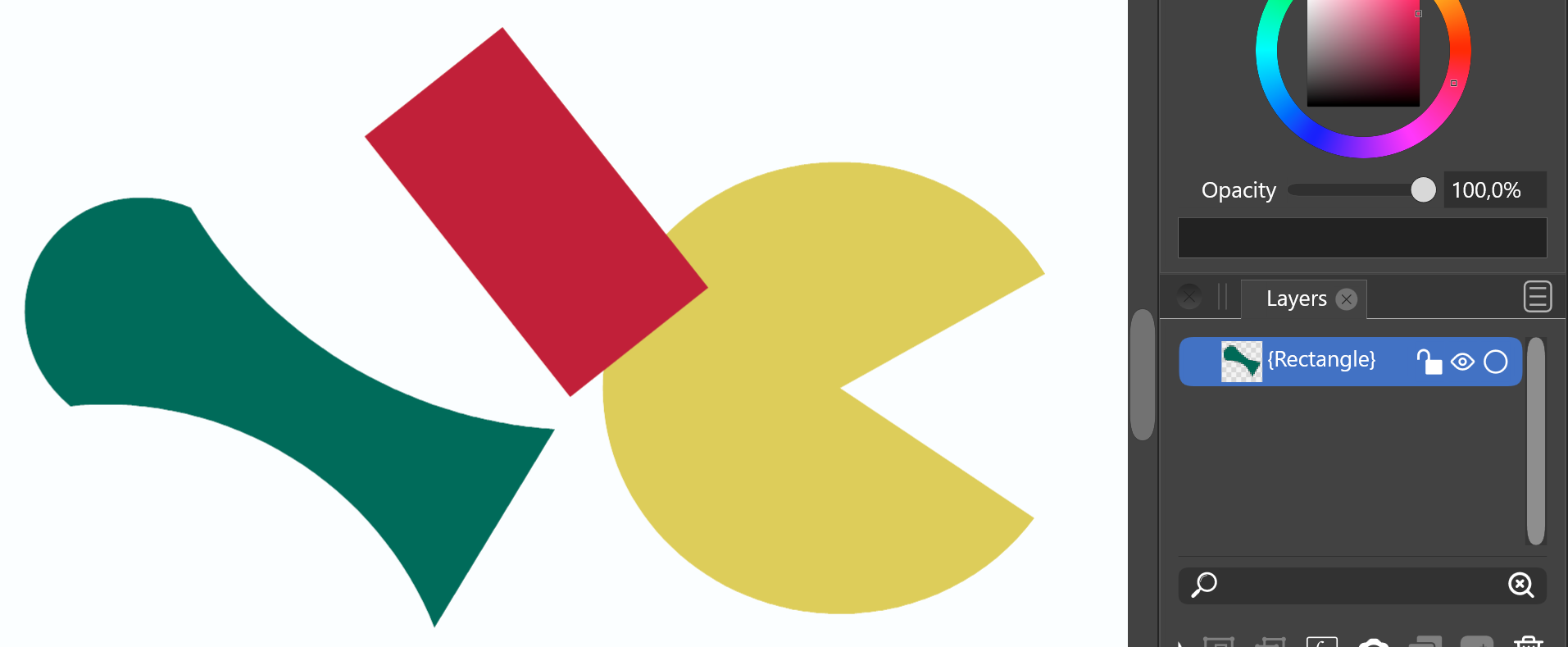
      when I started drawing, everything was fine. All element were shawn in layers panel. Then, I did something (I can't remember what) and now only one element is shown in the layer panel.
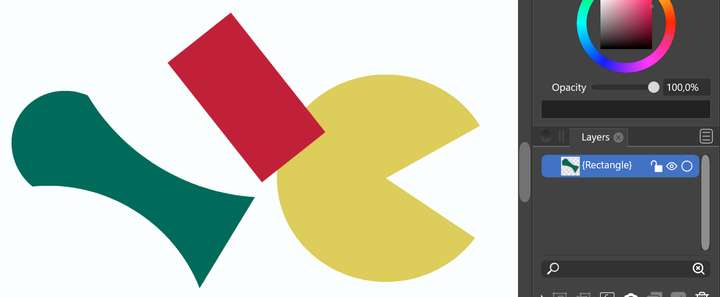
      0_1641641385984_layers.png

      VectorStylerV 1 Reply Last reply Reply Quote 0
      • VectorStylerV Offline
        VectorStyler @Petar_MK
        last edited by

        @Petar_MK Could it be that isolated mode is activated?
        Send me a full screenshot of VS, when this layers panel issue occurs.

        1 Reply Last reply Reply Quote 0
        • P Offline
          Petar_MK
          last edited by

          I tryed to apply the whole screen, but I got an upload error.
          OK. I will try ones again.
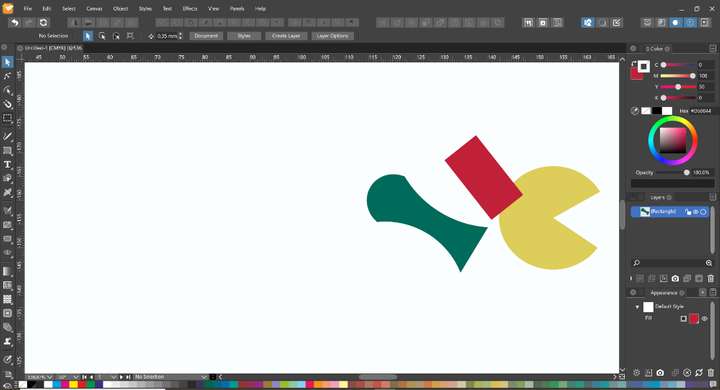
          0_1641643439785_layers.png

          VectorStylerV 1 Reply Last reply Reply Quote 0
          • VectorStylerV Offline
            VectorStyler @Petar_MK
            last edited by

            @Petar_MK I will try to replicate this issue. If there is more info on how to get to this state of the Layers panel, please let me know.

            1 Reply Last reply Reply Quote 0
            • encartE Offline
              encart
              last edited by

              @Petar_MK You probably have already closed the file, but for the future you can use Ctrl + H to turn on the History Panel. There you will find a list of operations performed.

              MacBook Air M4 24Gb, Tahoe 26.2

              1 Reply Last reply Reply Quote 1
              • P Offline
                Petar_MK
                last edited by

                No, I didn't close the file. It happened during one session.

                BoldlineB 1 Reply Last reply Reply Quote 0
                • BoldlineB Offline
                  Boldline @Petar_MK
                  last edited by

                  @Petar_MK If the file is still open, can you open the history panel and go back step by step to see where the issue occurred?

                  🍎 macOS Tahoe 26.2, Mac mini (M1, 2020), Chip Apple M1, Memory 16 GB
                  Cintiq 27QHD Display and LG Ultra HD Display

                  1 Reply Last reply Reply Quote 0
                  • P Offline
                    Petar_MK
                    last edited by

                    Sorry. I closed it a few hours ago.

                    VectorStylerV 1 Reply Last reply Reply Quote 0
                    • VectorStylerV Offline
                      VectorStyler @Petar_MK
                      last edited by

                      @Petar_MK I will open a bug on this one. If you see the issue occurring again, or you have some steps to replicate it, please let me know.

                      1 Reply Last reply Reply Quote 0
                      • P Offline
                        Petar_MK
                        last edited by

                        OK. Sure I will. Thanks.

                        1 Reply Last reply Reply Quote 0
                        • First post
                          Last post
