Are saved preference files universal between Mac and PC?
-
Are the custom saved preference files normally compatible between Mac and PC versions of Vectorstyler? I have a custom preferences file I created on my mac and then brought over to my windows 10 pc laptop and installed it there as well. When i did the required restart, VS on the pc would not load properly. Quitting VS and reopening again did not improve the situation - same unusable screen.
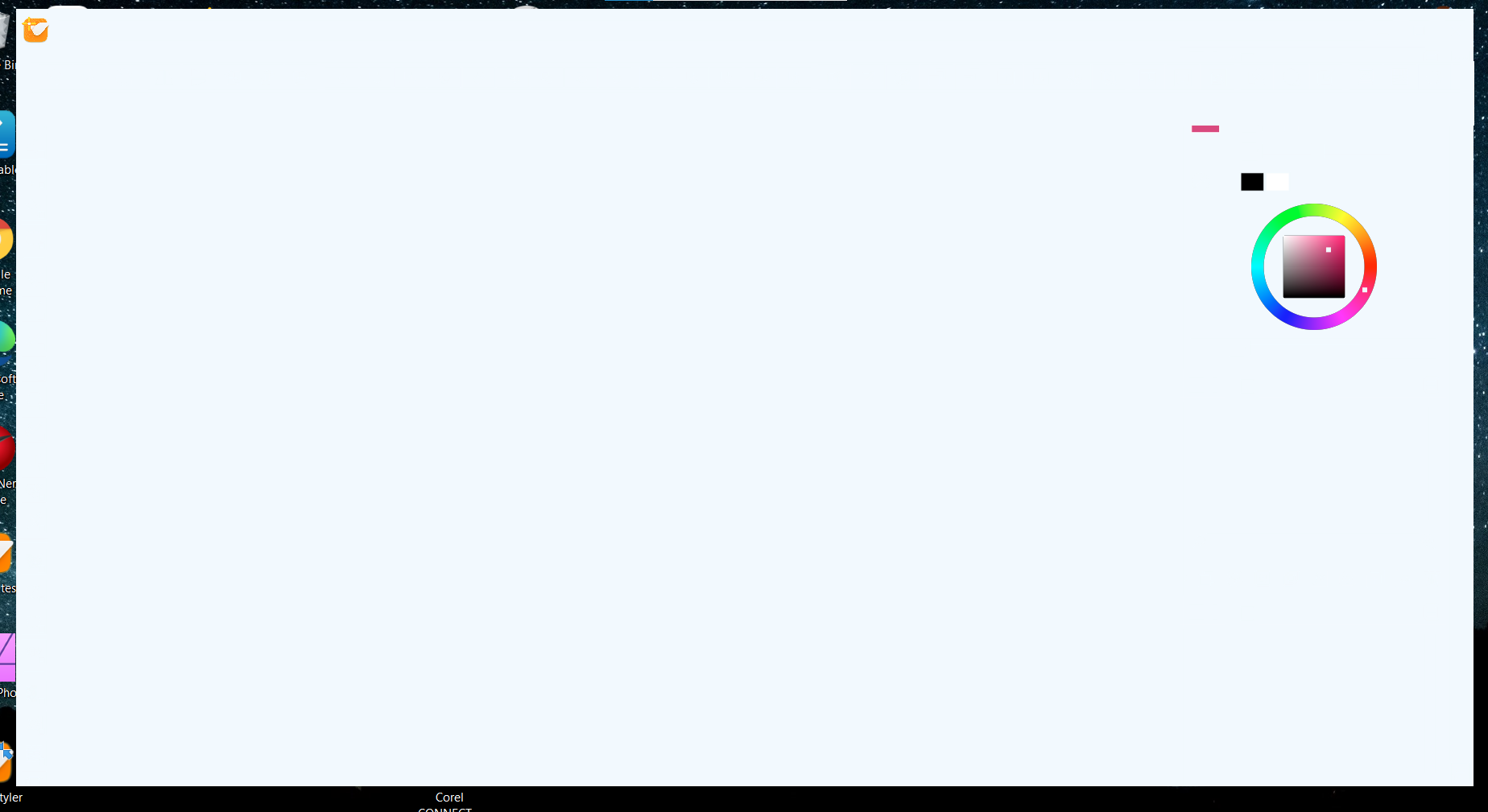
This is what it looks like on the windows 10 screen. I am able to click on the color panel options that are visible - not much else
For now I just uninstalled it and reinstalled again
🍎 macOS Tahoe 26.2, Mac mini (M1, 2020), Chip Apple M1, Memory 16 GB
Cintiq 27QHD Display and LG Ultra HD Display -
@Boldline They should be transferable, I have to check what is going on here. The theme files are different, so that could be an issue.
-
@Boldline When transferring files, the theme might be missing on the other computer. If that is the case, VS will use a default theme now.

