VectorStyler
    • Categories
    • Unread
    • Recent
    • Tags
    • Popular
    • Register
    • Login

    Wanted to update the Windows version to 1.1.017 while I had an unsaved document open.
    Scheduled Pinned Locked Moved VectorStyler 1.1 Bugs
    4 Posts 3 Posters 5.3k Views 3 Watching
    Loading More Posts
    • Oldest to Newest
    • Newest to Oldest
    • Most Votes
    Reply
    • Reply as topic
    Log in to reply
    This topic has been deleted. Only users with topic management privileges can see it.
    • G Offline
      Gremriel
      last edited by Gremriel

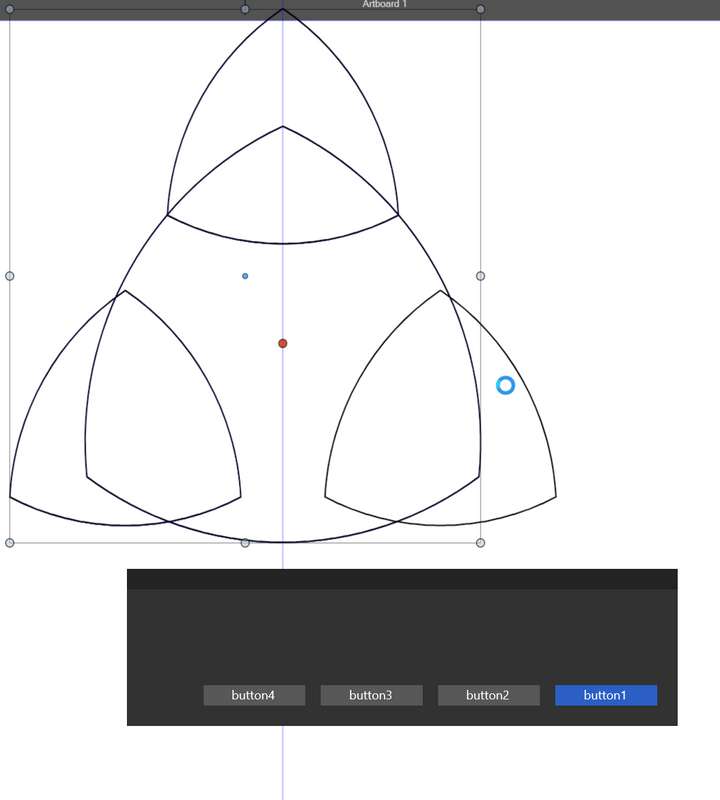
      And got this dialogue:
      0_1645464195861_dwm_hlNxHGIO2R.png

      Which one should I choose? ☺

      After a few minutes the app crashed.

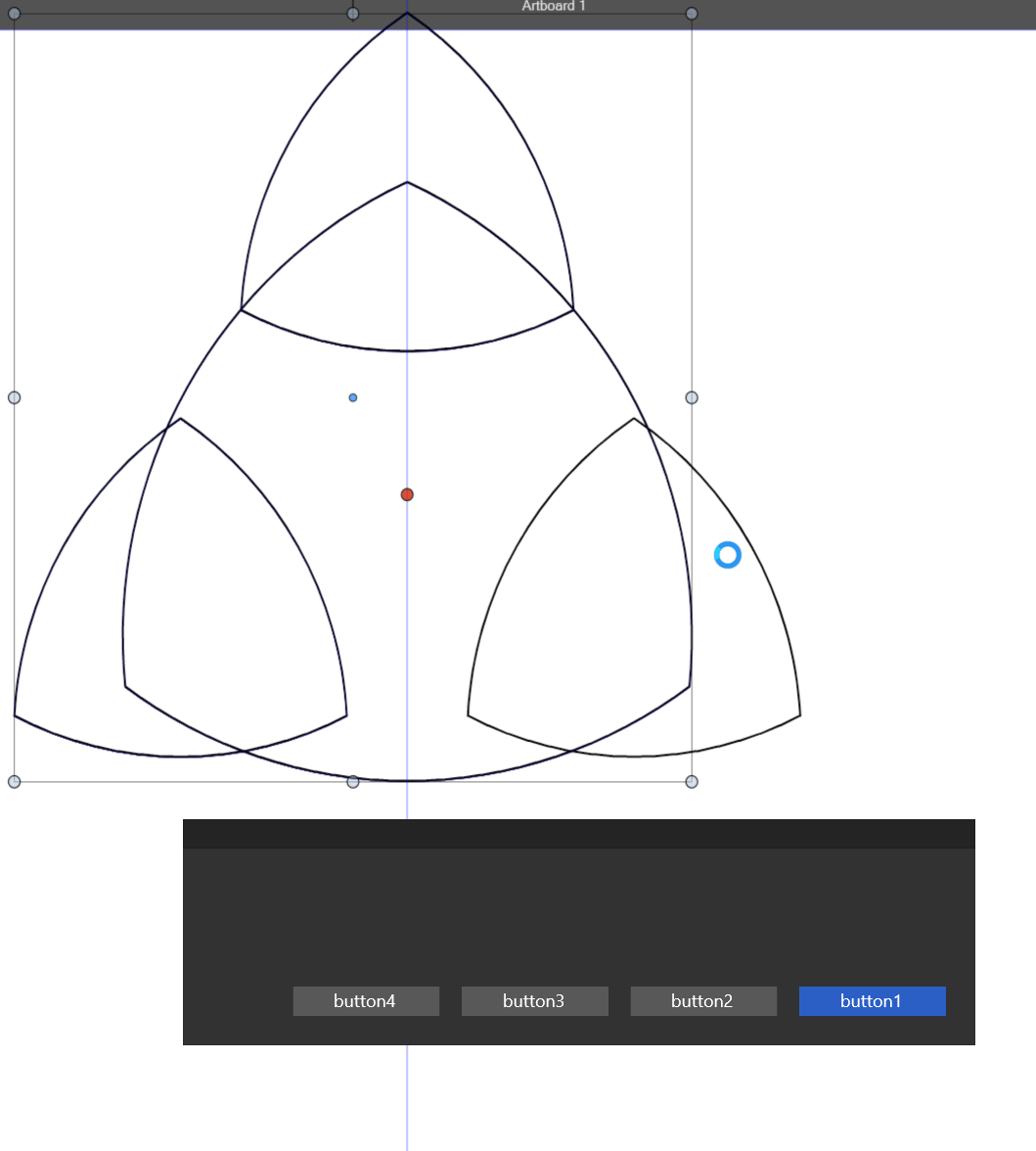
      Tried it again, this time I get the Save dialogue, but no buttons work, and after a while it crashes again. I think I should have posted this in the bug section

      WIndows 11

      VectorStylerV 1 Reply Last reply Reply Quote 0
      • VectorStylerV Offline
        VectorStyler @Gremriel
        last edited by

        @Gremriel I will have to replicate this. It looks like an Alert view without content.
        Can you update if there are no open documents?

        1 Reply Last reply Reply Quote 0
        • G Offline
          Gremriel
          last edited by

          Yes, update went fine when there was no document open.

          WIndows 11

          J 1 Reply Last reply Reply Quote 1
          • J Offline
            Jayanta Das @Gremriel
            last edited by

            @Gremriel said in Wanted to update the Windows version to 1.1.017 while I had an unsaved document open.:

            Yes, update went fine when there was no document open.

            This happened to me too.

            Mac Mini M4 Pro | 24Gb
            WIndows 11 | Intel i5 11Gen
            Wacom Intuos Pro

            1 Reply Last reply Reply Quote 1
            • First post
              Last post