Object partially masked doesn't render at export
-
Hi everyone,
The title spoiled it...
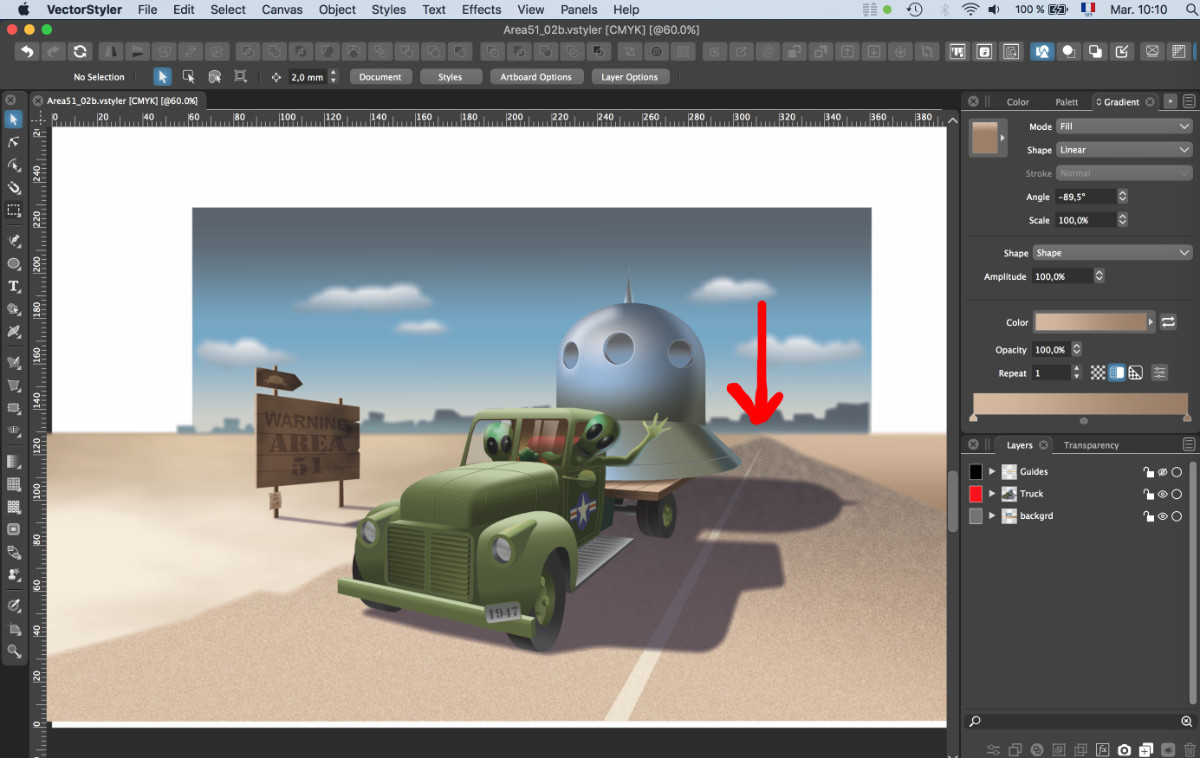
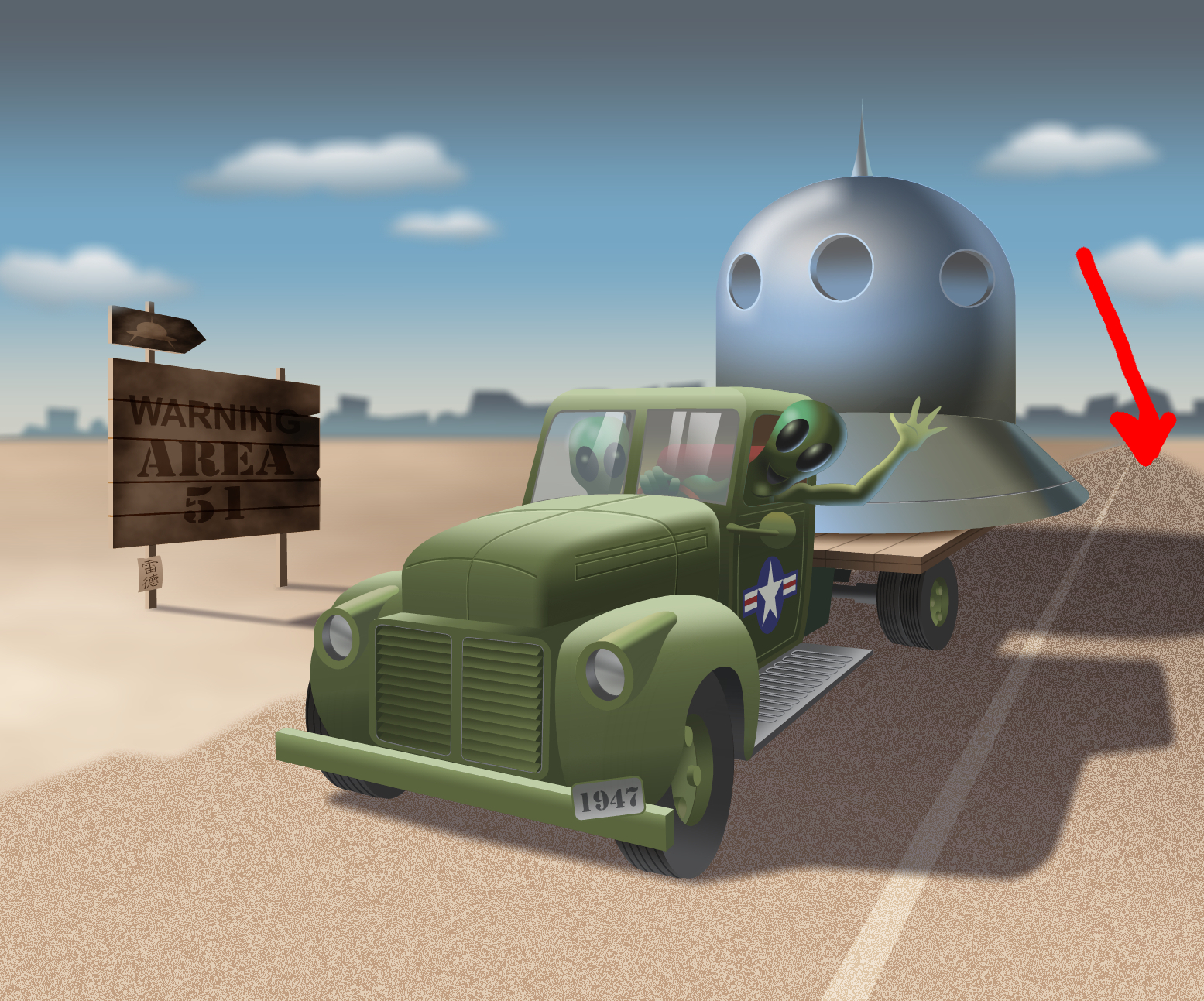
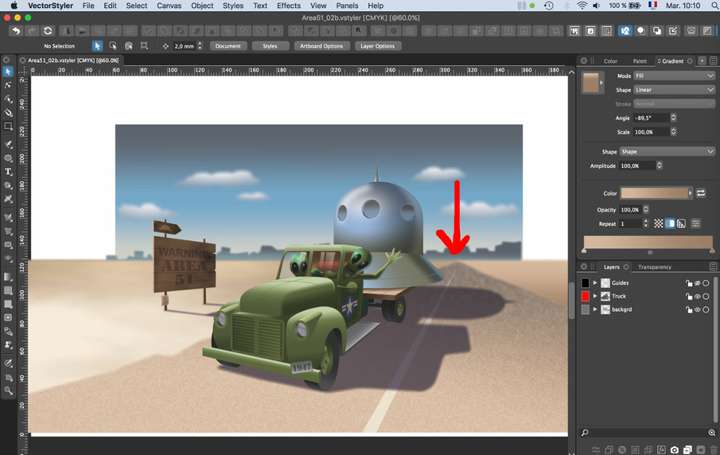
I'm exporting an illustration and one object doesn't appear (both JPG and PNG). It's an object with noise + a mask layer with gradient+blur (yes, I reached the limit of my computer ). I think the combination mask + noise + blur is the problem since I already exported a mask with a gradient (but without noise nor blur). Most likely the combination of the 3 or the blur is the cause (mask+noise alone seems OK).
Here below you can see the export and how it looks in VS.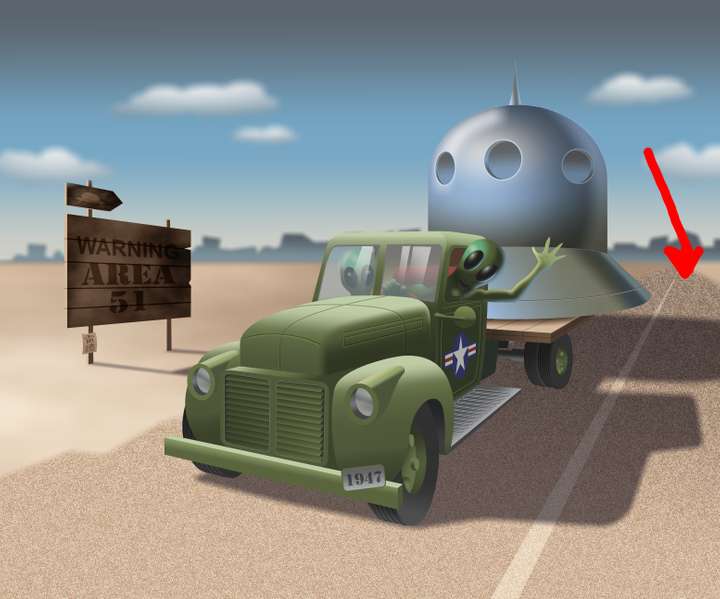
Fred.
MacBook Pro (M1) - MacOs Sonoma 14 -
@Devil-Dinosaur Was this exported to PDF?
I will try to replicate the combination of effects for exporting. -
I have simplified my drawing by using 1 less object. But the road noise doesn't export and render when it has the mask. PDF is even worst, totally forgetting some objects. I will send you the scenery VS file and my renders by e-mail if you can have a look. Thank you.
-
Maybe I was wrong in exporting in RGB, since the VS file is CMYK.
CMYK jpg seems OK on my last try... -
@Devil-Dinosaur RGB exporting should also work, it is a bug if not.
But one important thing: image effects have a different result on RGB than CMYK, since they are applied in the document color mode. -
@Devil-Dinosaur This problem should be fixed in 1.1.048

