VectorStyler
    • Categories
    • Unread
    • Recent
    • Tags
    • Popular
    • Register
    • Login

    Opening Illustrator files stops loading and eventually shuts down VS
    Scheduled Pinned Locked Moved Resolved Issues
    7 Posts 3 Posters 8.6k Views 2 Watching
    Loading More Posts
    • Oldest to Newest
    • Newest to Oldest
    • Most Votes
    Reply
    • Reply as topic
    Log in to reply
    This topic has been deleted. Only users with topic management privileges can see it.
    • BoldlineB Online
      Boldline
      last edited by Boldline

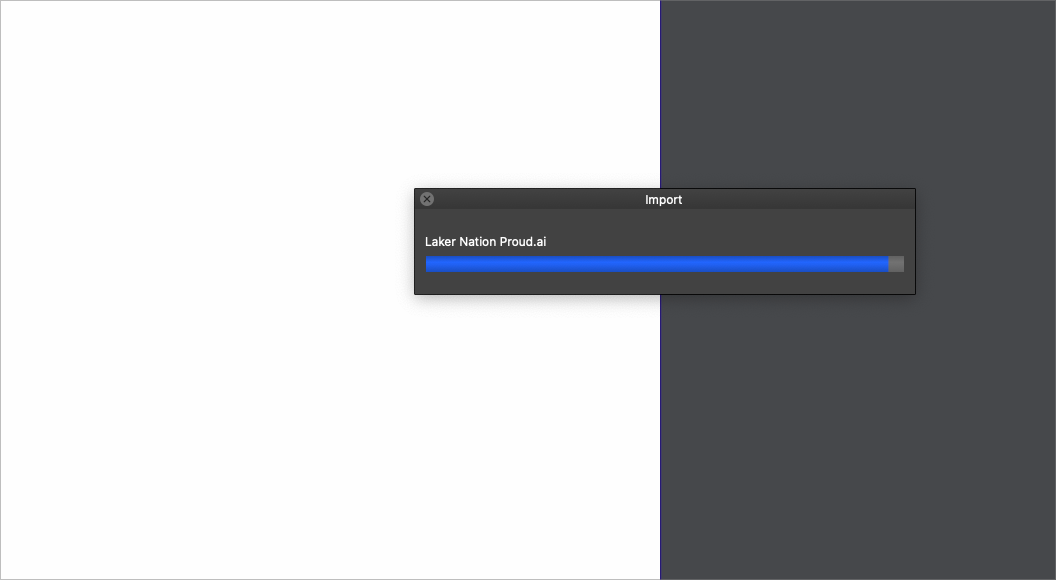
      Opening Illustrator files seems to stop loading near the end - eventually VS shuts down. I attached a screen shot - this is as far as they go before it stops.

      0_1650480053899_c6e9a7be-bb39-4592-8daf-fe32d8b211b0-BLD 2022-04-20 at 14.36.37.png

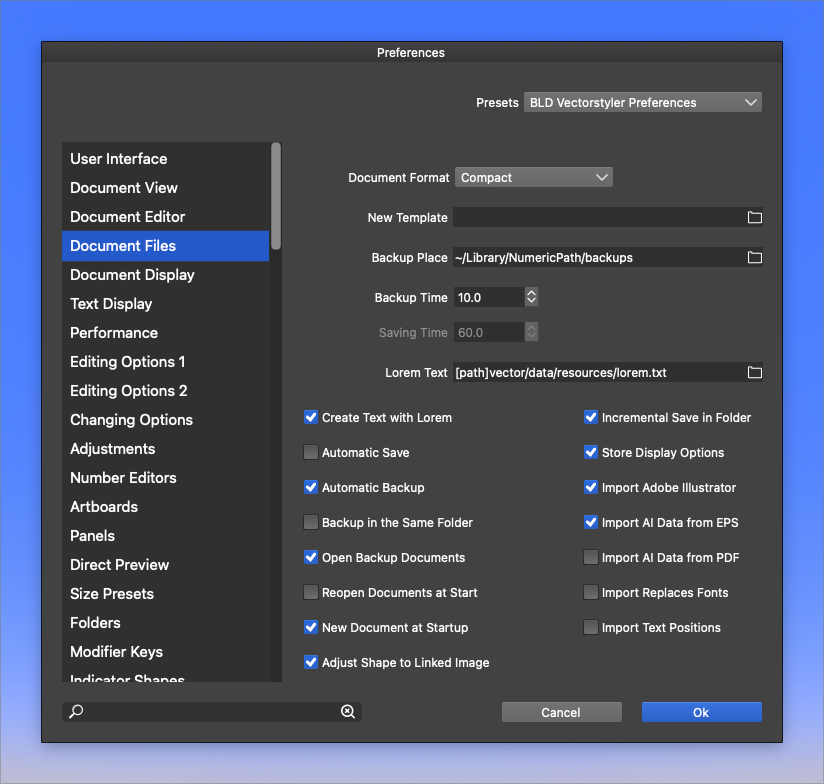
      This is what I have set in preferences for illustrator files:
      0_1650480168824_ebda155c-2cee-4f74-952e-47351b37bf87-BLD 2022-04-20 at 14.42.27.png

      @vectoradmin I sent in a couple crash reports for this

      UPDATE: If I turn off the "import Adobe Illustrator", it opens properly

      🍎 macOS Tahoe 26.2, Mac mini (M1, 2020), Chip Apple M1, Memory 16 GB
      Cintiq 27QHD Display and LG Ultra HD Display

      b77B VectorStylerV 3 Replies Last reply Reply Quote 0
      • b77B Offline
        b77 @Boldline
        last edited by b77

        @Boldline Doesn't happen here — I opened a few relatively complex AI files with 'Import Adobe Illustrator' checked. Sending the file to the developer might help.

        MacBook Pro (Intel) running Monterey 12.6.4

        1 Reply Last reply Reply Quote 1
        • VectorStylerV Offline
          VectorStyler @Boldline
          last edited by

          @Boldline This could be specific to the file content, is this happening on any AI file. If there are only specific files with this issue, send one to me by email and I will try to replicate the problem.

          Was the file opened with File -> Open or with drag&drop?

          BoldlineB 1 Reply Last reply Reply Quote 0
          • BoldlineB Online
            Boldline @VectorStyler
            last edited by

            @vectoradmin I tried with a couple different random Illustrator files and got the same result. I will send them over to you by email.

            I had opened them the traditional method "File>Open>____"

            🍎 macOS Tahoe 26.2, Mac mini (M1, 2020), Chip Apple M1, Memory 16 GB
            Cintiq 27QHD Display and LG Ultra HD Display

            1 Reply Last reply Reply Quote 0
            • BoldlineB Online
              Boldline
              last edited by

              @vectoradmin I don't now if this is related to the issue, but I just noticed the illustrator file is listed in the Finder as "Affinity openable" and not just a straightforward "Adobe illustrator Document"
              Emailing you the file now

              0_1650556604605_607abd11-6ec4-46c4-9e9c-2840f17749f6-BLD 2022-04-21 at 11.55.22.png

              🍎 macOS Tahoe 26.2, Mac mini (M1, 2020), Chip Apple M1, Memory 16 GB
              Cintiq 27QHD Display and LG Ultra HD Display

              VectorStylerV 1 Reply Last reply Reply Quote 0
              • VectorStylerV Offline
                VectorStyler @Boldline
                last edited by

                @Boldline The AI file freeze can be replicated here too. Will try to fix this ASAP.

                1 Reply Last reply Reply Quote 1
                • VectorStylerV Offline
                  VectorStyler @Boldline
                  last edited by

                  @Boldline This problem should be fixed in 1.1.048

                  1 Reply Last reply Reply Quote 0
                  • First post
                    Last post
