VS different behaviour on different computer
-
Hello,
let's start so.
- MacBook Pro 13" (Mid 2015), macOS 12.4
- iMac 27 (2019), macOS 12.4
- both have VS 1.1.041
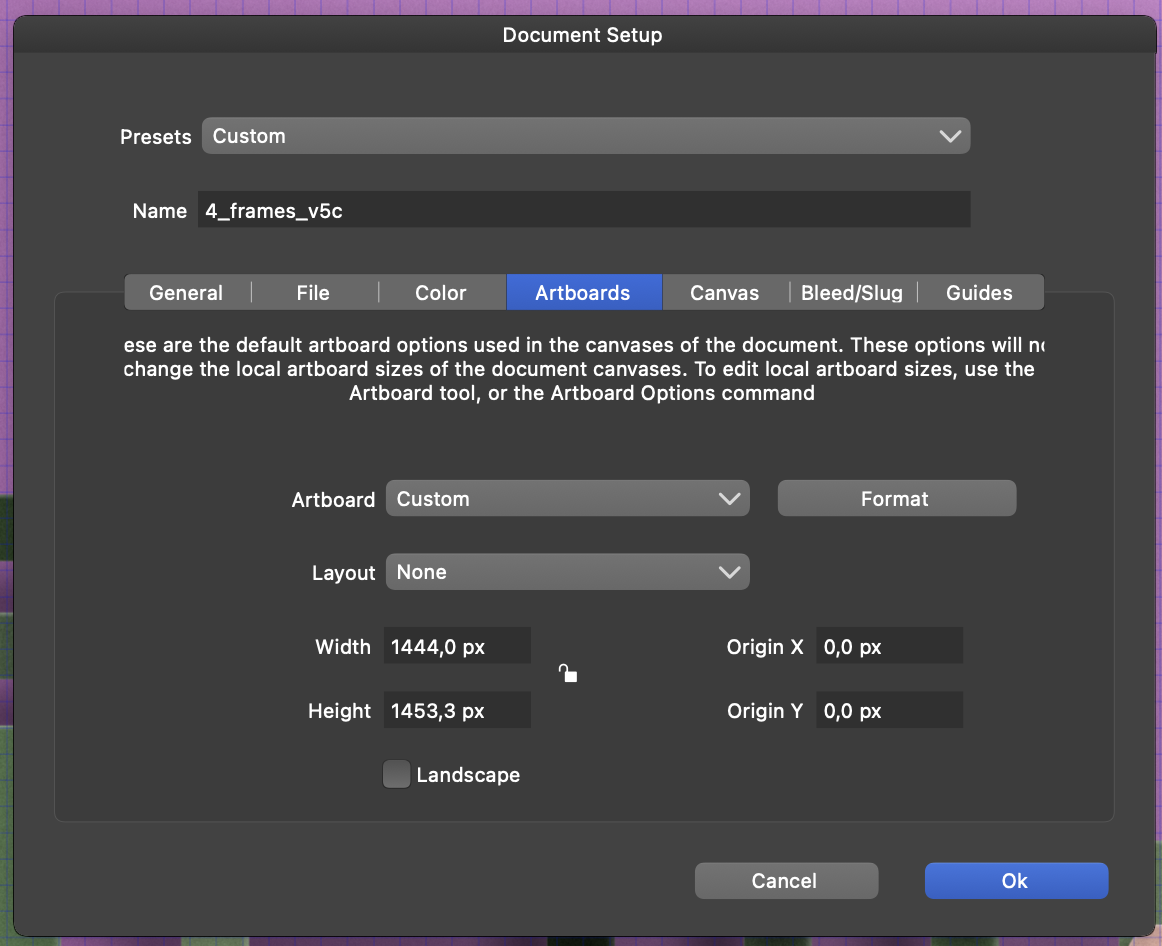
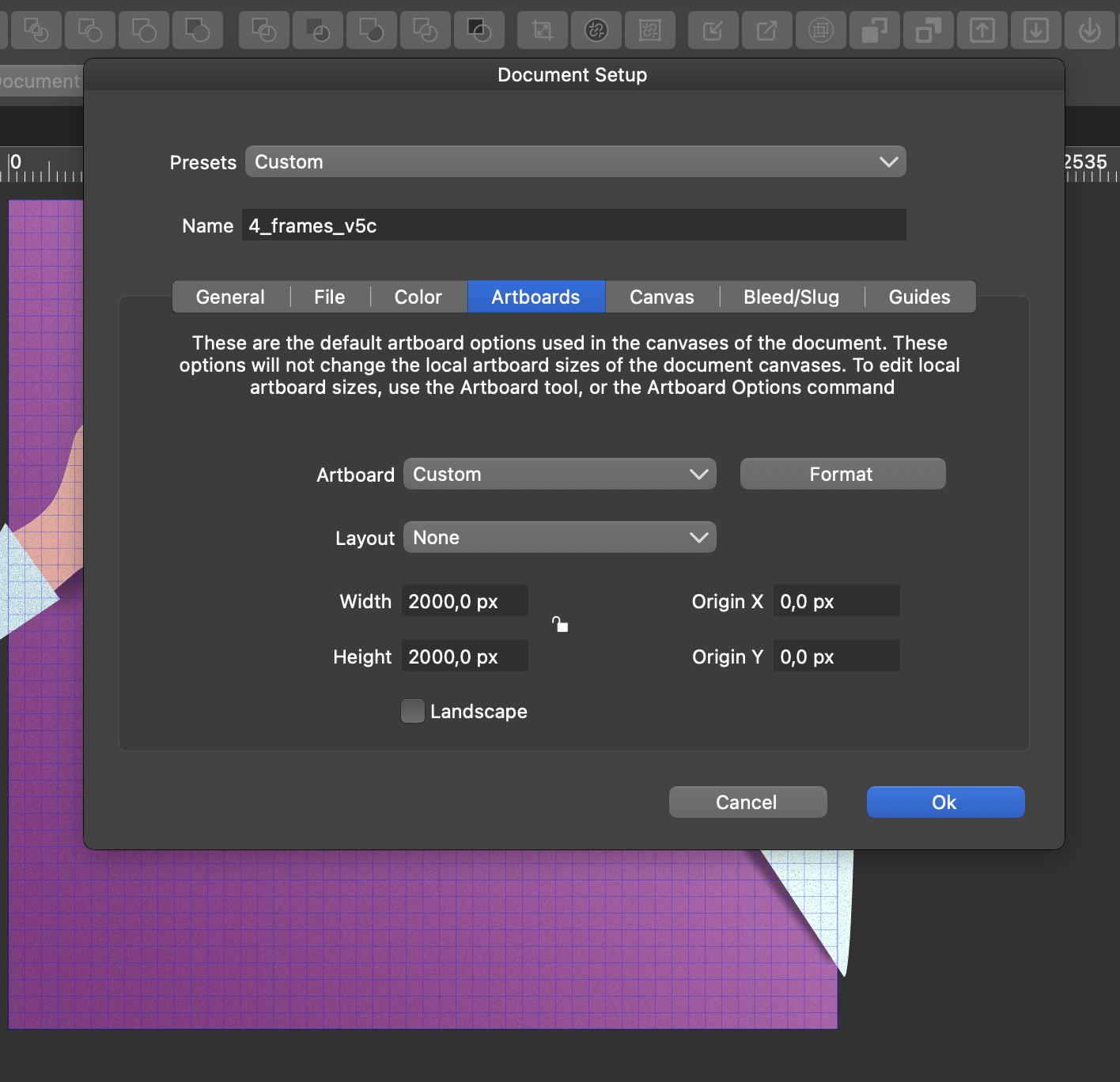
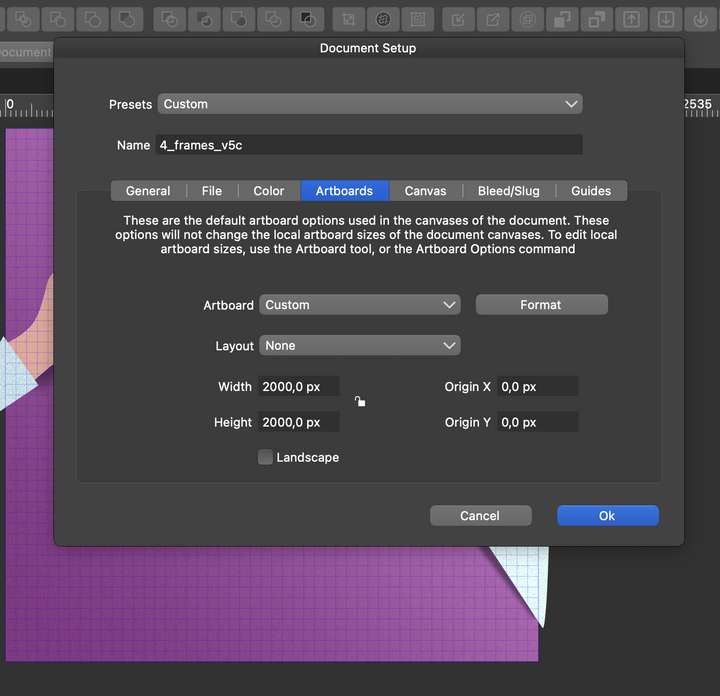
I have several files if I hope the file on the MacBook the canvas size is correct. 2000 x 2000
But on the iMac the size is completely different and the pixel numbers are very strange.
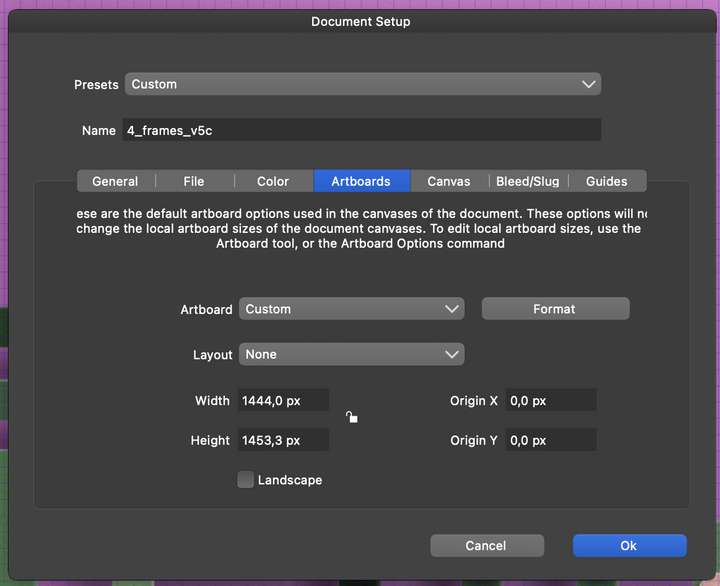
I can close, restart the computer, what ever I do the canvas size stays the same.
anther file is on the MacBook 4000 x 4000, on the iMac 2906,7 x 2906,7 px
I can even save the file on the iMac and reopen it on the MacBook and the size is again 4000 x 4000 on the MacBook.In addition I am not able to export the files on the iMac as an PNG or JPG. The export bar is displayed for about one second and than just disappears without any error message. (==> sorry the attached file below does not have the export problem, it is the 2000 x 2000 file, but that's too big to be attached here.)
Below you can find attached the 4000 x 4000 vs 2906,7 x 2906,7 px file.
0_1653695646261_4_frames_v7.vstylerDoes any setting can cause that?
Thanks.
MT -
I'm not very familiar with the canvas/artboard things. I opened your file on my Macbook (10.12.6) and it says the size is 2960x2960px.
Is there anything to do with the retina display and its way of calculating the pixels? I say that since you have 2 macs with the same OS. -
@MajorTom This is not caused by a settings, but by the screen resolution of that computer. Internally, sizes are always stored in points (72/inch). This is converted to pixels in the UI only, using the current resolution. On different computers resolution is different, so I get different pixel count per inch.
-
@VectorStyler thanks for the explanation and understood from technical point of view.
From usability point of view, if I create a document with 4000 x 4000 I would expect to have same document size on all computers.
e.g. take photoshop, doesn't matter on which computer I open the file it always has the same pixel count.Perhaps strange expectations form my side??
-
@MajorTom Yes, I think this may lead to confusion. I will think of a solution for this.
-
I would propose that the solution is ultimately to include a document-level DPI value (or PPP - pixels per point?) from which the displayed pixel size of the document is calculated from the document's dimensions, independently of display resolution.
The catch of course is that you now have two distinct definitions of "actual size": one that matches the size in inches/points/millimeters between the document and the display, and one that matches the display document pixel for display pixel as there may now be a discrepancy between them.
-
@fde101 Yes, the "Actual Size" zoom mode will result in a discrepancy.

