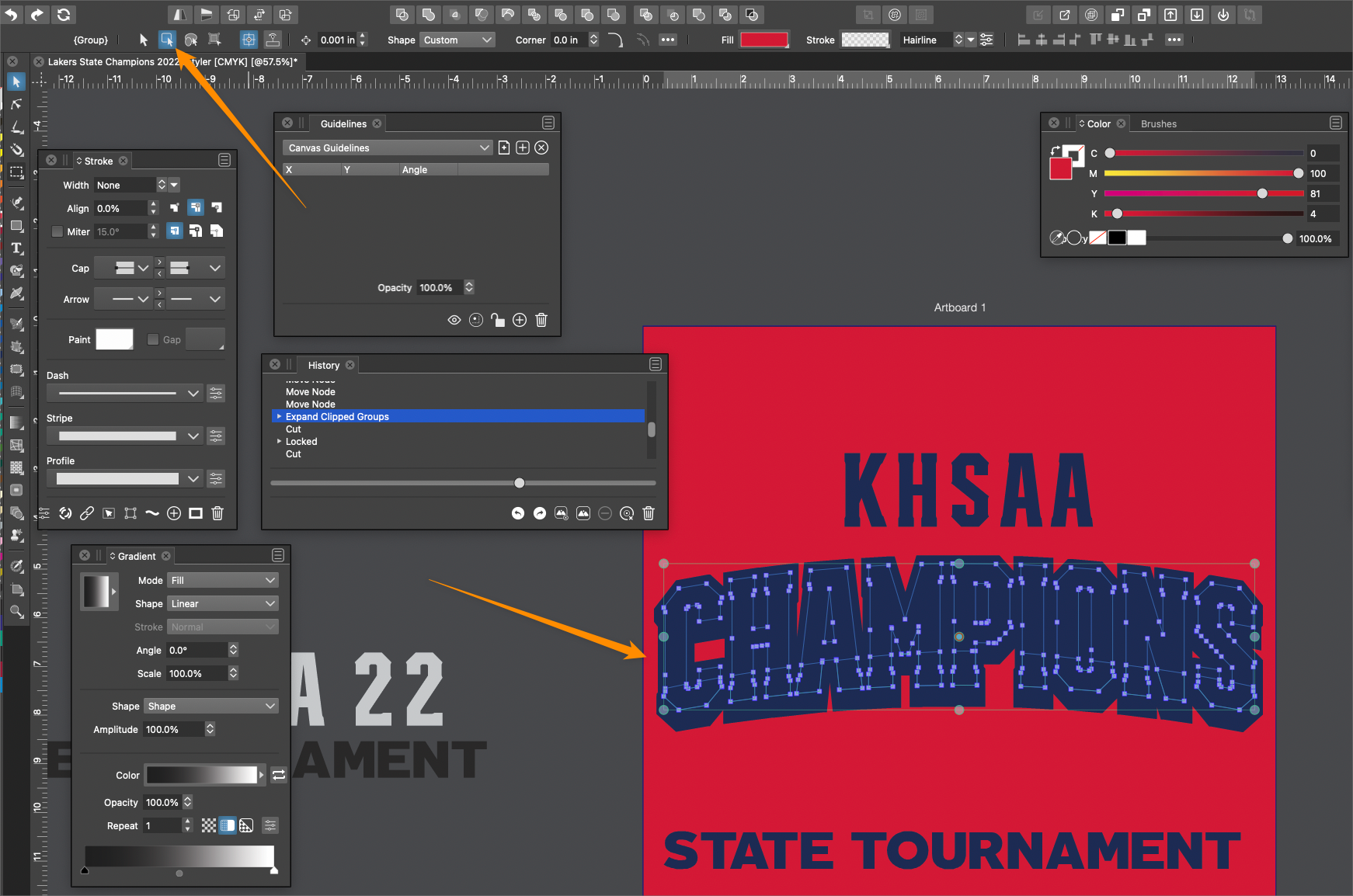
Issues always occur if mistakenly set to Transform option (select and transform members of grouped objects)
-
The transform tool option (select and transform members of grouped objects) wreaks havoc if you forget to switch it back to the regular transform option before doing other tasks with the transform tool.
In this case I had switched to the (select and transform members of grouped objects) option to adjust a clipped shape inside a clipping path and forgot to switch back over to the "regular" transform tool. When I selected all the parts to group together and then grouped them - it became the mess you see in the screen shot below. There's no real way to save it - if I go back in history, it retains this same look even going back through the steps. I could go in and fix each piece, but that's too laborious.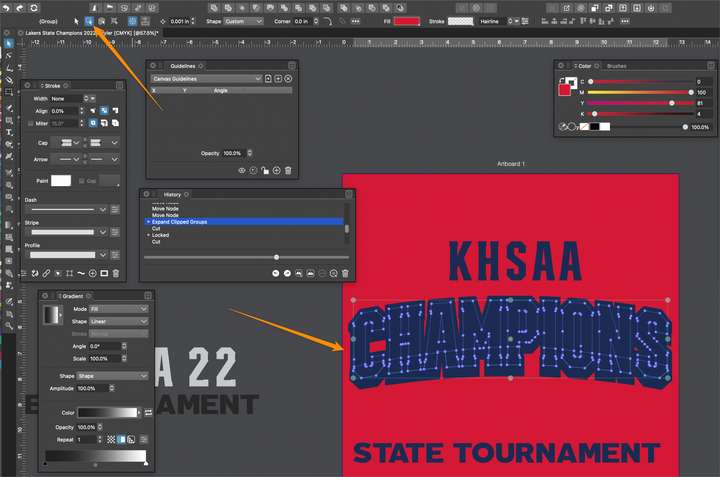
-
The issues also seem to stay with the affected selections long after you return to the "regular" transform tool. Here's an example of this. I have a rectangle shape I expanded but had used the "wrong" transform option on earlier as I moved it inside the clipping path - switching back to the normal one - it still has funky issues. Here is the video
-
@Boldline Got the file! This happens if the selected object is inside a distorted group. There a Warp effect on the "CHAMPIONS" text.
There was one change in a recent build that might affect this: selections were not allowed inside distorted objects before, and now they are allowed (for example select by style)

Anyway, selections were allowed even before, using the circle in the Layers panel.
Transforming (scaling, rotating, moving) anything inside a distorted / warped group will not follow the cursor movements due to the distortion. (same happens in other apps having the distortion effects).
-
@VectorStyler thanks for explaining. So in this case I needed to convert the warp effect with convert to curves first?
-
@Boldline said in Issues always occur if mistakenly set to Transform option (select and transform members of grouped objects):
@VectorStyler thanks for explaining. So in this case I needed to convert the warp effect with convert to curves first?
Yes, converting to curves will solve the issue.
-
@Ok thanks that helps. Can we delve further in the second issue in that post? If I mistakenly use the wrong transform tool version and it creates a mess like in the screenshot. If you go back in the history panel you can't recover it
-
@Boldline said in Issues always occur if mistakenly set to Transform option (select and transform members of grouped objects):
@Ok thanks that helps. Can we delve further in the second issue in that post? If I mistakenly use the wrong transform tool version and it creates a mess like in the screenshot. If you go back in the history panel you can't recover it
In the file I have I could not find the "Expand Clipped Objects" step.
BTW: if the "Expand Clipped Objects" is used on objects inside a clipped group, but not on the whole group, then there might be some issue.

