Expanded Text grouping creates unwanted result with warp tool applied

-
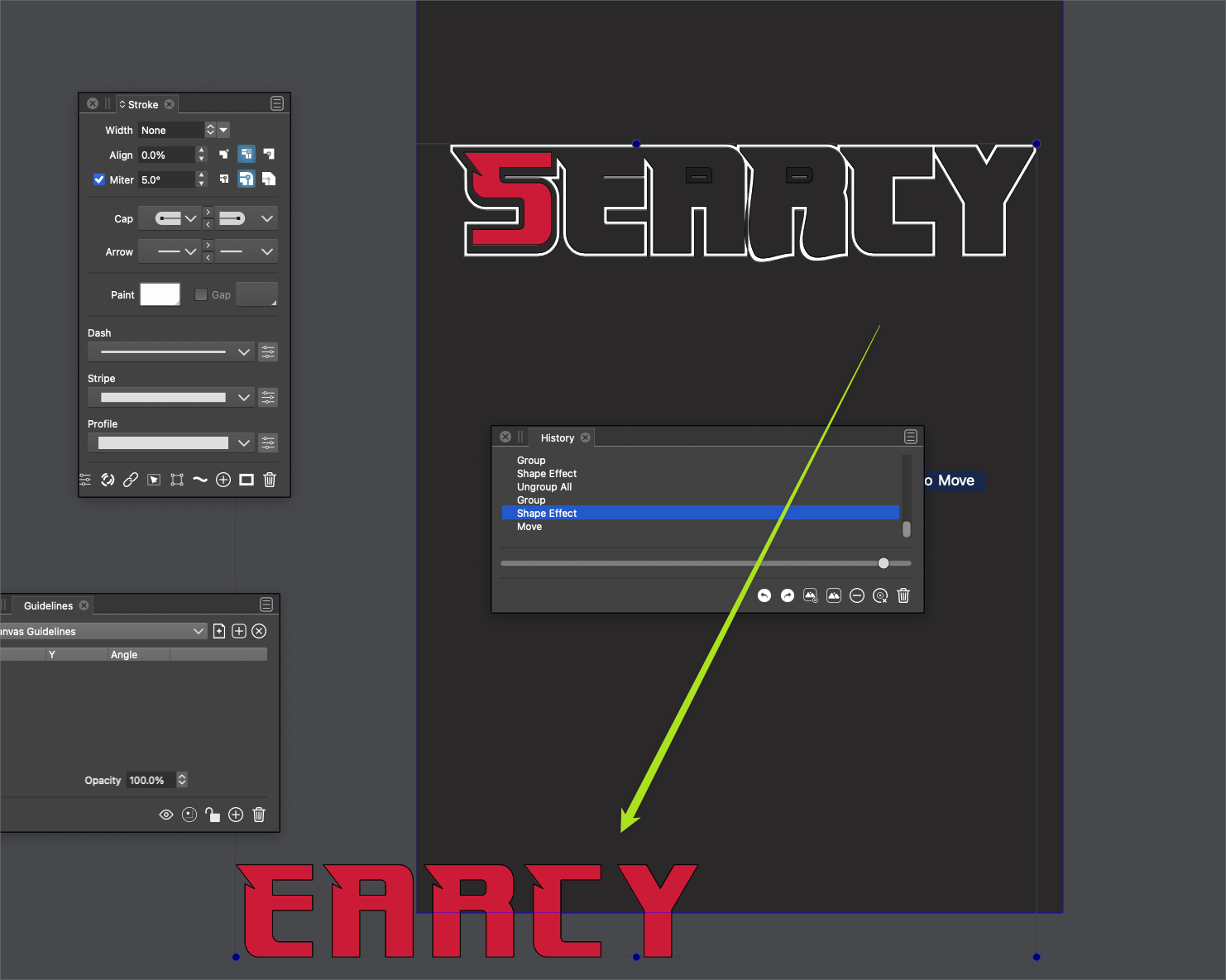
I created this wording art completely in VS. Wen I attempt to warp the text, the "R" produces an unwanted result

here is the file I was using 0_1657045348468_warp issue.vstyler
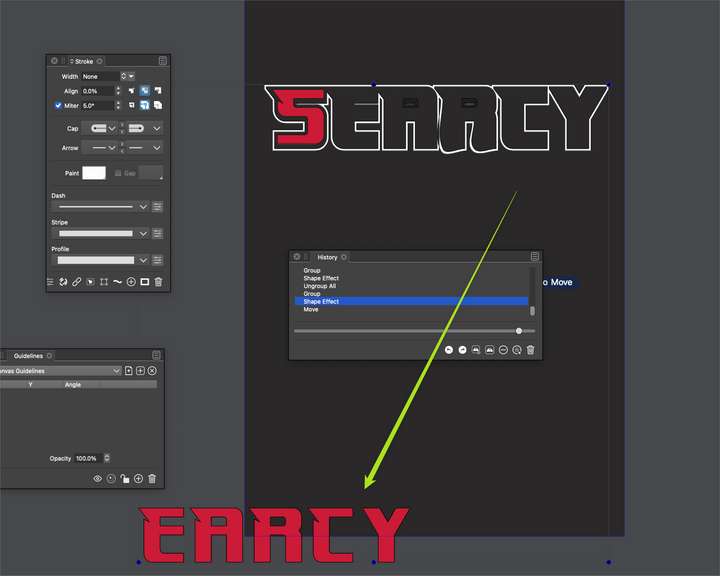
UPDATE: It also now seems to want to throw the parts all over when I ungrouped it before warping to test if that would work:
I exported the wording out of VS and into Illustrator CS6 where I tried merging it there (I'd already merged it in VS) and then made a copy and did the text warping I needed and then brought them back into VS. This time, using the version of the word art I had also merged in Illy, I was able to warp it without issue in VS.
🍎 macOS Tahoe 26.2, Mac mini (M1, 2020), Chip Apple M1, Memory 16 GB
Cintiq 27QHD Display and LG Ultra HD Display -
@Boldline The first part looks like a bug. After expanding the text, the nodes at the line endings are of smooth type, which should not be (for lines). This causes the effect to adjust them to be actually smooth.
workaround: select the nodes in the expanded text and set them to cusp.
This will be fixed in the next build.Could not replicate the second part. How was the warp added after ungrouping?
-
@VectorStyler said in Expanded Text grouping creates unwanted result with warp tool applied:
Could not replicate the second part. How was the warp added after ungrouping?
Darn! I didn't save that result after it happened - this was when I restarted VS entirely and things seemed a little better. I had just ungrouped the selection of word art and then tried adding a warp to it and it spread all over... it's not doing it here now after restarting VS.
🍎 macOS Tahoe 26.2, Mac mini (M1, 2020), Chip Apple M1, Memory 16 GB
Cintiq 27QHD Display and LG Ultra HD Display -
@VectorStyler said in Expanded Text grouping creates unwanted result with warp tool applied:
The first part looks like a bug. After expanding the text, the nodes at the line endings are of smooth type, which should not be (for lines). This causes the effect to adjust them to be actually smooth.
workaround: select the nodes in the expanded text and set them to cusp.Ok this makes sense now - I'll keep that solution in mind if it happens again. Glad it will get fixed in the next build - thanks!
-
@Boldline Could it be that the "Group Objects" option was disabled in the Shape Effects panel menu?
-
@VectorStyler said in Expanded Text grouping creates unwanted result with warp tool applied:
@Boldline Could it be that the "Group Objects" option was disabled in the Shape Effects panel menu?
I'm looking in the shape effects panel and not seeing anything about group objects - am I just missing it?
-
@Boldline said in Expanded Text grouping creates unwanted result with warp tool applied:
I'm looking in the shape effects panel and not seeing anything about group objects - am I just missing it?
It is in the panel menu.
-
@VectorStyler ok I see it - it's checked still...
-
@Boldline The node smoothing in distortion problem is fixed in build 1.1.049

